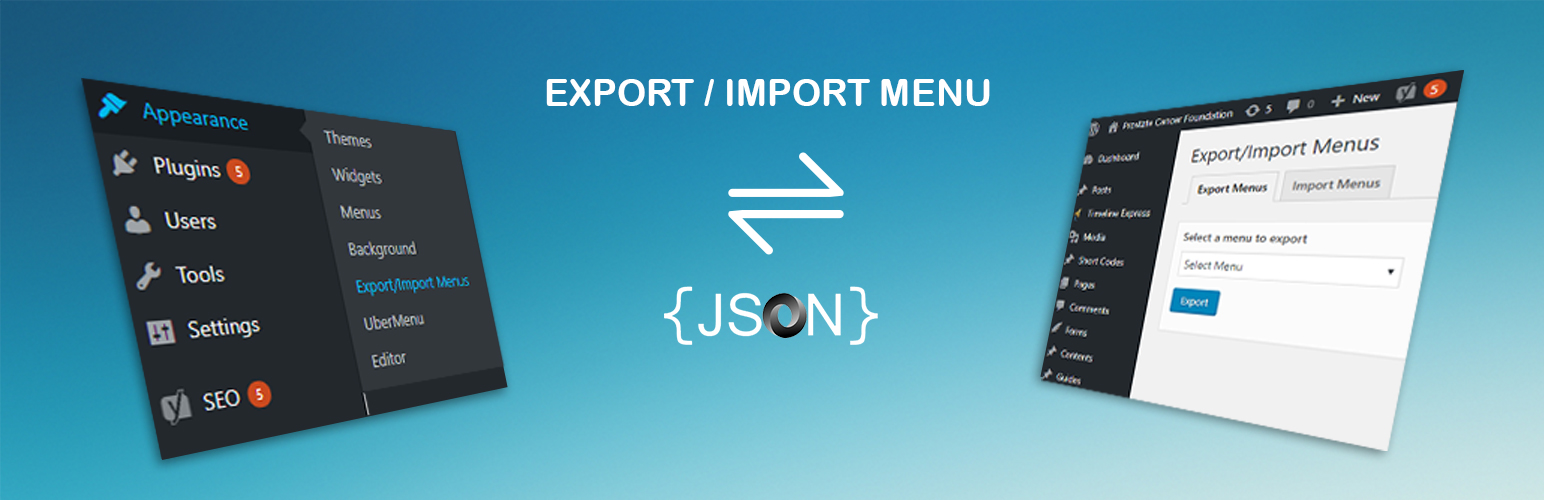
WordPress Export Import Menus lets you export and import your WordPress Menus. The WordPress Export Import Menus plugin also support the uber menu plugin. Import must be done on the same domain from where we have export the file.
Download dsp-menus-export-import.zip
Unzip
Upload the dsp-menus-export-import folder to the /wp-content/plugins/ directory
Activate the Export Import Menus plugin through the ‘Plugins’ menu in WordPress
Export/Import your menus via Appearance -> Export/Import Menus in the WordPress admin