
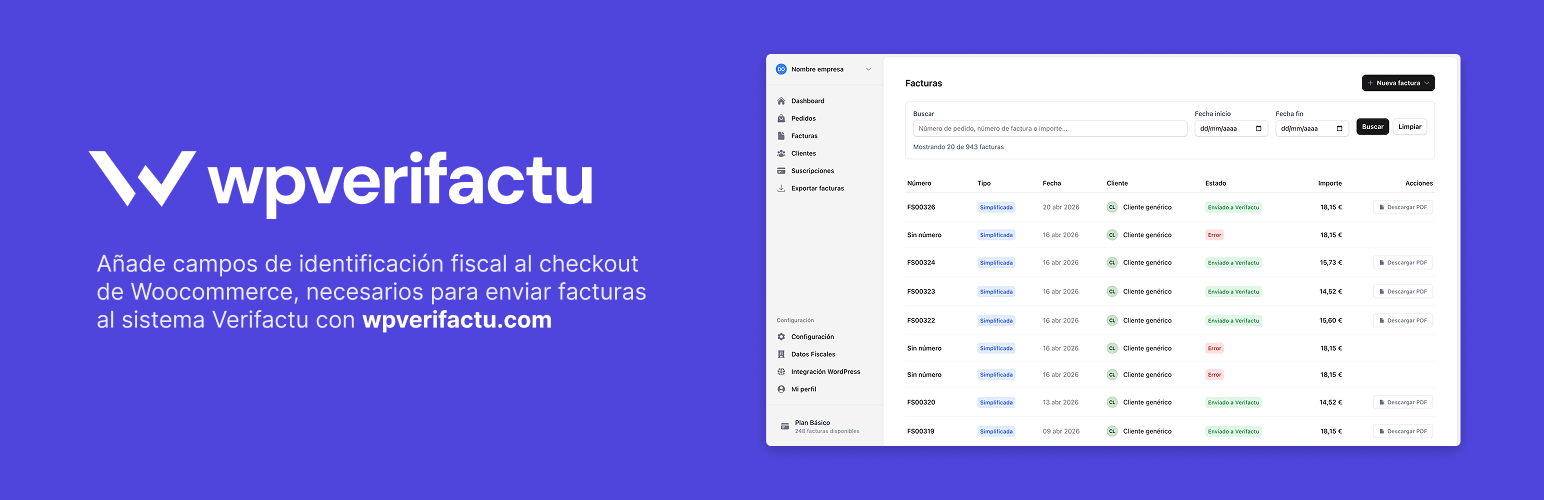

The “Factukit: Checkout Fields for Verifactu” plugin is a WooCommerce extension that adds fiscal identification fields to the checkout. It allows invoicing software systems (SIF), accounting software ERPs and other business management systems to collect the necessary data to submit invoices to the Spanish Tax Agency’s Verifactu system.
To submit invoices to Verifactu, in addition to installing the plugin, it is necessary to create an integration with an official invoicing software system valid for the AEAT, such as WP Verifactu: https://wpverifactu.com.
Main Features
- Adds mandatory fields to WooCommerce checkout for customer fiscal identification
- Support for multiple document types: NIF/CIF (DNI, CIF), Passport, NIE, Residence Certificate, Other supporting documents and Not registered
- Real-time validation of NIF/NIE format with control digit verification algorithm
- Integrated VIES validation for European VAT numbers with automatic verification against the official European database
- Automatic VAT exemption for intra-community transactions validated by VIES
- “Customer Type” field that allows users to define their tax profile:
- Individual: For natural persons making personal purchases
- Business/Self-employed: For companies, freelancers and professionals requiring business invoicing
- Company Name that appears automatically when “Business/Self-employed” is selected
- Form simplification hiding unnecessary fields when “Individual” is selected
- Flexible configuration: Checkout fields can be mandatory or optional according to WordPress management panel configuration
- €3,000 limit: When optional fields are enabled, they become mandatory automatically for purchases over €3,000
- Tax classes: Automatic creation of specific WooCommerce tax classes such as “Online courses” and “Travel”
- Multiple languages: Support for Spanish, Catalan, Basque and Galician
- Processing to Completed status changes: The plugin allows changing status from Processing to Completed automatically when an order is placed, from the WordPress management panel
Requirements
- WordPress 5.8 or higher
- WooCommerce 5.0 or higher
- PHP 7.4 or higher
Legal Notice
The use of Factukit: Checkout Fields for Verifactu does not ensure compliance with tax obligations. It is exclusively the responsibility of each user to verify that their system and invoicing processes comply with current legislation.
External Services
This plugin validates European VAT numbers by connecting to external services during checkout. When a customer enters a VAT number with a European country prefix (e.g., ES123456789, FR12345678901), the plugin first attempts validation through the official EU VIES (VAT Information Exchange System) provided by the European Commission. VIES is the official European Union service for validating VAT registration numbers across EU member states. When validation is performed, only the VAT number and country code are sent to the VIES REST API at https://ec.europa.eu/taxation_customs/vies/rest-api. The European Commission’s privacy policy can be found at https://commission.europa.eu/privacy-policy-websites-managed-european-commission_en and their legal notice at https://commission.europa.eu/legal-notice_en.
If the official VIES service is unavailable, the plugin uses VATcomply as a fallback validation service. VATcomply is a free, open-source VAT validation API that acts as an intermediary wrapper to access the same official EU VIES database through a simplified interface. Since VATcomply connects to the same European Commission VIES system for validation, the same privacy policies and legal notices apply as mentioned above. When used, only the VAT number and country code are transmitted to https://api.vatcomply.com/vat. More information about VATcomply can be found at https://www.vatcomply.com and their open-source code is available at https://github.com/madisvain/vatcomply.
No personal information, order details, or customer data is shared with either service – only VAT numbers and country codes are transmitted for validation purposes. Validation requests are cached for 24 hours to minimize external requests and improve performance.
Support
For support, bug reports, or feature requests, please contact us through:
- Support Email: info@wpverifactu.com
- Official invoicing software system: https://wpverifactu.com
- Documentation: Visit our comprehensive documentation: https://doc.wpverifactu.com






