
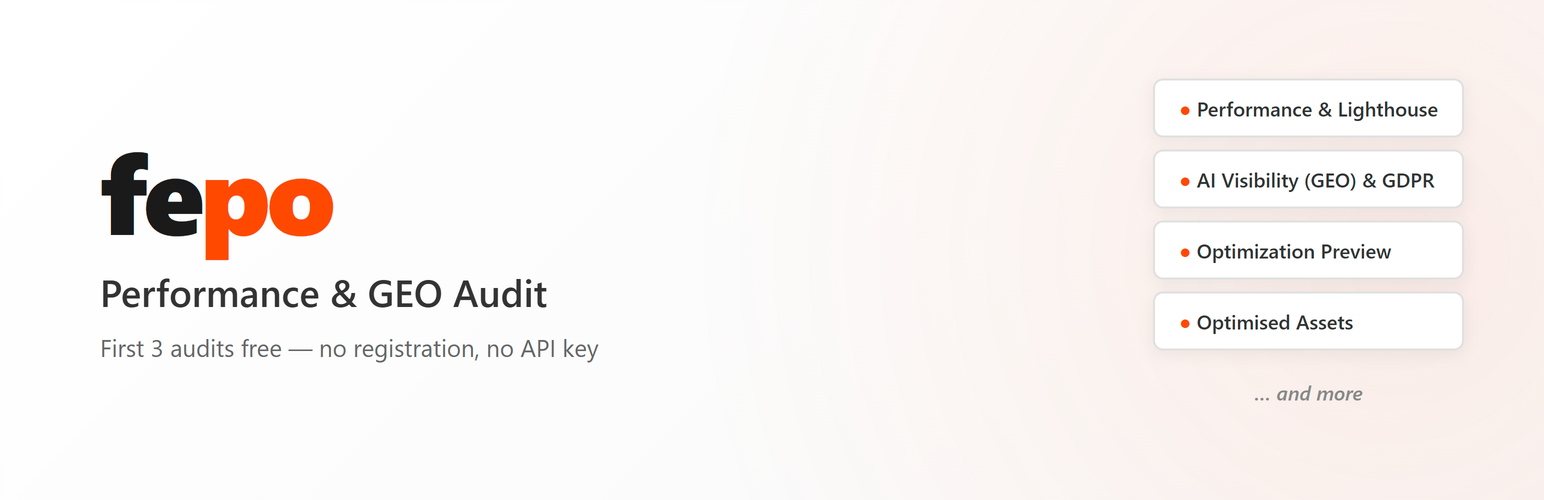
fepo — Performance & GEO Audit

fepo — Performance & GEO Audit

توسط

fepo analyzes your website and reports concrete optimization potential — without changing a single file on your site.

What you get:

  • Performance score — Lighthouse + PageSpeed Insights, Core Web Vitals (LCP, INP, CLS), real-user data (CrUX)
  • AI Visibility (GEO score) — checks whether ChatGPT, Perplexity, and Google AI Overviews can read your content (Schema.org, robots.txt, structured content)
  • Fonts — how many KB you could save with subsetting / preloading
  • CSS — how much unused CSS is loaded
  • Images — which images can be converted to AVIF / WebP and the resulting savings
  • GDPR check (EU/DACH only) — which trackers fire before the user has given consent

The first audit is free — no account, no API key, no credit card. Click one button and you get a full performance and GEO breakdown.

For the full report — sandbox preview, optimized HTML download, waterfall analysis, security headers, accessibility (WCAG), DOM hygiene, and more — register for free at the fepo Portal.

The plugin does not modify your website. It is purely diagnostic — no files are changed, no CSS/JS is rewritten, no caching is configured. Your site stays exactly as it was.

External services

This plugin connects to portal.fepo.app, an external service operated by fepo, to perform the audit.

What is sent and when:

  • When you click “Start audit”: your site URL, WordPress version, PHP version, active theme name and version, list of active plugin slugs, site locale, and plugin version.
  • When you optionally register: your email address (encrypted at rest, used only for sending the login link).

What is NOT sent:

  • No personal data of your visitors
  • No content from posts, pages, or comments
  • No database contents
  • No file contents

The audit itself is performed by fepo’s server fetching your site’s public URLs (like any browser would). No private endpoints are accessed.

Users must explicitly consent to data transmission via a checkbox before the first audit. The consent is stored locally and can be revoked at any time by deactivating the plugin.

Terms of service: https://fepo.app/agb
Privacy policy: https://fepo.app/datenschutz

  1. Install and activate the plugin from the WordPress plugin directory (or upload the zip via “Plugins Add New Upload”).
  2. In WordPress admin, click “fepo” in the sidebar.
  3. Tick the data transmission consent checkbox.
  4. Click “Start audit” — your first report is ready in 2-5 minutes.
  5. (Optional) Enter your email to access the full report in the fepo Portal.

No account or API key is required for the first audit.

سوالات متداول

Does the plugin modify my website?

No. The plugin is purely diagnostic — it does not write to any of your files, modify CSS/JS, configure caching, or change any setting on your site.

Do I need an account?

No. The first audit works without registration. For the full report (sandbox preview, downloads, all detail panels) in the fepo Portal, you can optionally register your email address.

What is the GEO score?

GEO (Generative Engine Optimization) measures whether your site is optimized for AI search engines like ChatGPT, Perplexity, and Google AI Overviews. The score evaluates Schema.org markup, robots.txt allow/deny rules for AI crawlers, content structure, and other technical signals AI systems use to extract and cite your content.

Is the plugin GDPR compliant?

Yes. The plugin does not collect any personal data from your visitors. Communication with the fepo server contains only technical site data (URL, WP version, PHP version, theme name, plugin slugs). Consent for data transmission is requested explicitly before any data leaves your site.

What data is sent to fepo?

When you click “Start audit”, the plugin sends: your site URL, WordPress version, PHP version, active theme name + version, list of plugin slugs, locale, and plugin version. No personal data is collected. See the “External services” section above for details.

How long does an audit take?

Typically 2-5 minutes, depending on your site size and current server load. You can leave the page open or come back later — the result is cached.

Can I uninstall the plugin completely?

Yes. On deactivation + delete, all plugin options are removed from your site. If you also want fepo to delete your account on the server, do so via the fepo Portal before uninstalling.

×
نظری برای این آیتم موجود نیست.
0 0 رای ها
امتیازدهی
اشتراک در
اطلاع از
0 نظرات
قدیمی‌ترین
تازه‌ترین بیشترین رأی
هیچ نسخه‌ای برای این آیتم موجود نیست.
بدون امتیاز

قیمت:

رایگان

نگارش

آخرین انتشار

21 خرداد 1405

آخرین بروزرسانی

2 ماه پیش

نصب های فعال

-

نگارش وردپرس

وردپرس 6.0+

تست شده از نسخه

وردپرس 7.0

نگارش PHP

PHP 7.4+

نسخه ها

0 نسخه




