

Please Note – This plugin requires WooCommerce Version 2.4 or greater in order to properly function.
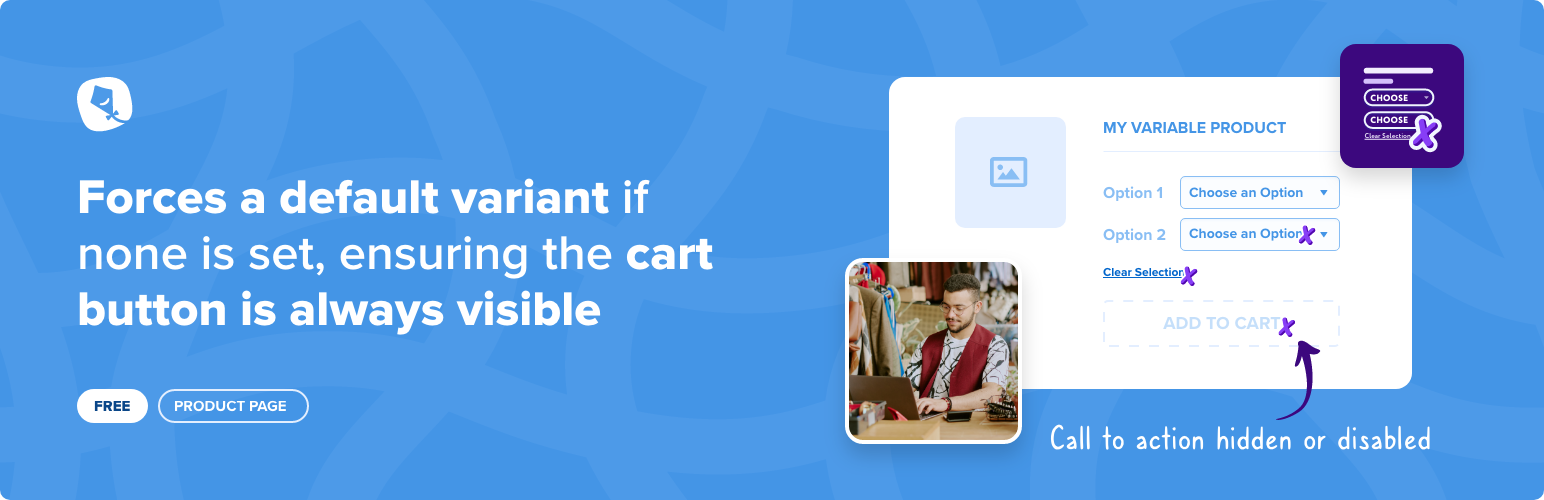
All WooCommerce variable products have a dropdown to select which variant the customer wants to add to cart. The standard behaviour is to not set a default and until a variant is chosen the ‘Add to Cart’ button is not visible.
This can cause confusion to customers coming to your site, which as a knock on affect could cause a lower than average conversion rate.
You can solve this by manually setting a default option per product, but this can be time consuming on sites with lots of products and also the user can still ‘clear’ the selection, causing the Add to Cart button to hide again.
This plugin aims to solve these issues by removing the blank ‘Choose an Option’ value from the dropdown, removing the link to clear the options and instead listing out only the actual variants, always setting a default.
This default can be configured in multiple ways; the shop owner can choose to either list the variant by Position, ID, Price Low -> High and Price High -> Low. If there are multiple variants with the same Initial Sort (Price for example), you can now assign a secondary sort function. These can be Position, ID, Stock Levels or Total Sales.
This can all be changed via the WooCommerce -> Settings -> Product -> Variant menu. If you have already set a default variant for each individual product, you can decide to keep that, or use this plugin instead.




