
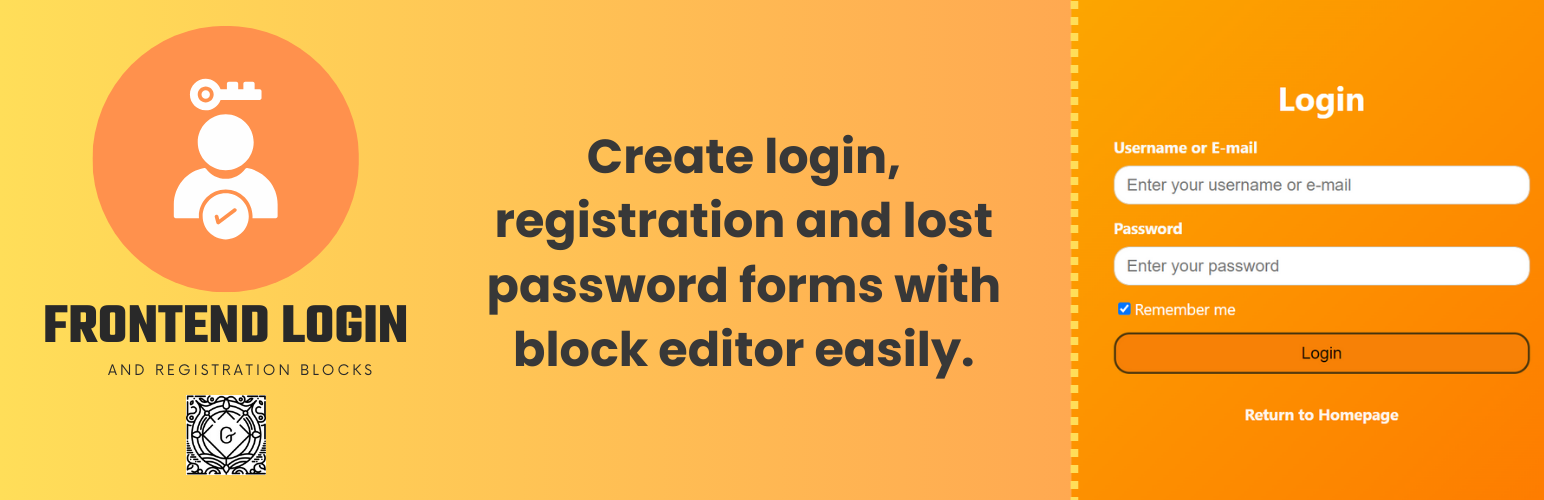

Login, Registration and Lost Password Blocks plugin provides blocks helps you to add login, register, lost password forms from front end.
Additionally, you can create user settings page, add limit login attempts and user activation functionality and more to your website…
Why Choose Frontend Login and Registration Forms
1. Easy to Use
You can add login, register, lost password or user settings with just a one click. They are all blocks!
2. Customization
Each block has color, font and size option in the right sidebar of block editor. You can easily customize your forms.
☑ Login Form Block
☑ Register Form Block
☑ Lost Password Form Block
☑ User Settings Form Block
☑ User Activation Form Block
☑ Welcome Card Block
☑ Menu Item Block (Login/Logout)
☑ Limit Login Attempts
☑ Limit Reset Request Attempts
☑ E-Mail Settings
☑ Strength Password
☑ Username Validation
☑ Customizable Form Fields
☑ Customizable Colors
Note: Please read the guide before using the plugin.
☑ Documentation
☑ Official Web Site
Compatibility
- Block Editor
- Site Editor






