
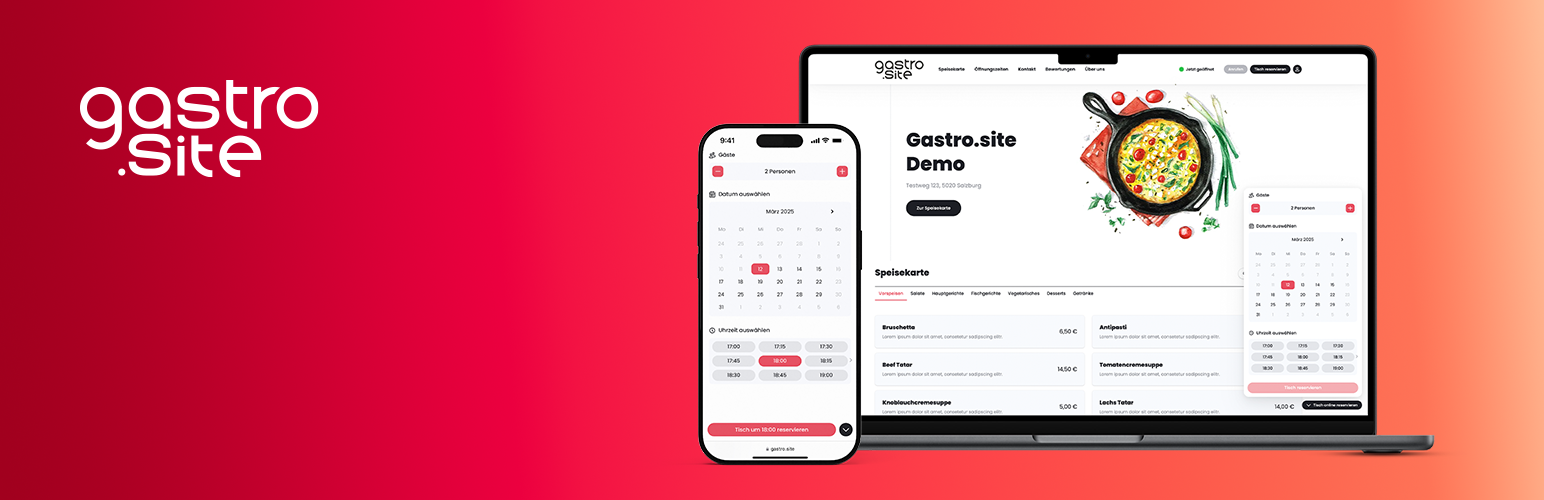
Gastro.site Table Reservation

Gastro.site Table Reservation

توسط

Integrate the Gastro.site Table Reservation Tool in your Website.

External services

This plugin connects to the Gastro.site platform to embed the reservation widget.

The widget JavaScript file is loaded from https://www.gastro.site/web-components.bundle.js on each page load to display the booking button.

No personal user data is sent to Gastro.site. Only the Gastro.site ID (defined in the plugin settings) is transmitted to display the correct restaurant widget.

Service provided by Gastro.site – see:
– Terms of Use: https://www.gastro.site/agb
– Privacy Policy: https://www.gastro.site/datenschutz


  1. Upload the plugin and activate it via WordPress Admin
  2. Go to Settings Table Reservation and paste your Gastro.site ID
  3. Done!

سوالات متداول

Where do I get the Gastro.site ID?

You can find it in your Gastro.site dashboard. There, you’ll find instructions for integration as well as additional configuration options.

Does this plugin work with all WordPress themes?

Yes, as long as your theme supports either the wp_body_open or the wp_footer hook.

How do I embed the booking widget manually?

You can use the [book_a_table] shortcode to insert the widget anywhere inside a page, post or widget.

Which attributes does the shortcode support?

You may pass the following optional attributes:

  • lang: Language code (e.g. de, en, es). Defaults to WordPress site language.
  • header: Show header above the widget (true or false). Defaults to plugin setting.
  • primary-color: Primary color for the widget in hex format (e.g. #E74E60). Defaults to plugin setting.
  • render-method: Display mode (inline or button). Defaults to inline.
  • button-label: Text shown on the booking button.
  • button-size: Button size (sm or lg).
  • button-color: Button color (white, gray, or primary).
  • button-position: Button position (left or right).
  • z-index: Numeric z-index value.

Example:
[book_a_table lang=”de” header=”true” primary-color=”#E74E60″ render-method=”button” button-label=”Reserve table online” button-size=”lg” button-color=”primary” button-position=”right” z-index=”1000″]

The ID is always taken from the plugin settings and cannot be set via the shortcode.

×
نظری برای این آیتم موجود نیست.
0 0 رای ها
امتیازدهی
اشتراک در
اطلاع از
0 نظرات
قدیمی‌ترین
تازه‌ترین بیشترین رأی
بازخورد (Feedback) های اینلاین
مشاهده همه دیدگاه ها
نسخه حجم فایل SHA256 تغییرات دانلود
1.0.1 63 کیلوبایت -
دانلود
×
بدون امتیاز

قیمت:

رایگان

نگارش

1.0.1

آخرین انتشار

20 اردیبهشت 1405

آخرین بروزرسانی

1 ماه پیش

نصب های فعال

-

نگارش وردپرس

وردپرس 5.5+

تست شده از نسخه

وردپرس 6.9.4

نگارش PHP

PHP 7.4+

نسخه ها

1 نسخه



