
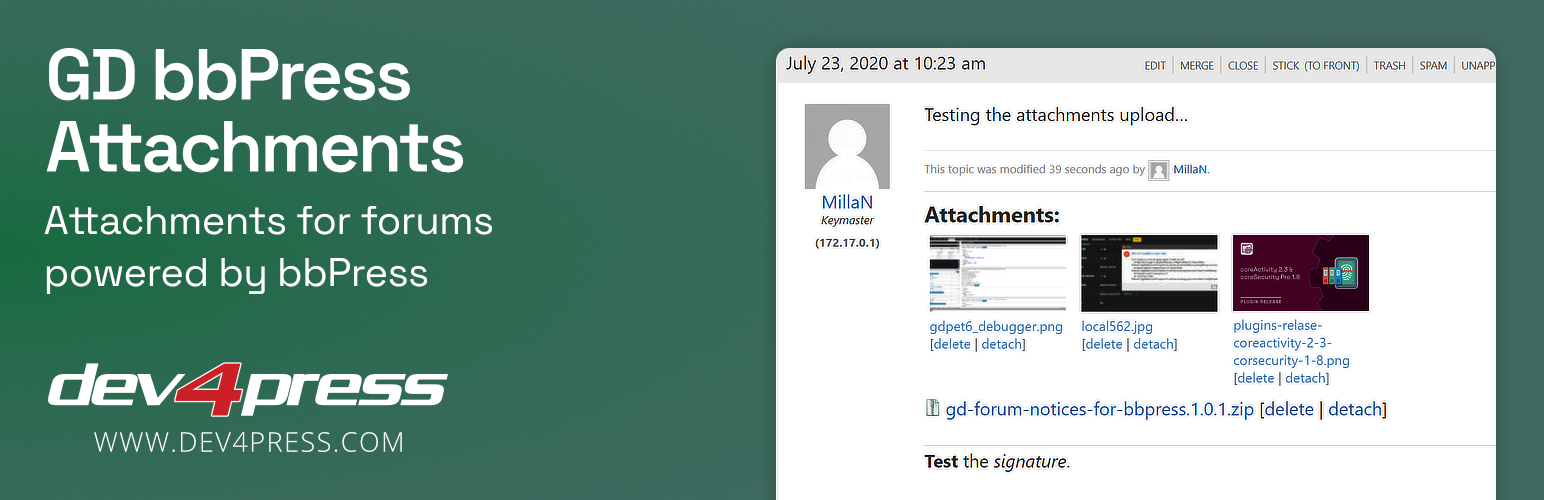

GD bbPress Attachments is an easy-to-use plugin for WordPress and bbPress for implementing file upload for bbPress Forums topics and replies. You can control file sizes from the main plugin settings panel, or you can change some attachments settings for each forum individually. Currently, included features:
- Attachments are handled through WordPress media library.
- Limit the number of files to upload at once.
- Embed a list of attached files into topics and replies.
- Attachment icon in the topic list for topics with attachments.
- Attachments icons for file types in the attachments list.
- Option to control if visitors can see a list of attachments.
- Display uploaded images as thumbnails.
- Control thumbnail size.
- Control thumbnail CLASS and REL attributes.
- Upload errors can be logged.
- Post author and administrators can see errors.
- Tool to clean up uploads error log entries from postmeta table.
- Administration: attachments count for topics and replies.
- Administration: metabox for settings override for forums.
- Administration: metabox with attachments list and errors for topics and replies.
bbPress Plugin Versions
GD bbPress Attachments 4.8 supports bbPress 2.6.2 or newer. Older bbPress versions are no longer supported!
More free Dev4Press plugins for bbPress
- GD Forum Manager – quick and bulk forums and topics edit
- GD Members Directory – add new page with list of all forum members
- GD bbPress Tools – various expansion tools for forums
- powerSearch for bbPress – add advanced search to the bbPress topics
- topicPolls for bbPress – add polls to the bbPress topics
Upgrade to forumToolbox for bbPress
AKA: GD bbPress Toolbox Pro. The Pro version contains 63 features, with over 500 options to control the integration:
- Enhanced attachments features
- Limit file types attachments upload
- Add custom file types for upload
- BBCodes editor toolbar
- Report topics and replies
- Say thanks to forum members
- Various SEO features
- Various privacy features
- Enable TinyMCE editor
- Private topics and replies
- Auto closing of inactive topics
- Notification email control
- Show user stats in topics and replies
- Track new and unread topics
- Mute Forums and Users
- Great new responsive admin UI
- Setup Wizard
- Forum based settings overrides
- Edit: BuddyPress support
- 40 BBCodes (including Hide and Spoiler)
- 19 more Topics Views
- 9 additional widgets
- Many great tweaks
- And much, much more
With more features on the roadmap exclusively for a Pro version.
- More information about forumToolbox for bbbPress
- More Premium plugins with bbPress Plugins Club






