
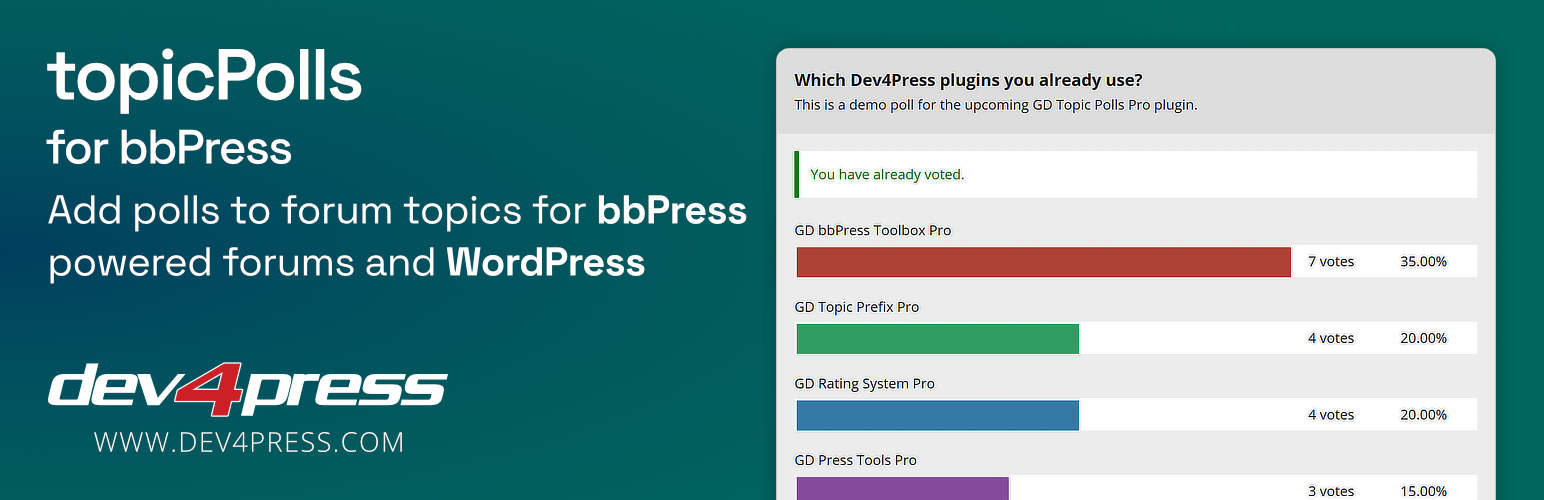

topicPolls is a plugin for WordPress and bbPress, and it works with bbPress topics. Users can create polls for new topics, or add a poll for existing topics. Each topic can have one poll.
Overview of plugin features
topicPolls is easy to use, it doesn’t require any coding, but it offers a lot of customization potential to developers.
Here is the list of the most important plugin features:
- Create polls with new topics.
- Add polls to the existing topics.
- Edit poll while editing the topic.
- Control user roles allowed to create new polls.
- Disable polls for selected forums.
- Optional description field in the poll.
- Add two or more answers to the poll.
- Reorder poll answers in the poll edit mode.
- Set poll to allow one answer only for each voter.
- Set poll to allow unlimited answers for each voter.
- Set poll to limit the number of answers for each voter.
- Auto close the poll when a topic is closed.
- Control when the poll results can be displayed.
And on the administration side, the plugin has many more useful features:
- Panel with the list of all polls
- List of polls panel: disable or enable any poll
- List of polls panel: delete any poll
- List of polls panel: remove all votes from the poll
- Panel with the list of votes
- List of votes panel: filter by poll, user or answer
- List of votes panel: delete votes
- Panel with the plugin settings
- Panel with the import, export and removal tools
Upgrade to topicPolls Pro for bbPress
The Pro version contains many more great features:
- Widget to show list of polls with forums filtering
- Auto close the poll: when selected date is reached
- Auto close the poll: when number of voters is reached
- Require users to respond to topic before answering poll
- Option to allow users to remove and change their vote
- Display list of voters in the poll results
- Settings to control default values of some poll options
- Settings to control display of voters list in the poll results
- Instant votes Notifications
- Daily Digest votes Notifications
- bbPress Topics View: All topics with polls
- bbPress Topics View: Logged-in user topics with polls
- Integration with BuddyPress activity stream
Get more information about the plugin
- More information about topicPolls Pro
- Compare Free vs. Pro Plugin
- More premium bbPress Plugins
More free dev4Press.com plugins for bbPress
- powerSearch for bbPress – add advanced search to the bbPress topics
- GD Forum Manager – quick and bulk forums and topics edit
- GD Members Directory – add new page with list of all forum members
- GD bbPress Attachments – attachments for topics and replies
- GD bbPress Tools – various expansion tools for forums
Documentation and Support
You need to register for a free account on Dev4Press:
- Frequently Asked Questions
- Knowledge Base Articles
- Support Forum: Free & Pro
Translations
- English






