
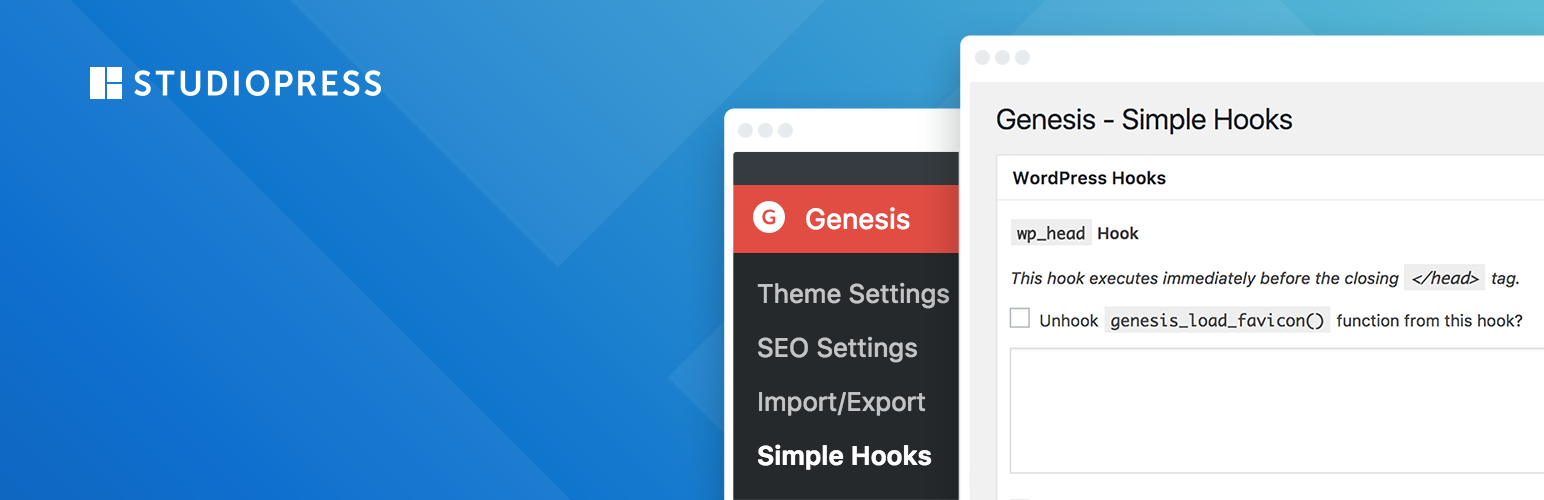

This plugin creates a new Genesis settings page that allows you to insert code (HTML, Shortcodes, and PHP), and attach it to any of the 50+ action hooks throughout the Genesis Theme Framework, from StudioPress.
Instead of the sometimes tedious and unfamiliar process of creating functions in your theme files, this plugin gives you an attractive, easy to use interface for modifying your Genesis theme via the hook system. The plugin accepts HTML, Shortcodes, and PHP and gives you access to all 50+ hooks built into the Genesis theme, and a few built-in WordPress hooks as well.
Code Snippets
The most common request from Genesis users is how to properly modify their footer, post-info, and post-meta text. Here are some code snippets that might prove helpful in doing this:
Modifying the post-info
<div class="post-info">
    <span class="time"><?php the_time('F j, Y'); ?></span> <span class="author">by <?php the_author_posts_link(); ?></span> <span class="post-comments"><a href="<?php the_permalink(); ?>#respond"><?php comments_number('Leave a Comment', '1 Comment', '% Comments'); ?></a></span> <a class="post-edit-link"><?php edit_post_link('(Edit)', '', ''); ?></a>
</div>
Modifying the post-meta
<div class="post-meta">
    <span class="categories">Filed under: <?php the_category(', ') ?></span>  <span class="tags">Tagged with <?php the_tags('') ?></span>
</div>
Modifying the Footer
<div class="gototop">
<p><a href="#wrap" rel="nofollow">Return to top of page</a></p>
</div>
<div class="creds">
<p>Copyright © <?php echo date('Y'); ?> · <a href="http://www.studiopress.com/themes/genesis" title="Genesis Theme Framework">Genesis Theme Framework</a> by <a href="http://www.studiopress.com/">StudioPress</a> · <a href="https://wordpress.org/" title="WordPress">WordPress</a> · <?php wp_loginout(); ?></p>
</div>
Note: You must have the Execute PHP on this hook option selected in order to use template tags




