
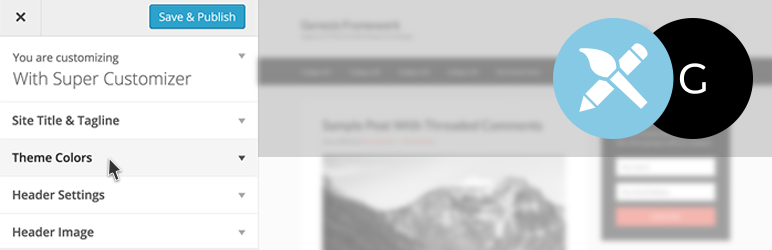

Genesis Super Customizer adds options to customize colors, create a fixed header that shrinks on scroll, upload logos, edit footer credits, and much more, all through the native WordPress Customizer interface.
It’s the easiest way to customize the design of the Genesis theme or your custom Genesis child theme.
IMPORTANT DISCLAIMER: This plugin is designed to work with the Genesis Framework and the Genesis Sample Child Theme only, not all premium Genesis child themes like Author Pro, Parallax Pro, etc. It no longer duplicates and overrides all the stylesheet from the Genesis theme or Sample Child Theme, but not all settings will work with all premium child themes.
There’s over 100 options to customize and tinker with, but you can easily change the look and feel of your Genesis theme with just a few options.
NEW: Reset button is now available! Restores the default settings with a single click (after confirmation).
Shortcodes are now included for the theme colors chosen with the customizer:
- [themecolor] – Add the main theme color to text
- [themebg] – Add the main theme color to the background
- [accentcolor] – Add the accent color to text
- [accentbg] – Add the accent color to the background
- [bgcolor] – Add the background color to text
- [mainbg] – Add the main background color to the background
You can use html in the shortcodes and they are stackable as well:
[themebg]This is an [bgcolor]example[/bgcolor] of awesome genesis super customizer shortcodes. [accentbg][bgcolor]Check out this[/bgcolor] <a href="http://supercustomizer.com">link</a>.[/accentbg][/themebg]
For designers that want to use html you can instead use the classes that each shortcode corresponds to and add them to html elements.
- [themecolor] – theme-color
- [themebg] – theme-bg
- [accentcolor] – accent-color
- [accentbg] – accent-bg
- [bgcolor] – bg-color
- [mainbg] – main-bg
You can import and export your design templates. Use them as starter templates to speed up your design process.
More information can be found at http://supercustomizer.com.
Please note this plugin requires the Genesis theme (a premium WordPress theme) to be activated.
Support
Please follow on Twitter @SuperCustomizer for the latest updates.
Detailed documentation is coming soon.
You can also submit questions and suggestions at http://supercustomizer.com/contact/
Future Updates
Here are some planned updates for the near future
- Filters For Developers To Add Their Own Settings
- Additional Menu customizations for submenus
- Additional Content customizations for entry meta, blockquotes, and more.
- Genesis Premium Child Theme compatibility
- Compatibility with other Featured Genesis plugins
- Change Featured Image And Title Order
- WooCommerce compatibility
- More extensions for other popular plugins
- Requests by you! Send requests on Twitter @SuperCustomizer.





