
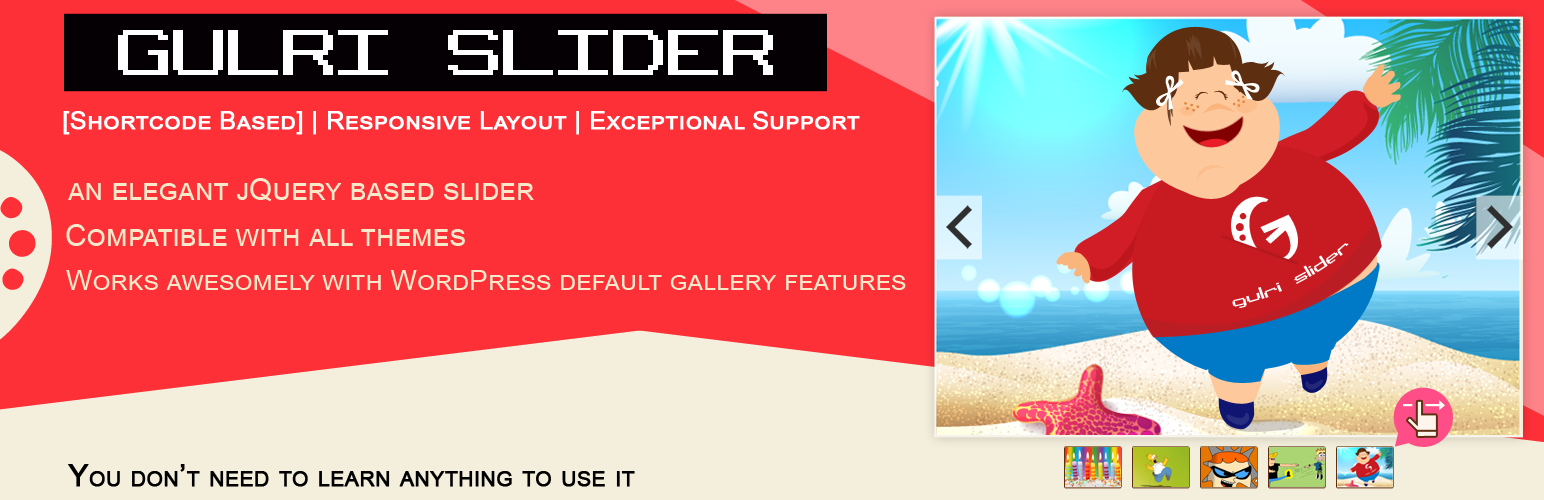
Gulri Slider

Gulri Slider

توسط

Following shortcode is available for slide implementation:
[GSLIDER id=”numeric value”]

Gulri Slider is a WordPress plugin that allows you to set image slider in place of header image area. It is easy to implement. Every slider has a shortcode, paste that shortcode in page or post to get rendered. Alternatively you can modify your header.php.

Tags

easy, responsive, elegant, slider, gallery, easing, woocommerce

Features

  • Adds images to form a slider
  • Slide transitions are available
  • Slider title for better management
  • Shortcode based image gallery
  • Responsive Layout
  • Multiple galleries can be managed with shortcodes
  • Unlimited number of images with ease of edit and delete
  • Compatible with WordPress default image library
  • Unique gallery ID is supported which can be changed through shortcode (Optional)
  • Easily changeable events according to your requirements
  • jQuery based image gallery slider
  • Exceptional 27×7 Support

Quick Implementation:

License

This WordPress Plugin is free software: you can redistribute it and/or modify it under the terms of the GNU General Public License as published by the Free Software Foundation, either version 2 of the License, or any later version. This free software is distributed in the hope that it will be useful, but WITHOUT ANY WARRANTY; without even the implied warranty of MERCHANTABILITY or FITNESS FOR A PARTICULAR PURPOSE. See the GNU General Public License for more details. You should have received a copy of the GNU General Public License along with this software. If not, see http://www.gnu.org/licenses/gpl-2.0.html.

To use Gulri Slider, you will need:

  • an installed and configured copy of [WordPress][]

    (version 3.0 or later).

  • FTP, SFTP or shell access to your web host

New Installations

Method-A:
1. Go to your wordpress admin “yoursite.com/wp-admin”
2. Login and then access “yoursite.com/wp-admin/plugin-install.php?tab=upload
3. Upload and activate this plugin
4- That’s it, now see your dashboard and ask Gulri Slider anything

Method-B:
1. Download the Gulri Slider installation package and extract the files on your computer.
2. Create a new directory named Gulri Slider in the wp-content/plugins directory of your WordPress installation. Use an FTP or SFTP client to upload the contents of your Gulri Slider archive to the new directory that you just created on your web host.
3. Log in to the WordPress Dashboard and activate the Gulri Slider plugin.
4. Once the plugin is activated, Gulri Slider will be displayed as a metabox under your content editor in posts/pages edit mode.

سوالات متداول

How to add a new slider?

Click add new slider button to add a new slider.

How to display slider on a post or page?

Each slider you create has a unique shortcode. Use that shortcode in post or page content editor to display slider.

Can I edit slider after adding images?

Yes, click on edit button to edit update images and effects.

Can effects of slider be changed?

Yes, there is a second tab (effects) on settings page for testing purpose. In this tab you can preview transition for selected slider.

Can I set different resolutions for a slider?

There are multiple options available for each slider to set different resolutions. You can set from SD to 8K resolution.

How to set interval between images of a slider?

While editing a slider, you will find an option to set interval between images for a slider. The interval unit is millisecond which means 1000 milliseconds = 1 second.

×
نظری برای این آیتم موجود نیست.
0 0 رای ها
امتیازدهی
اشتراک در
اطلاع از
0 نظرات
قدیمی‌ترین
تازه‌ترین بیشترین رأی
هیچ نسخه‌ای برای این آیتم موجود نیست.
★★★★★
★★★★★
3.7 /5 (3 نظر)

قیمت:

رایگان

نگارش

آخرین انتشار

17 اردیبهشت 1405

آخرین بروزرسانی

3 ماه پیش

نصب های فعال

70+

نگارش وردپرس

وردپرس 3.9+

تست شده از نسخه

وردپرس 6.6.5

نگارش PHP

PHP 7.0+

نسخه ها

0 نسخه




