
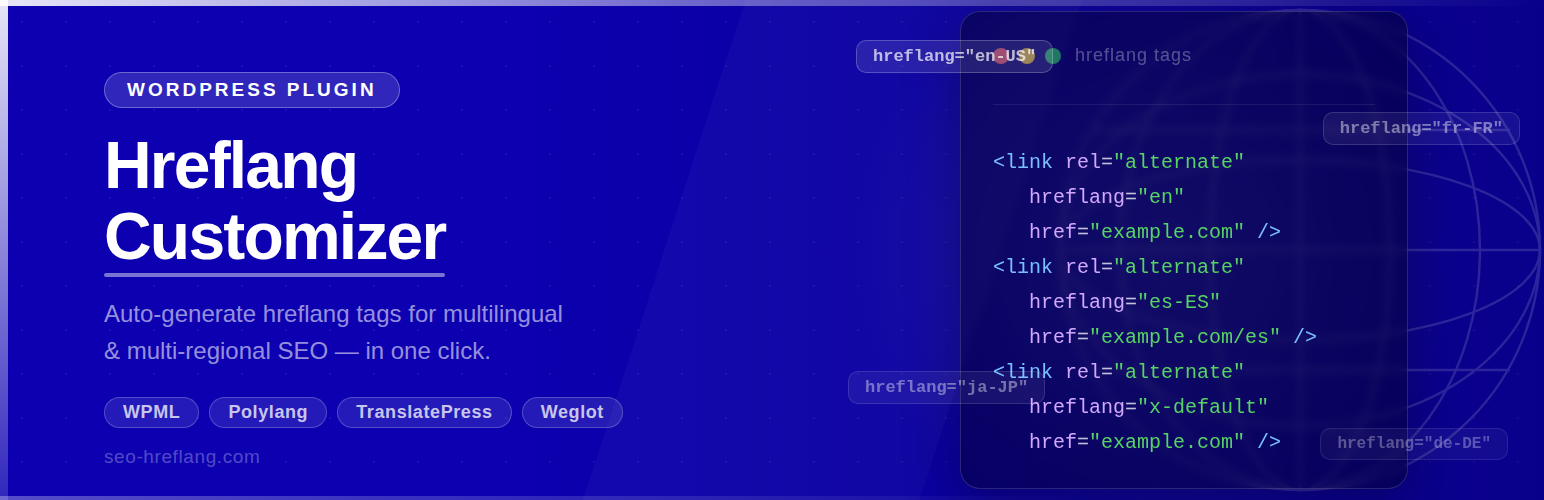

Hreflang Customizer is a free plugin that generates hreflang tags for your WordPress pages automatically. It works on any site — no multilingual plugin is required.
Hreflang tags tell search engines which language and region each page targets. This prevents duplicate-content issues across multilingual or multi-regional sites and helps the right version of your page rank in the right country.
Key Features
- ✅ Works without any translation plugin — standalone mode out of the box
- ✅ Also integrates with Weglot for translated URL mapping
- ✅ Searchable language picker with 180+ languages and regional variants
- ✅ Selected languages shown as removable tag chips with language codes
- ✅ Language list cached via WordPress Transients API (no repeated API calls)
- ✅ Clean, modern admin UI — fully responsive
- ✅ No upsells, no premium tier — 100% free
How It Works
Standalone mode: Select your target language codes in the settings page. The plugin outputs one <link rel="alternate" hreflang="..."> tag per selected code in the <head> of every page, pointing to the canonical URL of that page.
Weglot mode: If Weglot is installed and active, the plugin maps Weglot’s translated URLs to your selected hreflang codes automatically.
Example Output
<link rel="alternate" href="https://yoursite.com/about/" hreflang="en-AU" />
<link rel="alternate" href="https://yoursite.com/about/" hreflang="en-GB" />
<link rel="alternate" href="https://yoursite.com/" hreflang="x-default" />
Third-Party Service
This plugin optionally fetches an extended language list from https://app.seo-hreflang.com/api/languages to supplement its built-in language database. The request is made at most once every 12 hours. No personal data, user data, or site content is transmitted — the request contains no body payload. The result is cached locally using the WordPress Transients API.
If the external service is unavailable, the plugin automatically falls back to its built-in list of 180+ languages and continues to work normally.
- Service URL: https://app.seo-hreflang.com/
- Privacy Policy: https://seo-hreflang.com/privacy-policy/






