
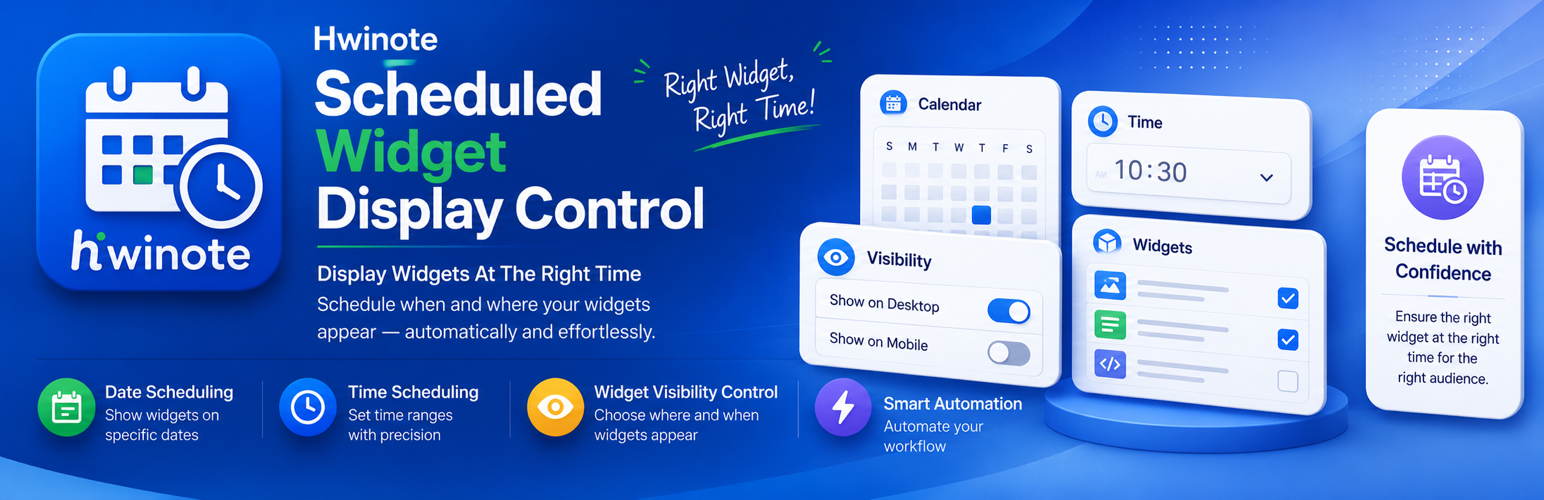
HWINote Scheduled Widget Display Control

HWINote Scheduled Widget Display Control

توسط

HWINote Scheduled Widget Display Control adds scheduling options to legacy WordPress widgets.

You can configure each widget to show or hide based on:

  • Date range
  • Time range
  • Weekdays
  • Exclusion period

The admin screen includes a small JavaScript enhancement for live schedule summaries, range validation, and weekday selection shortcuts.

Widgets without schedule settings are displayed normally.

The plugin uses English as the source language and includes translation template files in the languages directory.

License

This plugin is licensed under the GNU General Public License v2.0 or later.

  1. Upload the plugin files to the /wp-content/plugins/hwinote-scheduled-widget-display-control/ directory, or install the plugin through the WordPress Plugins screen.
  2. Activate the plugin through the Plugins screen in WordPress.
  3. Open Appearance > Widgets and edit a widget.
  4. Configure the display schedule settings.

سوالات متداول

Does this slow down widgets without schedule settings?

No. Widgets without schedule settings are displayed normally.

Can I set different schedules for different widgets?

Yes. Each widget stores its own display schedule settings.

Does this work with block widgets?

This plugin is designed for legacy widgets and the classic widget form hooks. Depending on the theme and widget block configuration, behavior may vary.

×
نظری برای این آیتم موجود نیست.
0 0 رای ها
امتیازدهی
اشتراک در
اطلاع از
0 نظرات
قدیمی‌ترین
تازه‌ترین بیشترین رأی
بازخورد (Feedback) های اینلاین
مشاهده همه دیدگاه ها
هیچ نسخه‌ای برای این آیتم موجود نیست.
بدون امتیاز

قیمت:

رایگان

نگارش

آخرین انتشار

21 خرداد 1405

آخرین بروزرسانی

3 روز پیش

نصب های فعال

-

نگارش وردپرس

وردپرس 6.0+

تست شده از نسخه

وردپرس 7.0

نگارش PHP

PHP 7.4+

نسخه ها

0 نسخه




