
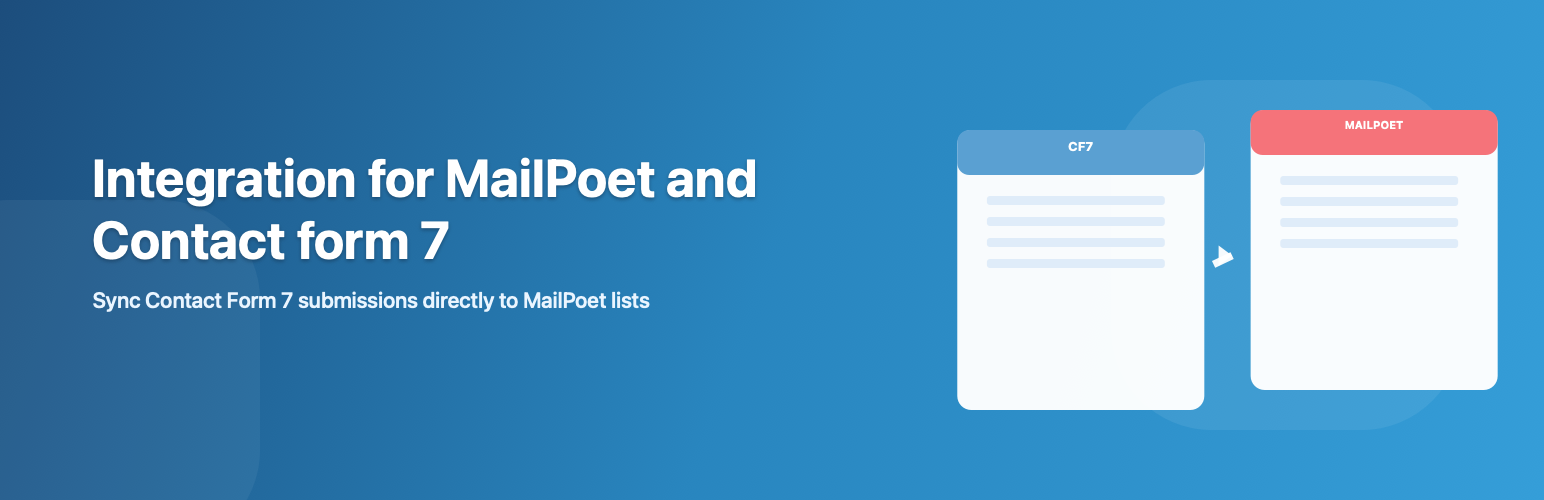
Integration for MailPoet and CF7

Integration for MailPoet and CF7

توسط

Integration for MailPoet and CF7 connects Contact Form 7 and MailPoet in a practical, admin-friendly workflow.

After enabling the plugin, you get a CF7 Integration submenu under MailPoet where you can:

  • Select a Contact Form 7 form from a form list
  • Map CF7 fields to MailPoet subscriber fields
  • Choose one or more MailPoet lists per form
  • Review sync errors from the integration screen

The plugin includes a dedicated CF7 form-tag generator for mailpoet_signup_consent, including privacy-policy link support.

Key behavior:

  • Subscribers are added only when mailpoet_signup_consent is checked
  • MailPoet Email must be mapped to a CF7 email-type field
  • A form must contain exactly one mailpoet_signup_consent tag for configuration
  • Error logs are stored in a dedicated custom database table
  1. Upload the plugin folder to /wp-content/plugins/ or install it from your deployment workflow.
  2. Activate Integration for MailPoet and CF7 from WordPress Plugins.
  3. Make sure both Contact Form 7 and MailPoet are installed and active.
  4. Go to MailPoet -> CF7 Integration.
  5. Choose a form from the list and click Configure.
  6. Map MailPoet fields (especially Email) to CF7 fields, select lists, and save.
  7. In your CF7 form, include exactly one mailpoet_signup_consent tag.

سوالات متداول

Where is the settings page?

Go to MailPoet -> CF7 Integration in wp-admin.

Why is the Configure button disabled for a form?

That form either has no mailpoet_signup_consent tag or has more than one.
Keep exactly one mailpoet_signup_consent tag in the form template.

Why are subscribers not being added after form submission?

Common causes:

  • mailpoet_signup_consent was not checked
  • MailPoet Email is not mapped
  • Email is mapped to a non-email CF7 field
  • No valid list selection or mapping for the form

Check the sync logs in the same integration screen for details.

Is newsletter signup optional or required?

By default, mailpoet_signup_consent is optional.
If you use mailpoet_signup_consent*, it becomes required by CF7 validation.

Can I use more than one mailpoet signup consent tag in one form?

No. A form must contain only one mailpoet_signup_consent tag.

Where are sync logs stored?

In a custom database table:
{wp_prefix}integration_for_mailpoet_and_cf7_sync_logs

×
نظری برای این آیتم موجود نیست.
0 0 رای ها
امتیازدهی
اشتراک در
اطلاع از
0 نظرات
قدیمی‌ترین
تازه‌ترین بیشترین رأی
نسخه حجم فایل SHA256 تغییرات دانلود
1.0.0 42 کیلوبایت -
دانلود
×
★★★★★
★★★★★
5.0 /5 (1 نظر)

قیمت:

رایگان

نگارش

1.0.0

آخرین انتشار

22 اردیبهشت 1405

آخرین بروزرسانی

3 ماه پیش

نصب های فعال

20+

نگارش وردپرس

وردپرس 5.8+

تست شده از نسخه

وردپرس 6.9.4

نگارش PHP

PHP 7.4+

نسخه ها

1 نسخه




