
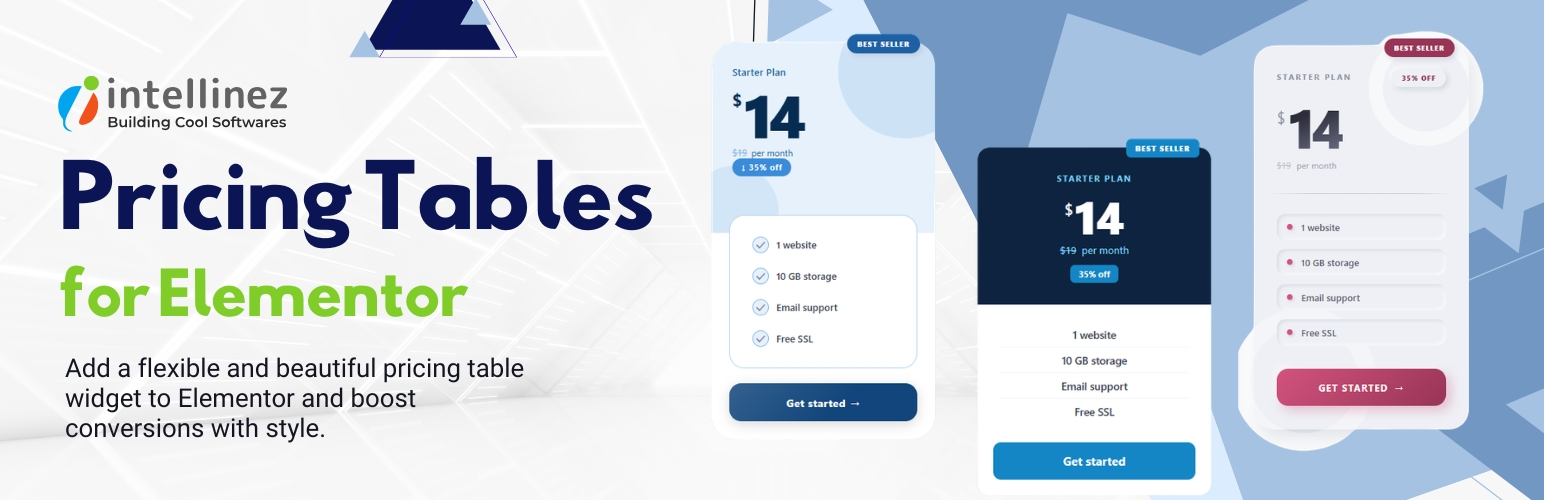

Intellinez Pricing Tables for Elementor adds a powerful and flexible pricing table widget for Elementor, helping you create modern pricing sections with advanced customization options and multiple ready-made layouts.
The plugin includes both modern and legacy pricing table designs, allowing you to build professional pricing cards for SaaS products, services, memberships, hosting plans, and more — directly inside Elementor.
Features include:
- Seven modern pricing card designs (Design 1–7)
- Five built-in color themes for modern layouts
-
Legacy design presets:
- Classic
- Top Header
- Feature Column
- Bold
- Discounted pricing support with original and sale prices
- Discount badge and promotional label controls
- Ribbon labels such as “New”, “Popular”, and “Best Seller”
- Currency symbol and billing period controls
- Custom CTA button text and link settings
- Flexible feature list styling options
- Detailed typography, spacing, and color controls
- Separate normal and hover state styling
- Card and button border radius controls
- Per-design optimized CSS loading for better performance
- Fully customizable directly inside Elementor editor
Whether you need simple pricing tables or visually rich pricing sections with promotional badges and hover effects, Intellinez Pricing Tables for Elementor provides an easy-to-use solution with extensive styling flexibility.
Perfect for:
- SaaS pricing pages
- Service packages
- Membership plans
- Hosting plans
- Agency pricing sections
- Product comparison layouts
Elementor must be installed and activated to use this plugin.






