
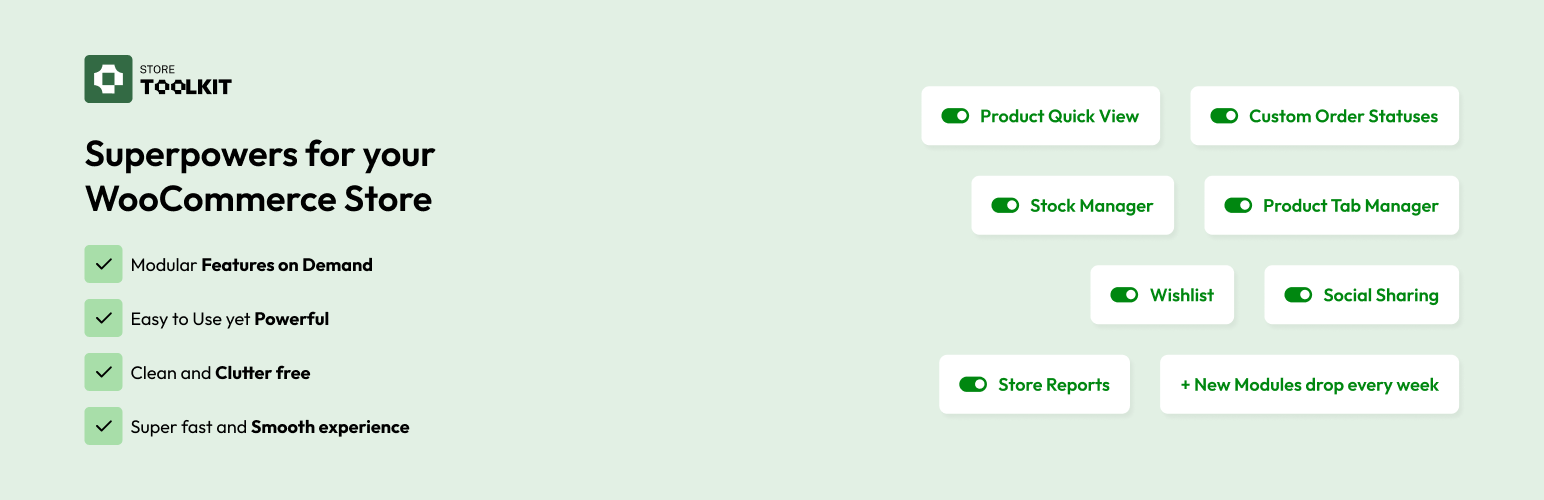

Jetix Store Toolkit for WooCommerce is a lightweight, modular toolkit that bundles the most essential WooCommerce enhancements into a single plugin. Activate only the modules you need — everything else adds zero overhead to your store.
The plugin ships with a modern admin dashboard that makes toggling and configuring WooCommerce modules quick and straightforward.
Modules
Quick View (Core)
Let shoppers preview product details in a lightbox modal without leaving the shop page. Fully customisable button, individually toggleable modal sections, and built-in theme compatibility.
Custom Order Statuses (Core)
Create colour-coded custom order statuses that appear everywhere WooCommerce statuses do — orders list, bulk actions, and emails. Rename built-in statuses without touching any code.
Stock Manager (Core)
Inline bulk stock editing across all products from a single filterable table. Update quantities, stock status, manage-stock toggle, and backorders without opening individual product screens.
Product Tab Manager (Core)
Add, remove, rename, and reorder WooCommerce product page tabs without code. Supports static rich-text content and per-product dynamic content via the full block editor.
Store Reports (Core)
Export orders, customers, and products to CSV, XLSX, XML, or JSON with flexible column control, date range filters, and saveable presets. Schedule recurring exports via reliable background processing.
Wishlist (Growth)
Let customers save products for later and share their wishlist via a unique URL. Works for guests and logged-in users alike — drives return visits and social referral.
Shortcodes: [storetoolkit_wishlist] and [storetoolkit_add_to_wishlist]
Social Sharing (Growth)
Add sharing buttons for Facebook, X (Twitter), Pinterest, WhatsApp, Email, SMS, and Copy Link to product and wishlist pages. Inline or sticky sidebar placement, fully customisable style.
Shortcode: [storetoolkit_social_sharing]
Why Jetix Store Toolkit?
- Modular — each module is self-contained; disable it and all its hooks and assets are removed completely.
- Zero bloat — inactive modules have no frontend footprint whatsoever.
- Modern dashboard — React-powered UI with per-module settings, all in one place.
- HPOS compatible — full compatibility with WooCommerce High-Performance Order Storage.
- Theme aware — built-in compatibility engine with auto-detection and a fallback mode for unsupported themes.
- Secure by design — all data is sanitised, validated, and escaped to WordPress coding standards.
- Developer friendly — clean architecture, REST API endpoints, and action/filter hooks throughout.
Roadmap
Upcoming
- Checkout Field Manager (Core) — Add, remove, reorder, or customise every WooCommerce checkout field.
- Store Vacation (Growth) — Temporarily close your storefront with a custom notice during off-hours or updates.
- Product Bundles (Growth) — Create and manage product bundles at a fixed or discounted price.
- Points & Rewards (Power) — Award points for purchases and referrals, redeemable as cart discounts.
Planned
* Instant Product Search – Live search with product thumbnails, prices, and direct links as the user types.
* Cart Notices (Core) — Targeted cart messages: upsell prompts and limited-time alerts.
* Gift Vouchers (Power) — Let customers purchase and redeem digital gift vouchers at checkout.
Feature requests are welcome via the support forum or at https://getStoreToolkit.com/contact






