
Jetpack Post Views

Jetpack Post Views

توسط

NOTICE: I am no longer maintaining this plugin. Jetpack does not provide the necessary functionality to reliably and easily update post views for more than 500 posts. I am tired of trying to hack a solution that ultimately doesn’t work. If anyone wants to continue to maintain the plugin feel free to download the code.

A plugin that displays your most popular posts using Jetpack stats.

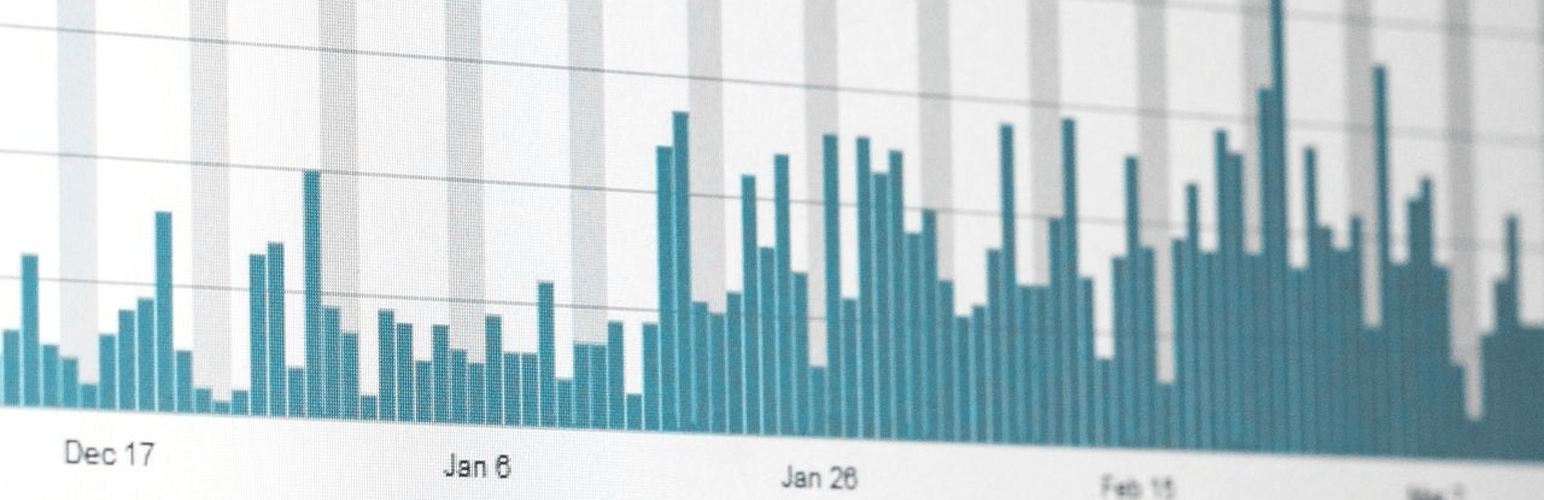
Jetpack Post Views is a plugin that lets you integrate Jetpack stats into your site. Jetpack is a great plugin that lets you track information about your blog, but it doesn’t give you access to this information so you can display it to your visitors. The most common information users wish to have access to are the number of views for a post.

Jetpack Post Views gives you access to this information. This plugin adds a widget that lets you display your top posts by views according to Jetpack stats. As an added bonus, this plugin adds this information to the post meta of each post, allowing you to display those stats anywhere on your site.
a

  1. Upload jetpack-post-views.php to the /wp-content/plugins/ directory
  2. Activate the plugin through the ‘Plugins’ menu in WordPress
  3. Upon activation, stats will be downloaded automatically and entered into the post meta for each post. This process takes time! Depending on how many posts you have, this can take up to 5 minutes, so be patient!

NOTE: If the plugin does not work, go to the settings page and try entering in your WordPress API Key.

To find your API key, log into https://apikey.wordpress.com/. Enter this key into the “WordPress API key” field in the Jetpack Post Views Settings page and click “Save Changes.”

To display the total views for a post anywhere on your site, just add the following code to your files (such as single.php):

<?php echo get_post_meta( $post->ID, 'jetpack-post-views', true ); ?>

To display views for a day, week, month, or year, add the appropriate code:

<?php echo get_post_meta( $post->ID, 'jetpack-post-views-Day', true ); ?>
<?php echo get_post_meta( $post->ID, 'jetpack-post-views-Week', true ); ?>
<?php echo get_post_meta( $post->ID, 'jetpack-post-views-Month', true ); ?>
<?php echo get_post_meta( $post->ID, 'jetpack-post-views-Year', true ); ?>

Stats are updated hourly only if the plugin is active.

سوالات متداول

Help! My posts aren’t updating!

There are many factors that could go wrong that would prevent a post from updating. Before you submit a support ticket, please ensure that:

  1. the plugin can access Jetpack – go to the Jetpack Post Views Settings page and make sure that at least one of the connections is green
  2. the post is getting views – go to your Jetpack Stats page and make sure that the post is actually getting views
  3. an entire day has gone by with no updates – Jetpack Post Views only updates once every hour, so letting a day go by will make sure that the plugin truly isn’t working

If the post still isn’t updating, please open a support ticket and include the following information along with a description of what the problem is. This will help me try to identify where the problem could be:

  1. Is the post a custom post type?
  2. Does the post belong to a custom category/tag?
  3. Does your site have over 500 posts?
  4. In the Jetpack Post Views Settings page, which of the 3 connections are green?

How can I display the top posts in my template?

Use the function ‘JPV_display_top_posts()’

Usage

Default Usage
‘-1’,
‘limit’ => ‘5’,
‘exclude’ => ”,
‘excludeCustomPostTypes’ => false,
‘displayViews’ => false ); ?>
Parameters

days – (string) The number of days of the desired time frame. ‘-1’ means unlimited.

limit – (string) The number of posts to display. ‘-1’ means unlimited. If days is -1, then limit is capped at 500.

exclude – (string) A comma-separated list of Post IDs to be excluded from displaying.

excludeCustomPostTypes – (boolean) Excludes custom post types from displaying.

displayViews – (boolean) Displays the post views.

NOTE This function only works if the function stats_get_csv() exists. If this function is not working probably, it is probably due to the stats_get_csv() function not returning the needed results.

How can I display the top posts in my posts?

Use the shortcode ‘[jpv]’

The shotcode uses the same parameters as the ‘JPV_display_top_posts()’ function

×
نظری برای این آیتم موجود نیست.
0 0 رای ها
امتیازدهی
اشتراک در
اطلاع از
0 نظرات
قدیمی‌ترین
تازه‌ترین بیشترین رأی
نسخه حجم فایل SHA256 تغییرات دانلود
1.1.0 14 کیلوبایت -
دانلود
×
★★★★★
★★★★★
5.0 /5 (9 نظر)

قیمت:

رایگان

نگارش

1.1.0

آخرین انتشار

21 اردیبهشت 1405

آخرین بروزرسانی

3 ماه پیش

نصب های فعال

200+

نگارش وردپرس

وردپرس 3.5+

تست شده از نسخه

وردپرس 3.7.41

نگارش PHP

-

تگ ها

نسخه ها

1 نسخه




