
JK Development Console

JK Development Console

توسط

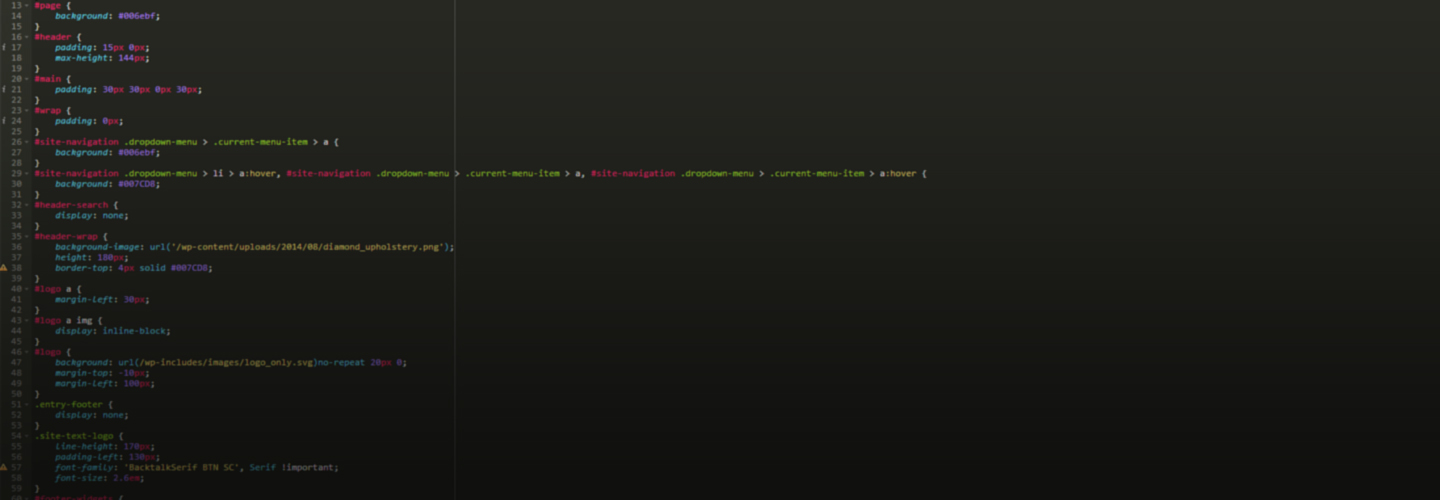
This is the easiest way to add custom css and/or javascript to your site. Two large windows with css and javascript syntax highlighting makes it super easy to read and write code.
JK Development console also uses AJAX to save the css and javascript data – meaning that the page won’t reload and you can keep on working without have to look for that last spot you edited.

Hope you like it! 🙂

Syntax highlightning by ACE (http://ace.c9.io/).

  1. Upload the zip-file content to the /wp-content/plugins/ directory
  2. Activate the plugin through the ‘Plugins’ menu in WordPress
  3. Navigate to JK Dev console, found in the menu to the left.
  4. Add some CSS and/or Javascript, hit Save (or press CTRL+S on your keyboard) to save.
  5. Reload your wordpress site and behold your changes!

سوالات متداول

Does the hotkey command work for Mac?

Yes, it does! Simply use CMD+S to save!

×
نظری برای این آیتم موجود نیست.
0 0 رای ها
امتیازدهی
اشتراک در
اطلاع از
0 نظرات
قدیمی‌ترین
تازه‌ترین بیشترین رأی
بازخورد (Feedback) های اینلاین
مشاهده همه دیدگاه ها
نسخه حجم فایل SHA256 تغییرات دانلود
1.0 2 مگابایت -
دانلود
×
★★★★★
★★★★★
5.0 /5 (1 نظر)

قیمت:

رایگان

نگارش

1.0

آخرین انتشار

31 اردیبهشت 1405

آخرین بروزرسانی

1 ماه پیش

نصب های فعال

10+

نگارش وردپرس

وردپرس 3.0.1+

تست شده از نسخه

وردپرس 4.0.38

نگارش PHP

-

نسخه ها

1 نسخه




