
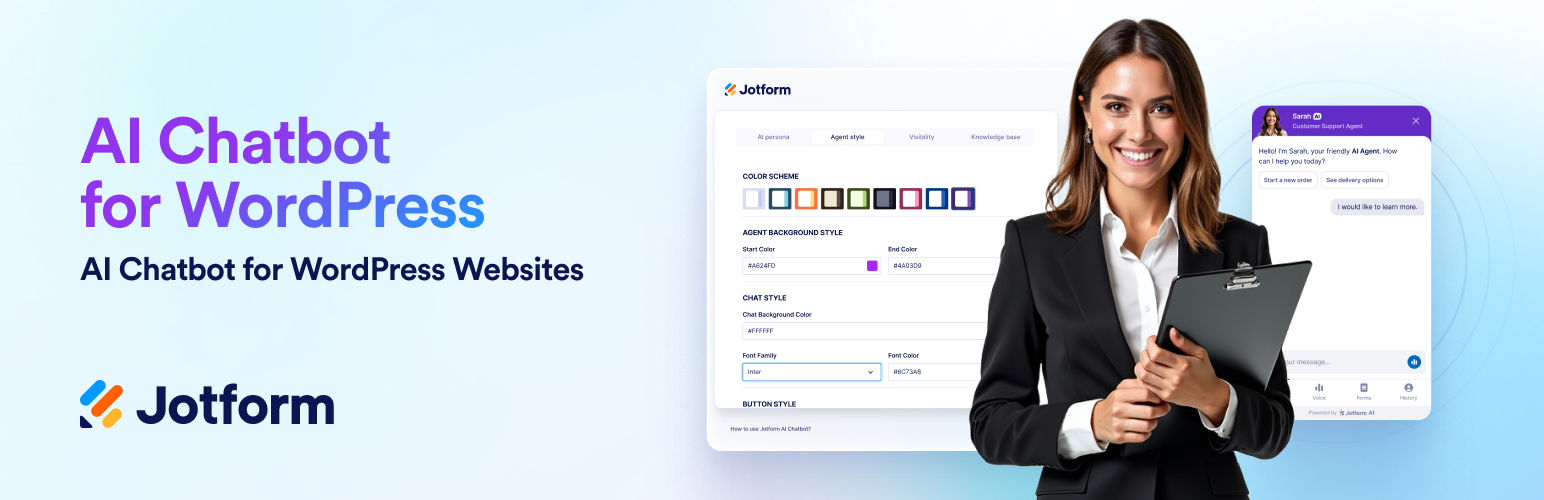

Jotform AI Chatbot for WordPress automates support, answers FAQs, drives WooCommerce sales, generates leads and boosts engagement with easy setup and no coding required.
🟪 Jotform AI Chatbot allows businesses to engage visitors, guide them through forms, and streamline communication effortlessly. By providing seamless, real-time assistance, it helps convert passive visitors into active users.
💬 What does the Jotform AI Chatbot do?
The Jotform AI Chatbot plugin allows you to easily create and train custom chatbots to handle queries, guide users, and share information. It offers seamless publishing on any WordPress site without coding and enhances user engagement through interactive conversations. You can customize chatbot personas, tones, and styles to align with your brand identity. With WooCommerce integration, the plugin supports online stores with product Q&A, order tracking, and cart recovery.
🎥 Product demo videos:
▶️ How to Use Jotform AI Chatbot on WordPress
▶️ How to Set Up Your Chatbot WordPress Plugin in 5 Minutes
▶️ How to Install Jotform AI Chatbot WordPress Plugin
▶️ How to Connect Your Jotform AI Chatbot to Your WooCommerce Store
🚀 Why use Jotform AI Chatbot on your WordPress website?
💬 Instant responses: Provide quick and accurate answers to FAQs, ensuring users receive the necessary information immediately.
📱 Mobile-fiendly live chat widget: A fully responsive chat experience that adapts seamlessly to desktop, tablet, and mobile devices. Ensure every visitor enjoys smooth, accessible conversations—anytime, anywhere.
ℹ️ Multilingual support: Communicate with users in their preferred language to expand your global reach.
🎨 Customizable branding: Align the chatbot’s design with your website’s branding for a cohesive and integrated user experience.
🔒 Secure and reliable: Built on Jotform’s robust infrastructure, the AI Chatbot keeps your data safe and ensures consistent, dependable performance.
🚀 Top features of Jotform AI Chatbot WordPress Plugin
🟣 Advanced customization & training: With the Agent Builder, you can tailor responses, tone, layout control, appearance, and target device, using your data and insights for personalized interactions.
🟣 Auto train: The plugin automatically crawls your website content and trains the chatbot without any manual setup. Whenever you update your pages or add a new page, blog post, or FAQ, the chatbot stays in sync and instantly learns from the latest information. This ensures visitors always receive accurate, up-to-date answers, saving you hours of maintenance while delivering a smarter, more reliable customer experience.
🟣 Chatbot visibility: Decide where the chatbot should appear on your website. You can choose which pages or typed URLs the chatbot will be shıwn or hidden.
🟣 Form assistance: Guide users through form completion with a conversational flow to reduce errors and improve submission success.
🟣 Chatbot Conversations: View and manage all user chats directly from your WordPress dashboard. Track interactions, review messages, and respond in real time—without leaving your site.
🌍 Multi-language AI Chatbot for global support
The Jotform AI Chatbot automatically adapts to your visitors’ preferred language, supporting seamless conversations in dozens of languages worldwide. Deliver personalized, AI-powered assistance in your users’ native language—no manual setup required.
🛒 Smart eCommerce chatbot
- Boost your WooCommerce store with Jotform AI Chatbot WordPress Plugin:
- Engage visitors by answering product questions in real time
- Assist with order tracking
- Reduce cart abandonment
- Drive more completed purchases
- Suggest relevant items and create natural upsell moments
- Turn casual visitors into repeat buyers with always-on assistance
💡Tip: Want to get started even faster? Explore our ready-made AI Chatbot templates for various industries. Choose a template, customize it, and publish it on your website in minutes.
ℹ️ If you have any questions or concerns regarding your online forms, chatbots, or our Agent Builder, feel free to contact our friendly 24/7 support team.
🔍 Discover all the features and capabilities of the Jotform AI Chatbot Plugin in our detailed user guide.
Who can benefit from Jotform AI Chatbot?
Jotform AI Chatbot is designed to meet the needs of various users and industries:
🛒 WooCommerce store owners: Help shoppers find the perfect products, provide instant support, and handle order tracking to reduce cart abandonment.
👩🏽💼 Small to mid-sized business owners using WordPress who want to capture leads, qualify visitors, or provide instant support.
✏️ Agencies and freelancers who build WordPress websites for clients and need to add interactive engagement tools.
🧳 Travel and hospitality businesses (hotels, tour operators, restaurants) that want to answer booking inquiries instantly, share availability, and improve the guest experience on their websites.
🧑🏾💻 SaaS companies using WordPress for their marketing sites that need to engage prospects, qualify leads, and direct them to demos, trials, or pricing pages.
📚 Content creators, coaches, and educators who want to automate responses, book sessions, or provide resources through their site.
🎉 Event organizers: Simplify event registration, answer attendee questions, and provide real-time updates.
💬 Customer support teams: Deliver 24-7 assistance to resolve user issues, answer common questions, and escalate complex queries when necessary.
🛠️ External Services
This plugin connects to external services to provide functionality and improve user experience. Below are the details of the external services used:
🌟 Jotform AI Platform
- The plugin connects to Jotform’s servers to enable chatbot creation, training, and deployment. This includes accessing your Jotform account data to retrieve chatbot configurations and training data.
- Privacy Policy
- AI Terms of Use
- Terms of Use
⚙️ API usage
– The plugin makes external API requests on the following domain to enable chatbot-related functionalities:
https://api.jotform.com
– The plugin uses this domain [https://api.jotform.com] as an API service to create realtime chatbot agent conversions.
☁️ CDN usage
– The plugin makes external CDN requests on the following domain to enable chatbot-related functionalities:
https://cdn.jotfor.ms
– The plugin uses an API to create real-time conversions with chatbot agents.
🔑 API Key usage
– The plugin uses an API key, which is sent to the domain [https://api.jotform.com] to authenticate with the Jotform API service.
🛍️ WooCommerce integration
If WooCommerce is installed and connected, the plugin can access WooCommerce data (such as products, orders, and customer information) to allow the chatbot to answer related questions. This data remains on your WordPress site and is not sent to third-party services except through Jotform’s servers when needed for chatbot responses.
📎 Data disclosure
The plugin may send the following data to external services:
- Chatbot configurations and training data (sent to Jotform servers).
- User input and interaction data (processed to generate responses).
- IP address and metadata for debugging and analytics purposes.






