
Keep Backup Daily

Keep Backup Daily

توسط

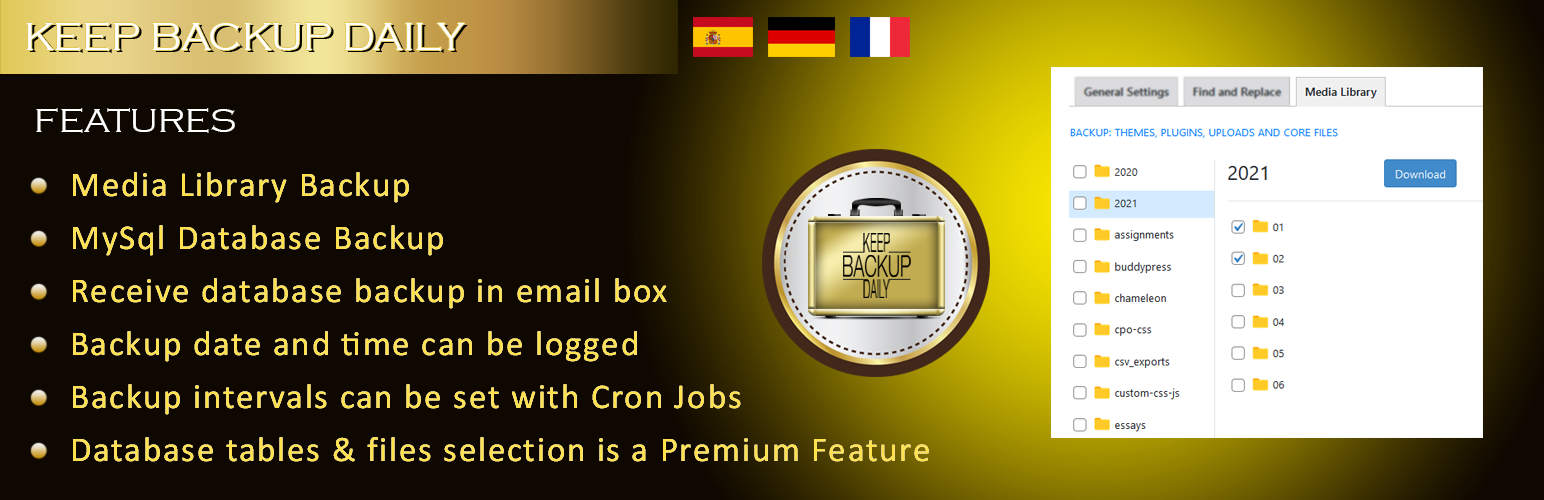
Keep Backup Daily backup your wordpress database and email to you daily, weekly, monthly and even yearly according to the settings. It is a wordpress plugin which helps you to get relax about taking regular backups. It is much better that if you are running a news website and don’t want to overload your database. Keep backup daily and another plugin might be freeing up your database on weekly basis. There can be many uses of this plugin, you could have a look what activity is performing on your database now a days. Its not only a convenience of exporting mysql database but having it in secure place as well. If you have configured the email client on your PC and want to keep backup on disk so it is possible as well with convenience. I am a PHP, WordPress developer and i faced a lot of inconvenience regarding keep an eye on wordpress DB regarding plugins and user’s activity. Our debugging process demands access to the DB most of the time so developed this utility for personal use and now publishing it. I coded a no. of fixes for wordpress sites and few of the solutions are in form of articles on my blog.

Important!

1- Many of the users might be using free hosting or cheap price hosting. Especially students do that but their data can be important to them, this plugin will give a feel of relax and to restore the website on last stable version of DB.

2- Default Settings: For your convenience, we are providing cron schedule from our website androidbubbles.com to the URL https://www.androidbubbles.com/api/kbd.php. For this purpose, we keep your domain name with us to access it e.g. http://www.yourdomain.com/?kbd_cron_process=1

Keep backup daily is arranged in flexible manner for better user experience.

Tags

offsite, sql, online backup, full backup, complete backup, mysql export, email mysql dump, db backup, database backup, email database backup, restore database backup

License

This WordPress Plugin is free software: you can redistribute it and/or modify it under the terms of the GNU General Public License as published by the Free Software Foundation, either version 2 of the License, or any later version. This free software is distributed in the hope that it will be useful, but WITHOUT ANY WARRANTY; without even the implied warranty of MERCHANTABILITY or FITNESS FOR A PARTICULAR PURPOSE. See the GNU General Public License for more details. You should have received a copy of the GNU General Public License along with this software. If not, see http://www.gnu.org/licenses/gpl-2.0.html.

To use Keep Backup Daily, you will need:
* an installed and configured copy of [WordPress][](version 3.0 or later).
* FTP, SFTP or shell access to your web host

New Installations

Method-A:

  1. Go to your wordpress admin “yoursite.com/wp-admin”

  2. Login and then access “yoursite.com/wp-admin/plugin-install.php?tab=upload

  3. Upload and activate this plugin

  4. Now go to admin menu -> settings -> KBD Settings

  5. Your email is by default administrator email to send backup emails, but you are required to press save changes button once (at-least)

  6. That’s it, now wait for the magic

Method-B:

  1. Download the Keep Backup Daily installation package and extract the files on your computer.
  2. Create a new directory named Keep Backup Daily in the wp-content/plugins directory of your WordPress installation. Use an FTP or SFTP client to upload the contents of your Keep Backup Daily archive to the new directory that you just created on your web host.
  3. Log in to the WordPress Dashboard and activate the Keep Backup Daily plugin.
  4. Once the plugin is activated, a new KBD Settings sub-menu will appear in your WordPress admin -> settings menu.

سوالات متداول

How to setup backup schedule?

Go to settings page. Select daily / weekly / monthly / yearly backup. Enter recipient email address. Then select Cron Job Settings and click “Save Changes”. (In Premium version you have to click on “Show me basic features”. See screenshot-5)

What is defualt settings?

For your convenience, we are providing Cron schedule from our website androidbubbles.com to the URL https://www.androidbubbles.com/api/kbd.php. For this purpose, we keep your domain name with us to access it e.g. http://www.yourdomain.com/?kbd_cron_process=1

How to download backup?

Click on “Download Backup Now” under backup required on settings page. It will lead you to available backup page.

How to restore backup files?

On settings page there is a link provided “How to restore backup files?” But in premium version in backup archives under actions you can restore (files only, not database) with one click.

Can I edit backup title?

Yes, on available backup page you can edit backup files title. You can also delete / download backup files. In Premium version before creating backup you can choose a title for the backup file.

Does this plugin provide downloadable backup file?

YES

Is it secure? If yes, how?

It immediately removes the temporary backup file and never reveals the temporary backup file path.

What if i am not getting backup email?

Immediately report to the plugin author via support tab or on mentioned plugin URL.

I have some other queries, other than this plugin, may i ask to the plugin author?

YES, if the queries are about WordPress and data security then you are welcome.

What best method is to contact plugin author?

It is good if you use support tab or plugin’s author blog. If you want to reach the author immediately then use contact form on his blog.

My website database is really big and this plugin is not handling it, what should i do?

Contact plugin author, he might will suggest you to exclude some tables and will suggest you to backup only important ones regularly.

What about the files backup?

Files backup feature is available in premium version.

Is there any premium addon for this plugin or any feature which is not in this version?

As large databases can not be emailed so these all exceptional cases are handled in premium version.

×
نظری برای این آیتم موجود نیست.
0 0 رای ها
امتیازدهی
اشتراک در
اطلاع از
0 نظرات
قدیمی‌ترین
تازه‌ترین بیشترین رأی
نسخه حجم فایل SHA256 تغییرات دانلود
2.1.3 556 کیلوبایت -
دانلود
×
★★★★★
★★★★★
4.4 /5 (45 نظر)

قیمت:

رایگان

نگارش

2.1.3

آخرین انتشار

17 اردیبهشت 1405

آخرین بروزرسانی

3 ماه پیش

نصب های فعال

300+

نگارش وردپرس

وردپرس 3.0+

تست شده از نسخه

وردپرس 6.9.4

نگارش PHP

PHP 7.0+

نسخه ها

1 نسخه




