
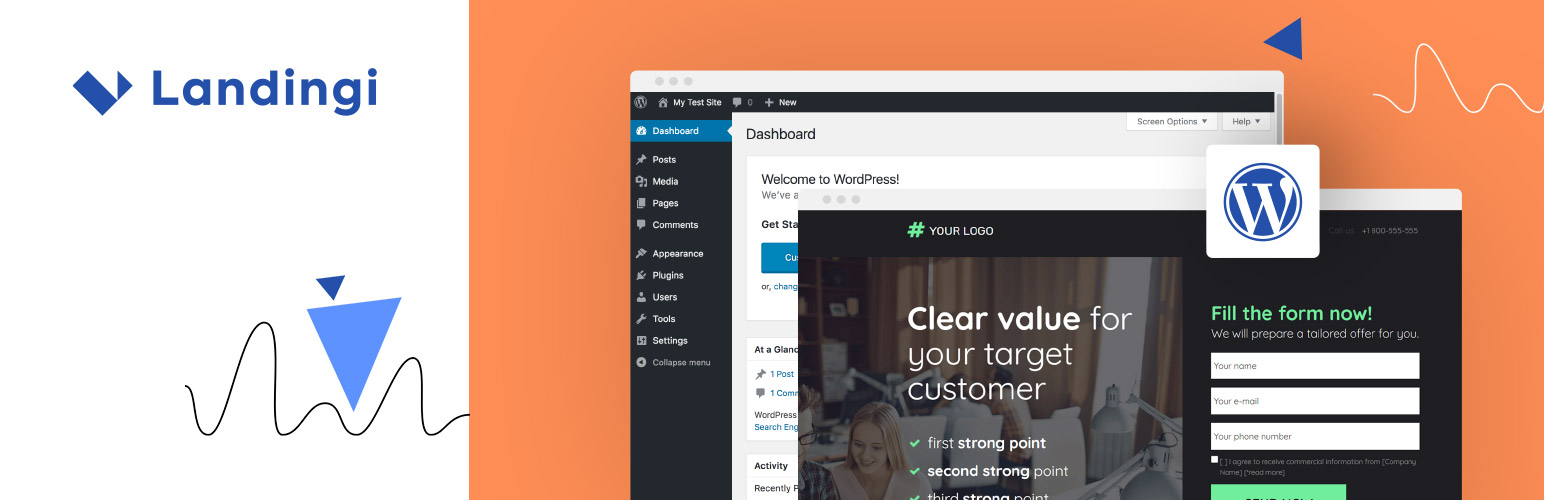
Landingi Landing Pages

Landingi Landing Pages

توسط

Take your WordPress marketing to the next level with Landingi’s powerful landing page builder plugin. Design stunning, high-converting landing pages in minutes without needing any coding experience.

Landingi seamlessly integrates with your WordPress site, allowing you to:

  • Drag-and-drop your way to success and build beautiful landing pages with an intuitive builder. No coding required! 400+ fully editable templates.
  • Build pages and write content with AI Assistant.
  • Boost conversions with powerful A/B testing, advanced forms for capturing leads, and integrations with your favorite marketing tools.
  • Track performance with Dashboard and EventTracker add-on.
  • Add Unsplash stock images and Iconfinder icons to your pages.

Sign up for free »

Choose from over 170 in-app, compatible and Zapier integrations to automate your workflow:

E-mail Marketing

  • ActiveCampaign
  • AWeber
  • CampaignMonitor
  • E-goi
  • Freshmail
  • GetResponse
  • MailChimp
  • MailerLite
  • Sare
  • SALESmanago
  • ConvertKit
  • Drip

CRM

  • Edrone
  • BaseCRM
  • HubSpot
  • LiveSpace
  • Pipedrive
  • SalesFlare
  • SalesForce
  • Zoho CRM

Communication

  • CallPage
  • Intercom
  • LiveChat
  • Tawk.to
  • Zendesk Chat

Analytics & Tracking

  • Google Ads
  • Google Analytics
  • Google Tag Manager
  • Facebook Pixel
  • Heap Analytics
  • KissMetrics
  • MixPanel
  • Yandex Metrica

Online Payment Systems

  • PayPal
  • Stripe
  • PayU

Sign up for free »

  1. Upload the entire landingi-plugin folder to the /wp-content/plugins/ directory.
  2. Activate the plugin through the ‘Plugins’ page.
  3. Generate a new API Token on your Landingi account: https://new.landingi.com/account/tokens Copy generated API Token to your clipboard.
  4. Go back to your WordPress ‘Landingi’ » ‘Settings’ menu. Paste your API Token and click Save API Token.
  5. Now you will find your landing pages on ‘Landingi’ » ‘Available Landings’ page in your WordPress admin panel.
  6. Click Import next to the one you want to import. Give your landing page desired URL and that is it!

You can read more detailed instruction here.

If you have any questions about the platform or plugin installation feel free to contact our support@landingi.com.

سوالات متداول

How to use the plugin?

Please read this article »

Do I need an account on Landingi platform?

Yes. To use this plugin you need an account. If you do not have on, you can sign up here.

Can I import landing pages created on my account before installing this plugin?

Yes. You can import any of the landing pages on your account.

Can I edit already imported landing pages?

Yes. Changes introduced on the published landing page will be seen at your WordPress page address.

Does use of the plugin involves any additional fees?

No, using this plugin is completely free of charge. Still, remember that you need an active Landingi account for the landing pages to work.

If you have any questions about the platform or plugin installation feel free to contact our support@landingi.com.

Where do I report security bugs found in this plugin?

You can report security bugs through the Patchstack Vulnerability Disclosure Program. The Patchstack team help validate,
triage and handle any security vulnerabilities. Report a security vulnerability.

×
نظری برای این آیتم موجود نیست.
0 0 رای ها
امتیازدهی
اشتراک در
اطلاع از
0 نظرات
قدیمی‌ترین
تازه‌ترین بیشترین رأی
هیچ نسخه‌ای برای این آیتم موجود نیست.
★★★★★
★★★★★
5.0 /5 (20 نظر)

قیمت:

رایگان

نگارش

آخرین انتشار

12 اردیبهشت 1405

آخرین بروزرسانی

4 ماه پیش

نصب های فعال

2,000+

نگارش وردپرس

وردپرس 4.0+

تست شده از نسخه

وردپرس 6.9.4

نگارش PHP

PHP 8.1+

نسخه ها

0 نسخه




