
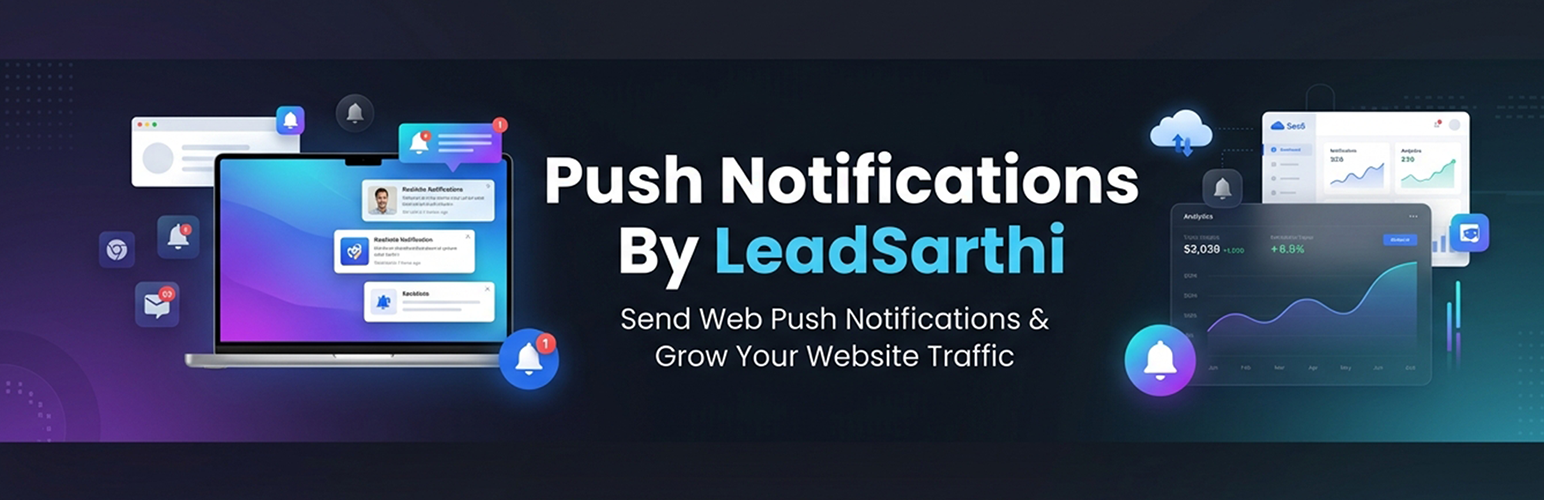
Lead Sarthi Push Notifications

Lead Sarthi Push Notifications

LeadSarthi Push Notifications enables WordPress websites to send real-time browser push notifications to users who subscribe to notifications.

This plugin integrates your website with the LeadSarthi platform and provides an easy way to collect subscribers, send notifications, and track engagement.

This plugin uses an external service to deliver notifications. Please review our privacy policy:
https://push.leadsarthi.com/privacy-policy/

Official Website:
https://push.leadsarthi.com

Step by Step Integration Guide:
https://push.leadsarthi.com/integration-guide/

Features

  • Easy activation using Registration ID
  • Customizable subscription prompt message box
  • Automatic service worker setup
  • Real-time push notification delivery
  • Subscriber tracking and analytics
  • Works on modern browsers

Privacy Policy

This plugin connects to an external service (https://push.leadsarthi.com) to send push notifications.

Data sent:

  • Subscriber ID
  • Browser information

This data is used to deliver push notifications.

You can view the full privacy policy here:
https://push.leadsarthi.com/privacy-policy/

  1. Upload the plugin files to the /wp-content/plugins/leadsarthi-push-notifications directory, or install the plugin through the WordPress Plugins screen directly.
  2. Activate the plugin through the ‘Plugins’ screen in WordPress.
  3. After activation, you will be automatically redirected to the LeadSarthi Push Settings page.

سوالات متداول

How do I activate the plugin?
  1. Visit https://push.leadsarthi.com/dashboard/register-website/
  2. Enter your website homepage URL and register.
  3. Copy the generated Registration ID.
  4. Paste it into the plugin settings page and click Activate.
What happens during activation?

The Registration ID is sent to:
https://push.leadsarthi.com/activate-website-plugin/

It is validated against existing records. If valid, the plugin is activated. Otherwise, an error message is displayed with the reason.

Can I customize the subscription prompt?

Yes. After activation, you can customize:

  • Background color
  • Text color
  • Message text
  • Button text
How does the subscription process work?

When a user visits the website, a prompt message box appears after a delay (default 15 seconds, configurable).

  • If user clicks “Yes”:

    • Browser permission request is shown.
    • If allowed, a subscription is created and stored on LeadSarthi servers.
  • If user clicks “No”:

    • Prompt is not shown again for 24 hours.
  • If user blocks permission:

    • Prompt is suppressed for 24 hours.
Does the plugin store user data locally?

No. Subscription data is stored securely on LeadSarthi servers.

How do I send notifications?

Login to:
https://push.leadsarthi.com

Create and send notifications instantly to all subscribed users.

What analytics are available?

Inside the LeadSarthi dashboard, you can track:

  • Subscribers gained
  • Subscribers lost
  • Notifications sent
  • Notification clicks
What happens on plugin deactivation?

Upon deactivation:

  • Registration ID is removed
  • You need to repeat the activation process again
×
نظری برای این آیتم موجود نیست.
0 0 رای ها
امتیازدهی
اشتراک در
اطلاع از
0 نظرات
قدیمی‌ترین
تازه‌ترین بیشترین رأی
بازخورد (Feedback) های اینلاین
مشاهده همه دیدگاه ها
نسخه حجم فایل SHA256 تغییرات دانلود
1.0.4 12 کیلوبایت -
دانلود
×
بدون امتیاز

قیمت:

رایگان

نگارش

1.0.4

آخرین انتشار

16 اردیبهشت 1405

آخرین بروزرسانی

2 ماه پیش

نصب های فعال

-

نگارش وردپرس

وردپرس 5.0+

تست شده از نسخه

وردپرس 6.9.4

نگارش PHP

PHP 7.2+

نسخه ها

1 نسخه




