
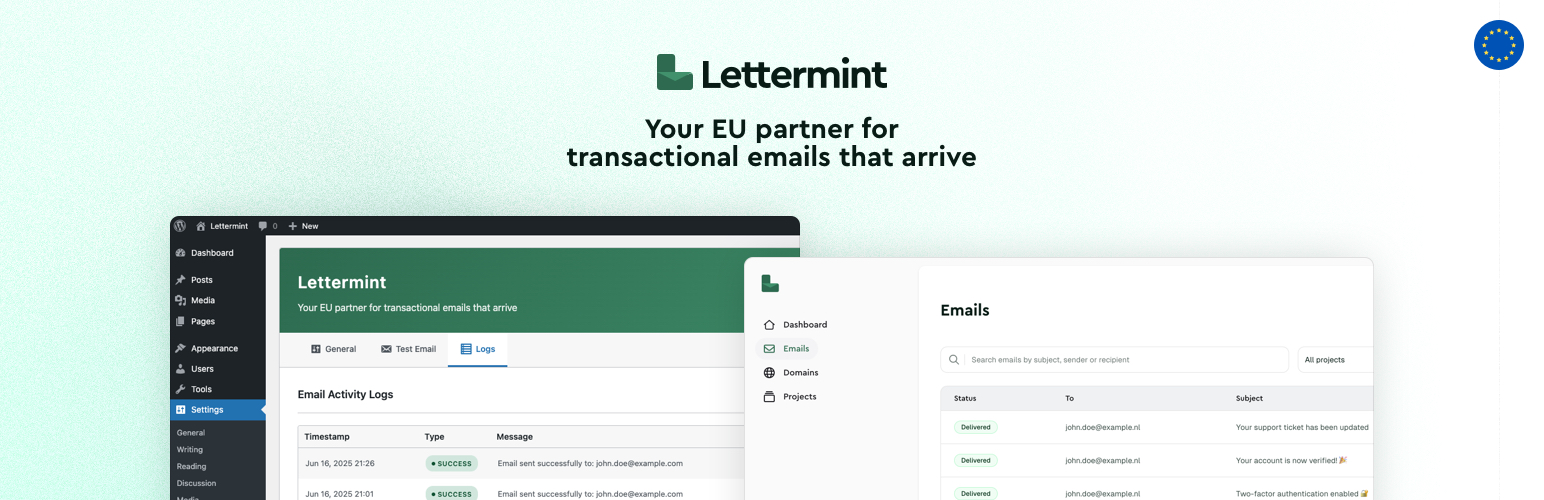

Lettermint is a professional email delivery plugin that seamlessly integrates with WordPress’s built-in wp_mail() function to send transactional emails through the Lettermint email service. Based in Europe, Lettermint provides reliable email delivery with excellent deliverability rates.
Features
- Seamless Integration: Works with wp_mail() – no code changes required
- Europe-based Service: GDPR compliant email service based in Europe
- Easy Configuration: Simple setup with just your API token and sender email
- Comprehensive Logging: Optional email activity logging with detailed information
- Conflict Detection: Automatically detects and warns about conflicting email plugins
- Test Email: Built-in test email functionality to verify your setup
How It Works
- Install and activate the Lettermint plugin
- Get your API token from Lettermint Dashboard
- Configure your settings in WordPress admin under Settings > Lettermint
- All WordPress emails will automatically be sent through Lettermint
Requirements
- WordPress 5.0 or higher
- PHP 7.4 or higher
- Lettermint account and API token
Configuration
Required Settings
- API Token: Your Lettermint API token from your project
Optional Settings
- From Email Address: Custom sender email address (uses WordPress default if empty)
- Force Email Address: Override sender addresses set by plugins with your configured email
- Enable Logs: Keep track of email activities and API responses
External Services
This plugin uses an external service to deliver transactional emails via the Lettermint API.
- Service Name: Lettermint API (https://lettermint.co)
- Purpose: This service is used to send transactional emails generated by WordPress (e.g. password resets, contact form notifications, WooCommerce emails, etc.) through the Lettermint email infrastructure.
- What Data Is Sent: Each time an email is sent via WordPress, the following data is sent to the Lettermint API:
- Email recipient(s)
- Subject
- Email content (HTML and plain text)
- Sender email address
- Headers (optional)
- When Is Data Sent: Data is only sent when an email is triggered by WordPress and the plugin is active and properly configured.
- Where: All data is sent to Lettermint’s API endpoint:
https://api.lettermint.co - Terms and Policies:
The plugin only communicates with Lettermint’s servers when sending an email and does not transmit or collect any other data beyond what is needed to send the email.






