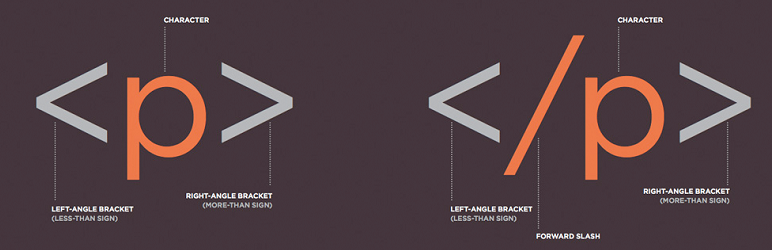
This plugins allows you to have a configurable list of html elements and html element attributes that will be removed from the content of posts,pages, and custom post types when they are saved.
Upload the entire lh-html-cleaner folder to the /wp-content/plugins/ directory.
Activate the plugin through the ‘Plugins’ menu in WordPress.
Navigate to Settings->HTML Cleaner (Network Admin->Settings->HTML Cleaner if the plugin is network activated) and enter the blacklisted elements and attributes.
سوالات متداول
Installation Instructions
Upload the entire lh-html-cleaner folder to the /wp-content/plugins/ directory.
Activate the plugin through the ‘Plugins’ menu in WordPress.
Navigate to Settings->HTML Cleaner (Network Admin->Settings->HTML Cleaner if the plugin is network activated) and enter the blacklisted elements and attributes.