
Link Shortner

Link Shortner

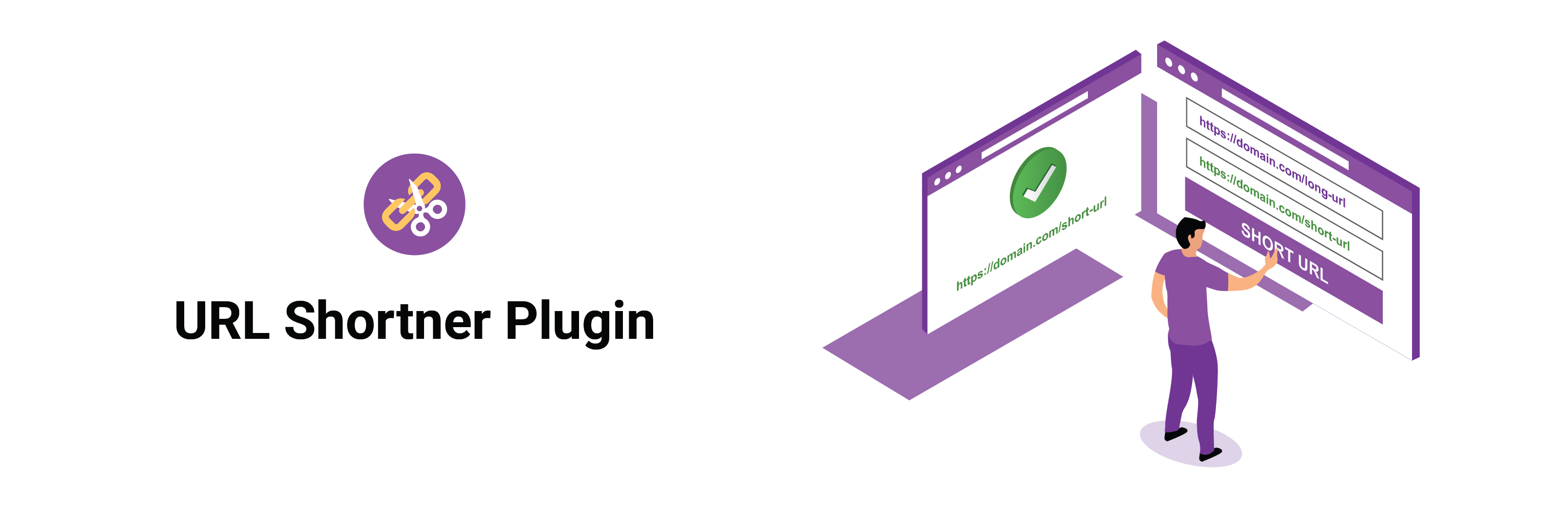
Link Shortner helps you generate short links and share any URL on or off your WordPress website.
With this plugin, you can:

  • Create short links for posts.
  • Share short links on social media, emails, or anywhere online.
  • Quickly regenerate links with one click from your WordPress admin.

Whether you’re managing content, marketing campaigns, or just want neat and professional URLs, Link Shortner makes it simple and effective.

  1. From your WordPress dashboard, go to Plugins Add New.
    Search for Link Shortner, then click Install and Activate.

  2. Or upload manually:
    Upload the link-shortner folder to the /wp-content/plugins/ directory and activate it from the Plugins menu in WordPress.

سوالات متداول

How do I generate a short link?

After installing Link Shortner, go to the Posts section.
There you’ll see a Regenerate Link button that creates a short URL for your post.

×
نظری برای این آیتم موجود نیست.
0 0 رای ها
امتیازدهی
اشتراک در
اطلاع از
0 نظرات
قدیمی‌ترین
تازه‌ترین بیشترین رأی
بازخورد (Feedback) های اینلاین
مشاهده همه دیدگاه ها
نسخه حجم فایل SHA256 تغییرات دانلود
1.1 5 کیلوبایت -
دانلود
×
★★★★★
★★★★★
4.5 /5 (11 نظر)

قیمت:

رایگان

نگارش

1.1

آخرین انتشار

15 اردیبهشت 1405

آخرین بروزرسانی

2 ماه پیش

نصب های فعال

800+

نگارش وردپرس

وردپرس 5.6+

تست شده از نسخه

وردپرس 6.8.5

نگارش PHP

-

نسخه ها

1 نسخه




