
Multi Location for WP Job Manager

Multi Location for WP Job Manager

توسط

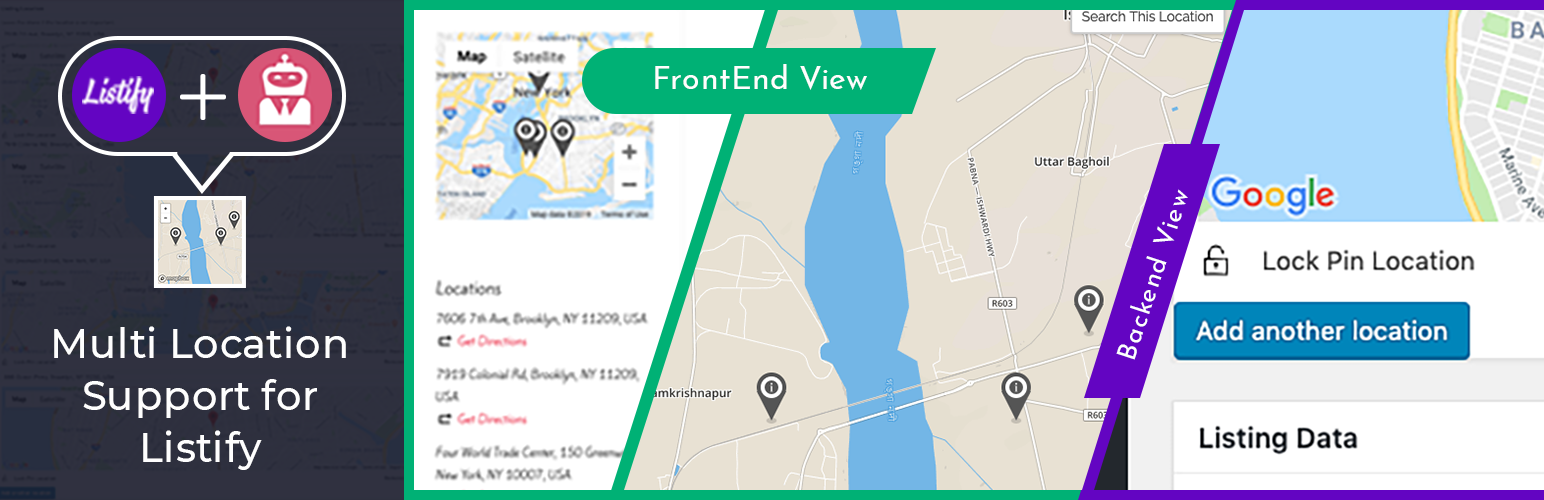
It wasn’t possible to add more than one marker or location in WP Job Manager with WP Job Manager extended location plugin. This plugin makes this happen. You can simply install and activate it. No other changes required. You will see a multi-location button to add as many locations as you need for the listing.

The multi-location plugin adds the ability to add as many markers as you want. Multi-location marker shows in single listing page as well as in the explore or search map.

This plugin has the following dependencies:

  • WP Job Manager plugin
  • WP Job Manager – Extended Location plugin
  • WP Job Manager addon – Jobs Geolocation plugin.

Feel free to give feedback or contact me at

KEENDEVS at GMAIL dot COM

for any questions, comments or suggestions.

If any problem occurs, please contact us at https://keendevs.com/contact-us/

Quick Setup

1) Install the plugin through the backend of your WordPress site or via FTP.

Having trouble with installation? Just check our website with free videos on installation and setup.

From WordPress Backend (automatic):
Go to Plugins -> Add new -> click on Upload Plugin and upload the zip file.

Manual Setup:
1. Upload the zip folder /wp-content/plugins/ directory
2. Activate the plugin through the ’Plugins’ menu in WordPress

سوالات متداول

پرسش و پاسخی برای این آیتم موجود نیست.
×
نظری برای این آیتم موجود نیست.
0 0 رای ها
امتیازدهی
اشتراک در
اطلاع از
0 نظرات
قدیمی‌ترین
تازه‌ترین بیشترین رأی
نسخه حجم فایل SHA256 تغییرات دانلود
2.0 17 کیلوبایت -
دانلود
×
بدون امتیاز

قیمت:

رایگان

نگارش

2.0

آخرین انتشار

20 اردیبهشت 1405

آخرین بروزرسانی

3 ماه پیش

نصب های فعال

-

نگارش وردپرس

وردپرس 5.0+

تست شده از نسخه

وردپرس 5.8.13

نگارش PHP

PHP 7.0+

نسخه ها

1 نسخه




