
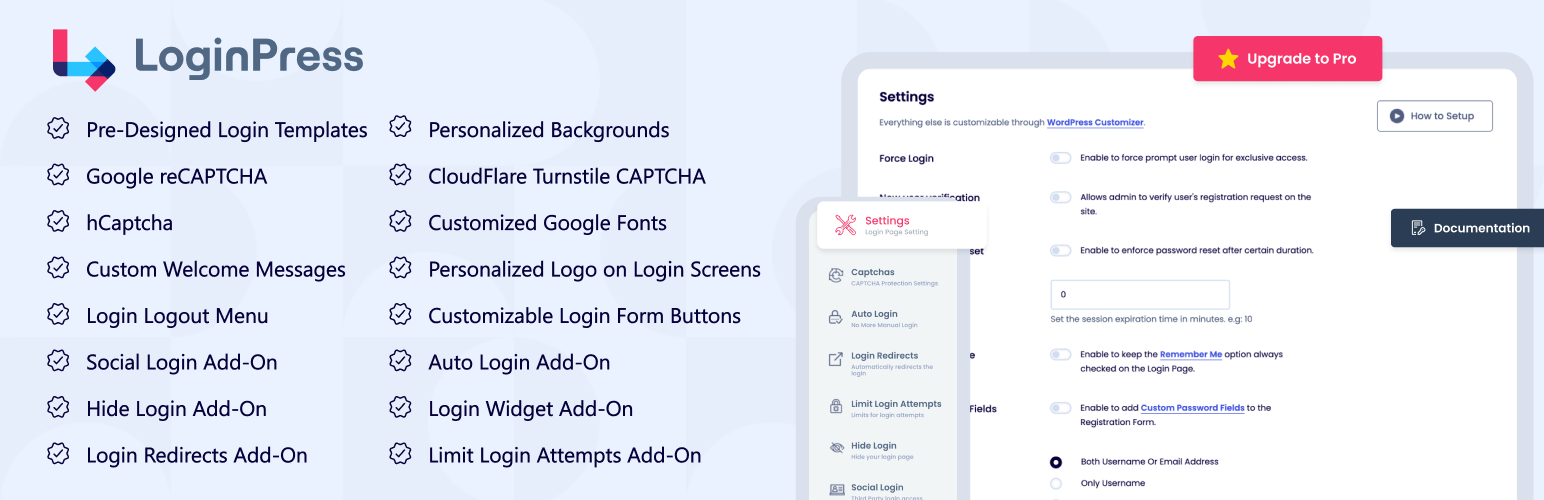

LoginPress Plugin by LoginPress holds a lot of customization fields to change the layout of the login page of WordPress. You can modify the look and feel of login page completely even the login error messages, forgot error messages, registration error messages, forget password hint message and many more.
LoginPress Plugin would give you and your users a feeling that it is a custom login page and a part of the site layout. You must checkout the Demo video of how you can customize WordPress login page.
Getting Started video for customizing login page using LoginPress
Why You Should Upgrade to LoginPress Pro?
LoginPress plugin is built using The Customizer API which is getting popular for live-previewing any changes to the layouts of WordPress. So, with LoginPress you can preview your login page changes instantly. This login customizer plugin is easy enough & required no coding skills. Just have options for each element on the login form and make a new customized login page within seconds.
Multilingual & Translatable
WPML Compatible
LoginPress Addons:
We have a collection of great Free and Pro addons that makes LoginPress more powerful. Upgrade to Pro package and enjoy the show.
- Login Logout Menu (FREE)
- Social Login
- Login Widget
- Login Redirects
- Limit Login Attempts
- Hide Login
- Auto Login
LoginPress Features:
-
Logo: Can change the login logo {image, width, height, padding, URL and Title}.
-
Background: You can customize background Image or Color. Set its position, Size and repeatable property.
-
Login Form: Even you can customize the login form {image or color, width, height, padding and border}. More over customize Input Text Field {width, margin, text color, label color and background color}.
-
Forget Form: Beauty of the plugin here you can change the background or color of the forget form.
-
Button: You can set the color of your button WYSIWYG.
-
Error Messages: Main Feature of the plugin. You can change the error log messages as you want to show users form LoginPress Error Messages.
-
Welcome Messages: Same as error log messages you can customize the welcome messages from LoginPress Welcome Messages.
-
Form Footer: After the login Button, here is form footer. You can customize the footer {text, display, text decoration, text color, text hover color and text size}. In this section you can also customize the page footer text.
Making WordPress Login page mobile friendly after customization
This plugin is also responsive. It means that when you customize login page, It will look good on mobile i.e It is Responsive.
LoginPress Features in Detail:
- Customize login error messages. You can change every error message whether it is on login form, forgot password form, register form or reset password form.
- Customize login logo image.
- Customize login logo image width.
- Customize login logo image height.
- Customize login logo image hover title.
- Customize login logo image hover link.
- Customize login logo padding bottom.
- Customize login page background image.
- Customize login page background color.
- Background Gallery with a selected set of HD Backgrounds for Login Screen.
- Customize login page background image size.
- Customize login page without background image. You can keep it simple with different login form style.
- Customize login form width.
- Customize login form height.
- Customize login form border style.
- Customize login form input styling.
- Customize login form label styling.
- Customize login form field text color.
- Customize login form background color.
- Customize login page “lost your password?” text.
- Customize login forgot password form background color and image.
- Customize login form button styling.
- Customize login form notice messages.
- Add copyright notice message at the bottom of login page.
- Customize “Back to” text at login page. You can hide or show or change the color or even the text size as well.
- Customize login page footer. We call login page footer area under the login form fields.
- LoginPress has a Custom CSS area which can Customize login page in more advanced way. Recommended for advanced users.
- Customize your login page in more advanced way using our Custom JS area. Add your JS there and make your login page more advanced.
- Customize login page with unlimited features available in LoginPress.
After going through this extensive list of features you can imagine Why LoginPress is the best login page customizer in the WordPress market.
Beautify and Innovate your WordPress login page without any coding knowledge!
Languages compatible
- Arabic
- Chinese (Traditional)
- Dutch
- Spanish
- French Translated by Jean Scheider
- Dutch (Netherlands) Translated by Harm10
- Russian Translated by satone667
- Portuguese (Brazil) Translated by Rodrigo
- Polish (Poland) Translated by Mateusz
What’s Next
If you like this plugin, then consider checking out our other amazing plugins:
- Analytify – Google Analytics WordPress Plugin
- WordPress Related Posts – Best Related Posts Plugin
- Simple Social Buttons – Simple Social Sharing WordPress Plugin
- Under Construction, Coming Soon & Maintenance Mode – Plugin for Under construction & Coming soon page
- Insert Scripts in Headers and Footers
Notes
LoginPress is absolutely, positively the most beginner friendly WordPress custom login form plugin on the market. It is both easy and powerful.
Also, I’m the founder of WPBrigade, We do custom WordPress themes for clients and can transform any website in WordPress. It was a huge priority for me to make a WordPress custom login form plugin that beginners can use without any training.
I feel that we have done that here. I hope you enjoy using LoginPress.
Thank you
Muhammad Adnan






