
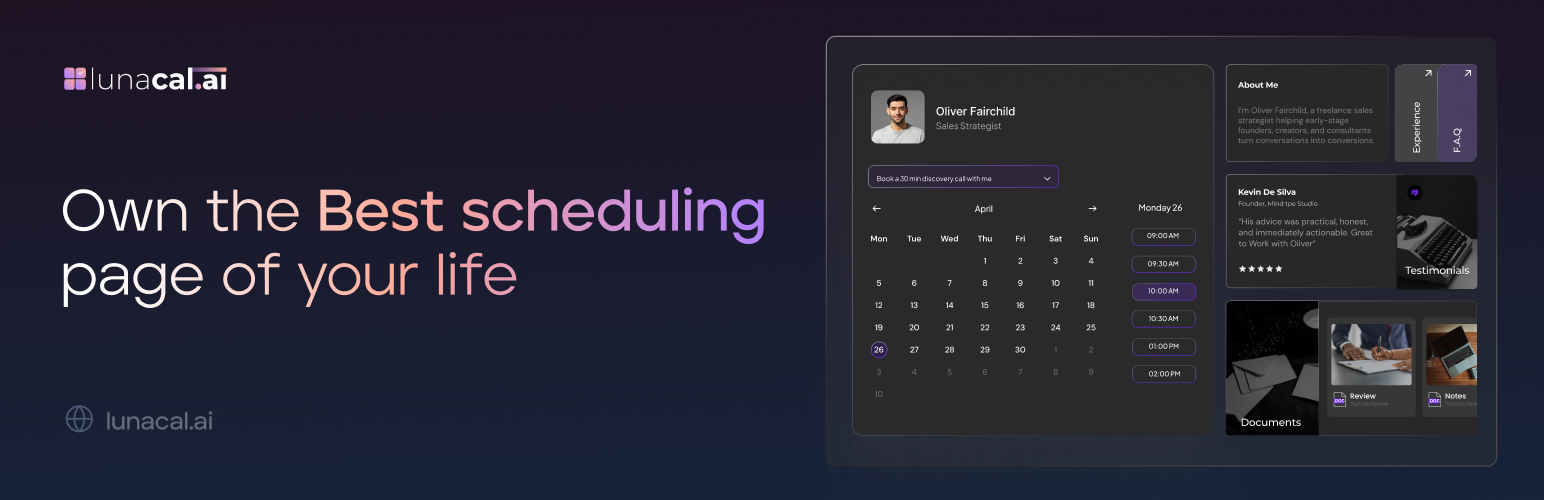
Lunacal.ai

Lunacal.ai

توسط

Lunacal allows you to efficiently manage and maintain your calendar.
Embed your branded booking experience directly in WordPress using a simple shortcode.

Features

  • Add Lunacal booking calendar to any WordPress page/post with a simple shortcode.
  • Customize your booking appearance via your Lunacal dashboard.
  • Supports multiple booking links per site.
  • Mobile-responsive embed.

Shortcode

[lunacal url=username/meetingid]

  • url — (required) The partial path to your booking calendar.

  1. Install the plugin via WordPress dashboard or upload the ZIP file directly.
  2. Activate the plugin.
  3. Paste the embed shortcode in a page or post.
  4. Shortcode format: [lunacal url=username/meeting-name]
  5. Format: username/meeting-name
    Example: For https://lunacal.ai/john/demo, use john/demo in the shortcode.
    So the shortcode becomes: [lunacal url=john/demo]
  6. Voila now you have the calendar embedded on your wordpress site.

سوالات متداول

Can I use multiple shortcodes on the same page?

Yes. Each embed is isolated and loads independently.

Can I use the full Lunacal URL in the shortcode?

No, use only the path after the domain. For example: john/demo.

Where do I customize the appearance of my booking calendar?

Inside your Lunacal dashboard.

تصویری برای این آیتم موجود نیست.
نظری برای این آیتم موجود نیست.
0 0 رای ها
امتیازدهی
اشتراک در
اطلاع از
0 نظرات
قدیمی‌ترین
تازه‌ترین بیشترین رأی
بازخورد (Feedback) های اینلاین
مشاهده همه دیدگاه ها
نسخه حجم فایل SHA256 تغییرات دانلود
1.1.1 23 کیلوبایت -
دانلود
×
بدون امتیاز

قیمت:

رایگان

نگارش

1.1.1

آخرین انتشار

22 اردیبهشت 1405

آخرین بروزرسانی

1 ماه پیش

نصب های فعال

10+

نگارش وردپرس

وردپرس 5.0+

تست شده از نسخه

وردپرس 6.9.4

نگارش PHP

PHP 7.0+

نسخه ها

1 نسخه



