
LW Foldora Checkout Order Toggle for WooCommerce

LW Foldora Checkout Order Toggle for WooCommerce

توسط

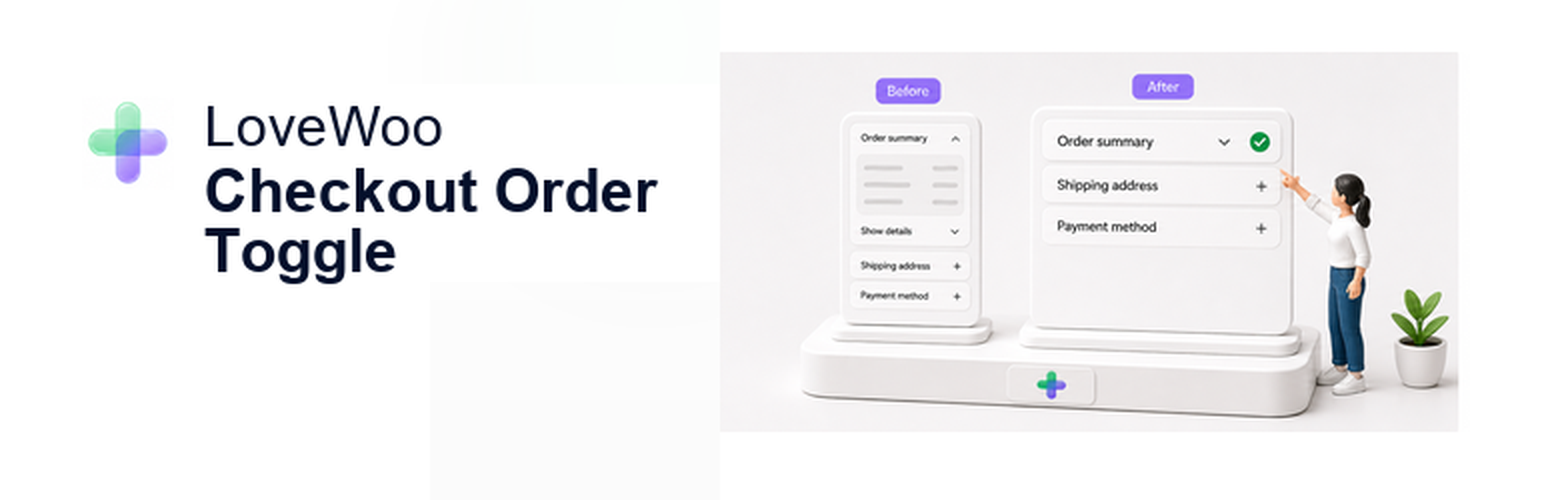
LW Foldora Checkout Order Toggle for WooCommerce is a lightweight WooCommerce checkout helper that lets store owners collapse order detail rows by device type while keeping payment, shipping, totals, and the place-order button clear and usable.

The plugin is designed for Classic Checkout. It adds a small order detail toggle control around the checkout order review table and can hide product detail rows, the order review table header, and the cart subtotal row while preserving shipping rows, coupon rows, fee rows, the order total, payment methods, terms, and the place-order button.

Store owners can choose whether the toggle controls are enabled on desktop, tablet, and mobile layouts. The default setup keeps desktop and tablet layouts unchanged while enabling the toggle on mobile checkout layouts.

This plugin does not replace WooCommerce checkout templates and does not modify checkout submit, order creation, shipping calculation, coupon handling, order status, payment methods, or payment lifecycle.

  1. Upload the plugin folder to /wp-content/plugins/.
  2. Activate LW Foldora Checkout Order Toggle for WooCommerce.
  3. Go to Settings > LW Foldora Checkout Order Toggle.
  4. Choose the device layouts that should show checkout order detail toggle controls.

سوالات متداول

Does this plugin support WooCommerce Checkout Block?

No. This version is focused on WooCommerce Classic Checkout. Checkout Block pages are detected and skipped.

Does this plugin change payment, shipping, or order creation?

No. The plugin only changes the visibility of selected order review rows in the browser. It does not change checkout submission, payment processing, shipping calculation, coupon handling, order status, or order meta.

Which rows can be collapsed?

The plugin can collapse the order review table header, product item rows, and the cart subtotal row. Shipping, coupon, fee, and order total rows remain visible.

What are the default device settings?

Desktop is off, tablet is off, and mobile is on. This keeps larger checkout layouts unchanged by default.

×
نظری برای این آیتم موجود نیست.
0 0 رای ها
امتیازدهی
اشتراک در
اطلاع از
0 نظرات
قدیمی‌ترین
تازه‌ترین بیشترین رأی
بازخورد (Feedback) های اینلاین
مشاهده همه دیدگاه ها
هیچ نسخه‌ای برای این آیتم موجود نیست.
بدون امتیاز

قیمت:

رایگان

نگارش

آخرین انتشار

21 خرداد 1405

آخرین بروزرسانی

7 روز پیش

نصب های فعال

-

نگارش وردپرس

وردپرس 6.0+

تست شده از نسخه

وردپرس 7.0

نگارش PHP

PHP 7.4+

نسخه ها

0 نسخه




