
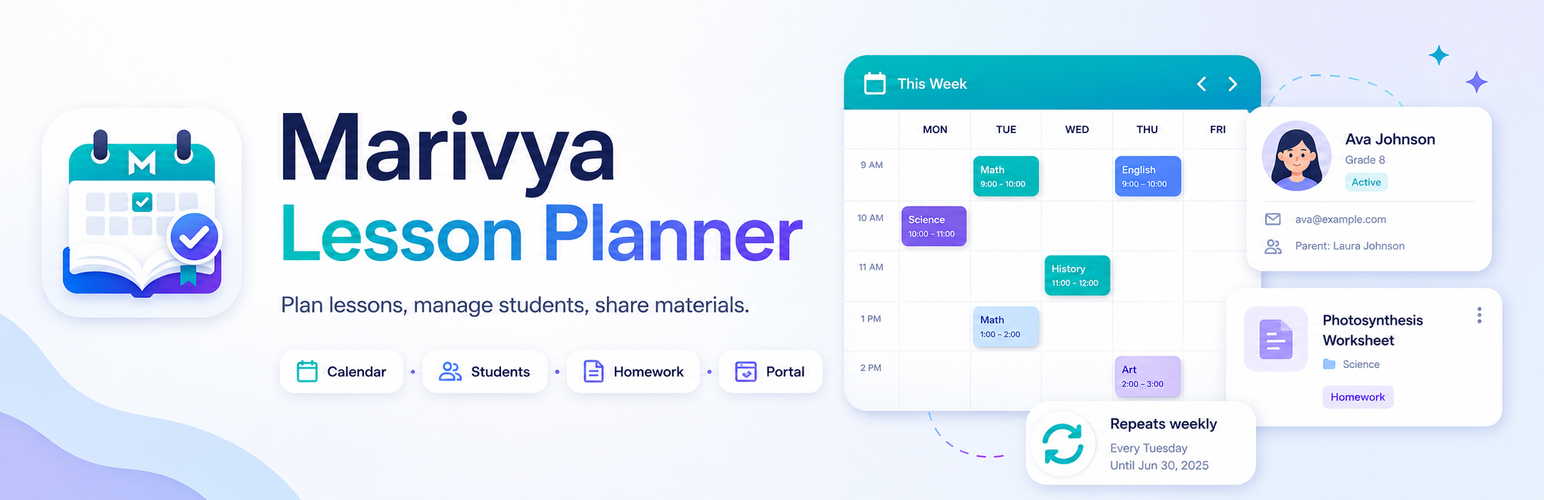
Marivya Lesson Planner

Marivya Lesson Planner

توسط

Marivya Lesson Planner helps tutors, private teachers, language teachers and coaches manage students, lessons and shared materials inside WordPress.

It includes a simple Student Portal that students can open via a magic link or PIN, so they can see upcoming lessons and notes without creating WordPress accounts.

Highlights
– Manage Students, Lessons, and Materials as dedicated WordPress admin screens.
– Create recurring lesson copies from one lesson: weekly, every 2 weeks, or monthly.
– Use lesson fields for date, time, duration, status, meeting link, notes and homework.
– Move lessons in the weekly calendar with drag and drop.
– Attach materials to a student or keep them global.
– Give students portal access via magic link or PIN.
– Send teacher email reminders and export upcoming lessons as an ICS calendar file.
– WordPress privacy integration: personal data exporter and eraser.
– No telemetry. No external services required.

Simple recurring lessons are included in the free version. A future Pro add-on may add advanced recurring rules, student reminders, billing helpers and a richer portal.

This plugin is independent and not affiliated with any LMS vendor.

How it works

  1. Create a Student.
  2. Add a Lesson with date, time and duration.
  3. In the lesson editor, use Repeat lesson to create future weekly, biweekly or monthly lesson copies.
  4. Optionally attach Materials to the student.
  5. Open a student and use the Student Portal access box to generate a magic link or set a PIN.
  6. Students access the portal from the link or by PIN. A secure session cookie keeps them logged in for 30 days.

Privacy

  • Includes a personal data exporter and eraser (Tools Export/Erase Personal Data).
  • Student portal session cookie: marivya_lp_portal (HTTP-only, SameSite=Lax, Secure on HTTPS), expires in 30 days.
  • Magic links expire after a chosen number of days (default 7).
  • No personal data is sent to third parties.

  1. Upload the plugin files to the /wp-content/plugins/marivya-lesson-planner/ directory or install via Plugins Add New.
  2. Activate the plugin through the Plugins screen in WordPress.
  3. A Student Portal page is created automatically (you can change the URL later).
  4. Go to Students and create your first student.
  5. Add one lesson or create a recurring lesson series from the lesson editor.

سوالات متداول

Can I create recurring lessons in the free version?

Yes. Open or create a lesson, set its date and time, then use the Repeat lesson box. You can create weekly, every-2-weeks or monthly copies. Existing matching lessons for the same student, date and time are skipped.

Does recurring editing change the whole series later?

No. The free recurring feature creates future lesson copies once. Each generated lesson can then be edited independently.

How do I send a magic link to a student?

Open a Student in the admin and use the Student Portal access box to generate and copy the link, or send it via email from the same screen.

Can I use a PIN instead of a link?

Yes. Set a PIN in the same Student Portal access box. PIN attempts are rate-limited and the PIN is stored as a hash.

Where is the portal page URL set?

A portal page is created on activation. You can change the base URL used in student access links in Marivya Lesson Planner Settings Student Portal.

Does the plugin add a frontend login or user accounts?

No. Students access their portal via a time-limited token link or a PIN; no WP user accounts are created.

How do I export or erase personal data?

Use WordPress tools: Tools Export Personal Data / Tools Erase Personal Data. The plugin registers its own exporter/eraser.

Does uninstall remove all data?

By default, options and sensitive portal metadata are removed, while CPT content (students/lessons/materials) is preserved.
You can force full removal via:
define( ‘MARIVYA_LP_DELETE_ALL_DATA_ON_UNINSTALL’, true );
or by hooking:
add_filter( ‘marivya_lp_uninstall_remove_content’, ‘__return_true’ );

تصویری برای این آیتم موجود نیست.
نظری برای این آیتم موجود نیست.
0 0 رای ها
امتیازدهی
اشتراک در
اطلاع از
0 نظرات
قدیمی‌ترین
تازه‌ترین بیشترین رأی
بازخورد (Feedback) های اینلاین
مشاهده همه دیدگاه ها
هیچ نسخه‌ای برای این آیتم موجود نیست.
بدون امتیاز

قیمت:

رایگان

نگارش

آخرین انتشار

22 اردیبهشت 1405

آخرین بروزرسانی

1 ماه پیش

نصب های فعال

-

نگارش وردپرس

وردپرس 6.3+

تست شده از نسخه

وردپرس 6.9.4

نگارش PHP

PHP 7.4+

نسخه ها

0 نسخه



