
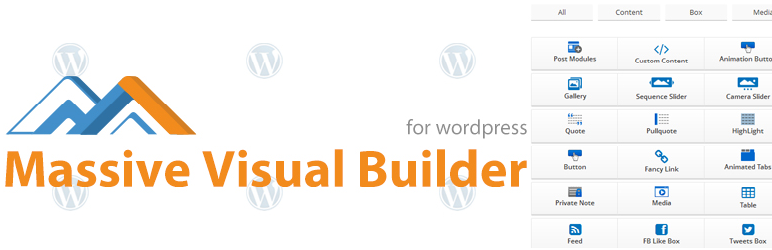

page builder that enable build theme Pages visually using a wide set of Shortcodes With advanced platform that has every things you need to manage page
items and their layouts, and customize their Style & Skin,it works with every theme to design a custom homepage or any other page or post.
Features:
1- About 40 Elements with advanced setting, ready to use and customize.
2- Responsive Grid.
3- Template System: to save and reuse whatever you build.
4- Drag & Drop Elements: to control the position of the elements.
5- Easy Extendable: MVB interact with any custom content.
6- Unlimited Layout & Skin: visual Style options to each Row & column page to design desirable layout.
7- Translated Ready and already translated to German, Spain, France, Portugal Languages.
Plugin Elements
– Custom Content.
– Menu.
– Frame.
– Simple Accordion.
– Divider.
– Spacer.
– Button.
– Label.
– Fancy link.
– List.
– Box.
– Media.
– Table.
– Google Map.
– Facebook Like Box.
– Tweets Box.
– Google+ Box.
– Members.
– Guests.
– Service.
– Note.
– Private Note.
– Quote.
– Pullquote.
– Highlight.
– Dropcap.
– Bloginfo.
– Permalink.
– WP Calendar.
– WP Archive.
– WP Categories.
– WP Links.
– WP Meta.
– WP Pages.
– WP Recent Comments.
– WP Recent Posts.
– WP Search.
– WP Tag Cloud.
– WP Text Widget.
Live Demo: http://www.wpmeal.com/mvb/demo/wp-admin/post-new.php?post_type=page
I’d be glad to help you if you have any questions relating to this plugin, I’ll do my best to assist, have a questions or need help: http://wpmeal.com/contact.php






