
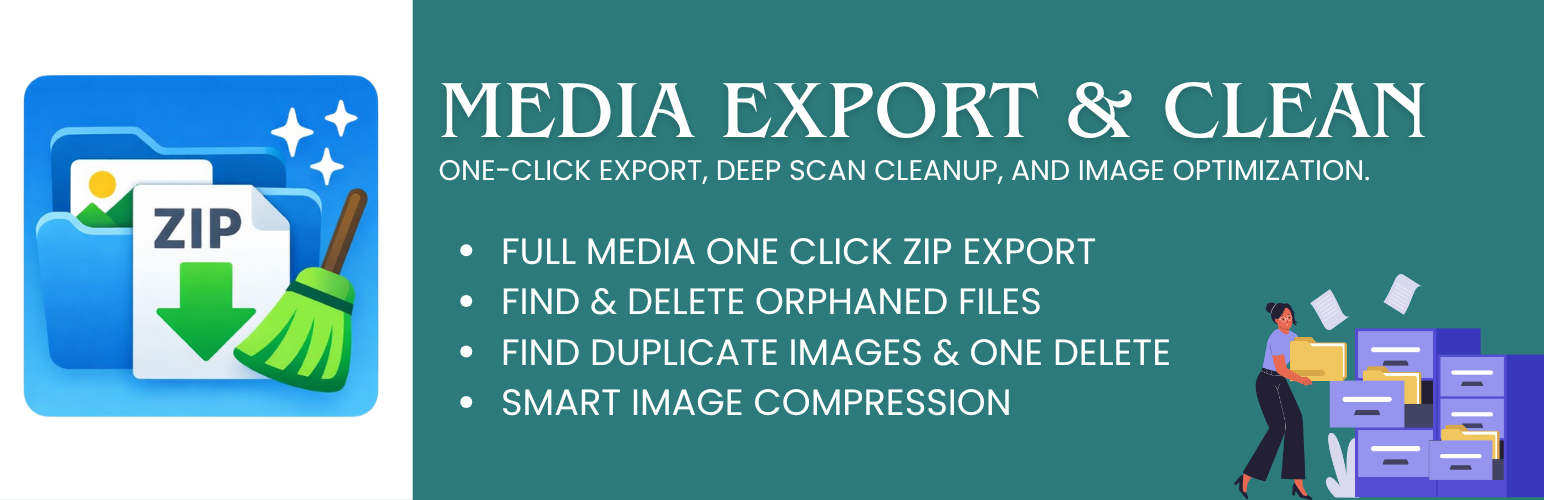
Media Export & Clean

Media Export & Clean

توسط

Media Export & Clean is a practical media management tool for WordPress administrators who need to export, audit, and clean their media libraries.

The plugin operates entirely within your WordPress installation. All processing is performed locally on your server without external API calls or remote communication.

It is useful for site migrations, backups, media audits, and storage cleanup.

Key Features

  • Export Media to ZIP – Package your Media Library into a downloadable ZIP archive.
  • Orphaned File Detection – Identify files in the uploads folder that are not registered in the Media Library.
  • Safe Cleanup Tools – Remove unused files to free up server storage.
  • Admin Dashboard – Clear interface for monitoring export and cleanup operations.
  • Basic Image Optimization – Compress individual images to help improve performance.
  • Security Focused – Uses WordPress capability checks and nonce verification for all actions.

Pro Version

A Pro version is available on the developer website and includes additional features such as:

  • Cloud export destinations (Google Drive, Dropbox)
  • Duplicate image detection and cleanup
  • Scheduled/Automatic cleanup scans
  • Bulk image optimization & WebP conversion
  • Advanced date-based export filters
  • Priority email support

More information:
https://plixorobd.com/product/media-export-clean-pro-plugin-official/

  1. Upload the media-export-clean folder to the /wp-content/plugins/ directory.
  2. Activate the plugin through the Plugins menu in WordPress.
  3. Navigate to Media Export in the WordPress admin menu.
  4. Use the available tools to export or analyze your media files.

سوالات متداول

Does this plugin send data to external services?

No. All processing occurs locally on your server. The plugin does not communicate with external APIs.

Where are the exported ZIP files stored?

ZIP files are created inside:

wp-content/uploads/mediexcl-exports/

You can download them directly from the plugin interface.

What are orphaned files?

Orphaned files are files located in your uploads directory that are not associated with any Media Library entry. These can accumulate over time and consume unnecessary storage.

Is it safe to delete orphaned files?

In most cases yes, but it is recommended to review detected files before deletion.

تصویری برای این آیتم موجود نیست.
نظری برای این آیتم موجود نیست.
0 0 رای ها
امتیازدهی
اشتراک در
اطلاع از
0 نظرات
قدیمی‌ترین
تازه‌ترین بیشترین رأی
نسخه حجم فایل SHA256 تغییرات دانلود
1.2.2 177 کیلوبایت -
دانلود
×
★★★★★
★★★★★
5.0 /5 (3 نظر)

قیمت:

رایگان

نگارش

1.2.2

آخرین انتشار

16 اردیبهشت 1405

آخرین بروزرسانی

3 ماه پیش

نصب های فعال

-

نگارش وردپرس

وردپرس 5.8+

تست شده از نسخه

وردپرس 6.9.4

نگارش PHP

PHP 7.4+

نسخه ها

1 نسخه



