
Mention Links

Mention Links

توسط

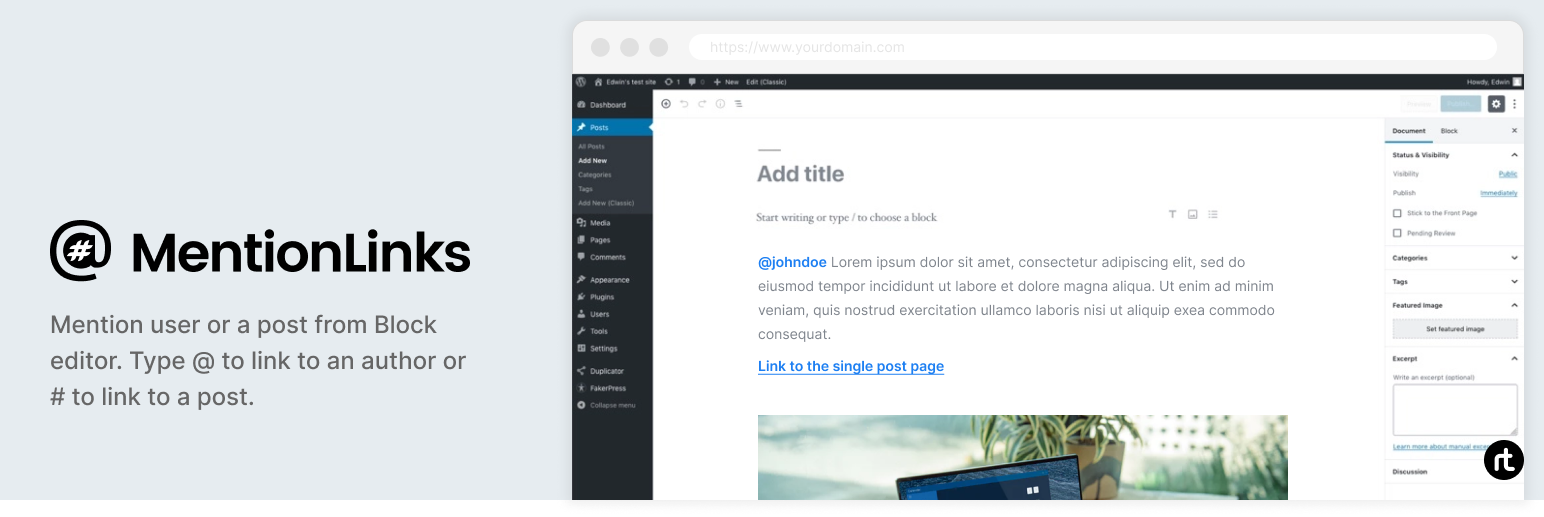
While writing contents from the block editor, type @ to get suggestions of users. On selecting a user it will create a link to authors page of that user.
To mention a post, type # and it will give you the list of all matching posts. On selecting a post it will create a link to the single post page.

Settings

This plugins adds a settings page under Settings -> Mention Links.

  1. Display username or display-name: This setting allows you choose whether to show user’s display-name or username when mentioning a user in a post.
  2. Custom Post Types support: Checking post types here will give you suggestions of posts from these post types.

Note: The posts suggestion list is retrieved from the WordPress REST API, so if a particular post type doesn’t support REST API then you might not see it in Custom Post Types support setting.

BTW, We’re Hiring!

Join us at rtCamp, we specialize in providing high performance enterprise WordPress solutions

Important Links

  • GitHub – Please mention your wordpress.org username when sending pull requests.

License

Same GPL that WordPress uses!

  1. Extract the zip file.
  2. Upload it to the /wp-content/plugins/ directory in your WordPress installation.
  3. Activate the Mention Links from your Plugins page.

سوالات متداول

Reporting a bug 🐞

Before creating a new issue, do browse through the existing issues for resolution or upcoming fixes.

If you still need to log an issue, making sure to include as much detail as you can, including clear steps to reproduce the issue, if possible.

Creating a pull request

Want to contribute a new feature? Start a conversation by logging an issue.

Once you’re ready to send a pull request, please run through the following checklist:

  1. Browse through the existing issues for anything related to what you want to work on. If you don’t find any related issues, open a new one.

  2. Fork this repository.

  3. Create a branch from develop for each issue you’d like to address and commit your changes.

  4. Push the code changes from your local clone to your fork.

  5. Open a pull request and that’s it! We’ll respond with feedback as soon as possible (Isn’t collaboration a great thing? 😌)

  6. Once your pull request has passed final code review and tests, it will be merged into develop and be in the pipeline for the next release. Props to you! 🎉

×
نظری برای این آیتم موجود نیست.
0 0 رای ها
امتیازدهی
اشتراک در
اطلاع از
0 نظرات
قدیمی‌ترین
تازه‌ترین بیشترین رأی
نسخه حجم فایل SHA256 تغییرات دانلود
1.0.4 69 کیلوبایت -
دانلود
×
★★★★★
★★★★★
5.0 /5 (1 نظر)

قیمت:

رایگان

نگارش

1.0.4

آخرین انتشار

24 اردیبهشت 1405

آخرین بروزرسانی

3 ماه پیش

نصب های فعال

20+

نگارش وردپرس

وردپرس 5.0+

تست شده از نسخه

وردپرس 6.6.5

نگارش PHP

PHP 7.0+

نسخه ها

1 نسخه




