
Minimum Purchase Amount For Woo Cart – For WooCommerce

Minimum Purchase Amount For Woo Cart – For WooCommerce

توسط

  • This woocommecre extension will allow you to specify the minimum purchase value for WooCommerce.
  • The extension will also allow to set the different minimum order amount for each user role.
  • To show the cart message using the shortcode ‘ct_mpac_minimum_order_amount_message’, add the following shortcode on the page/post where you want to show this message.
    > [ct_mpac_minimum_order_amount_message]
  • A newly added feature will allow you to offer the free shipping over the specified cart amount.

Check out how the plugin works:

Like, Share & Subscribe to the Channel.

Features of Minimum Purchase Amount For Woo Cart

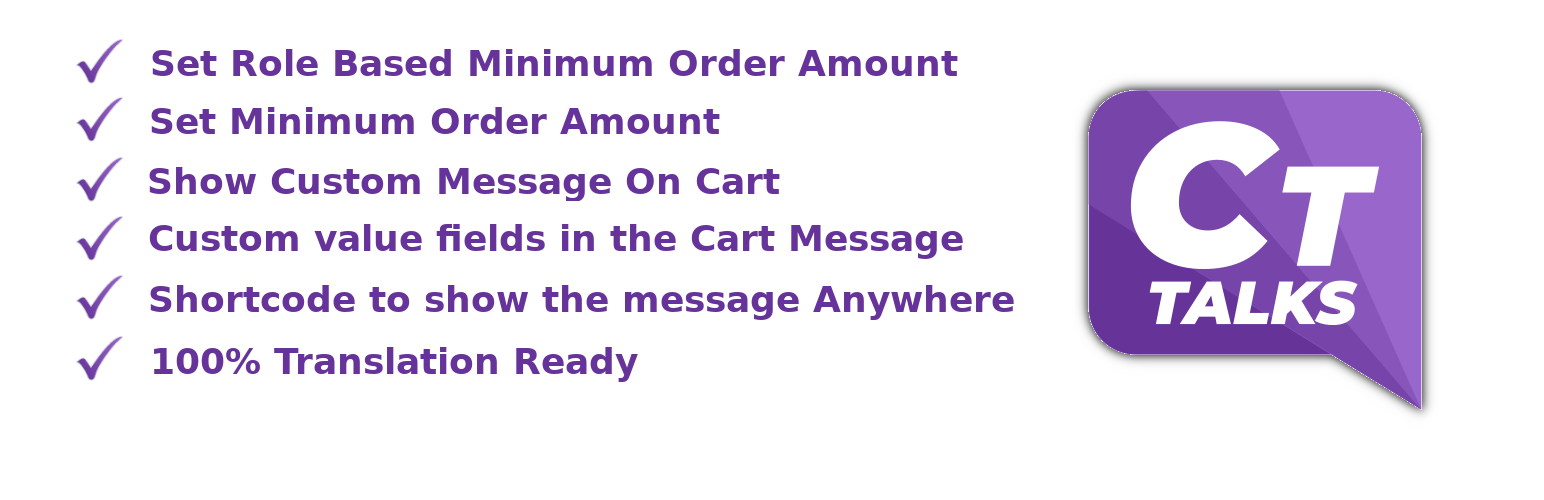
  • Restrict the purchase if the cart amount is lesser than the specified amount.
  • Ability to set the minimum order amount by user roles.
  • Enable/Disable the role based minimum order rules.
  • Specify custom messages for the resctrictions on the cart page.
  • Shortcode to show the cart message anywhere on the site.
  • Translation ready.
  • Highly customizable.

Workflow of Minimum Purchase Amount For Woo Cart

After the plugin installation, the admin needs to set the minimum purchase amount in the settings. Cart Settings > Minimum Cart Amount To Make a Purchase.

Minimum Requirements

  • PHP version 7.4 or greater (PHP 7.4 or greater is recommended)
  • MySQL version 5.6 or greater (MySQL 5.6 or greater is recommended)
  • WordPress 4.4+
  • WooCommerce 3.0+

Automatic installation

Automatic installation is the easiest option as WordPress handles the file transfers itself and you don’t need to leave your web browser. To do an automatic install of Minimum Purchase Amount For Woo Cart, log in to your WordPress dashboard, navigate to the Plugins menu and click Add New.

In the search field type “Minimum Purchase Amount For Woo Cart” and click Search Plugins. Once you’ve found our Minimum Purchase Amount For Woo Cart plugin you can view details about it such as the point release, rating and description. Most importantly of course, you can install it by simply clicking “Install Now”.

Manual installation

The manual installation method involves downloading our plugin and uploading it to your webserver via your favourite FTP application. The WordPress codex contains instructions on how to do this here.

Updating

Automatic updates should work like a charm; as always though, ensure you backup your site just in case.

سوالات متداول

Does this plugin work with newest WP version and also older versions?

Yes, this plugin works fine with WordPress 6.7, It is also compatible for older WordPress versions upto 4.4.

Up to which version of WooCommerce this plugin compatible with?

This plugin is compatible with the latest version of WooCommerce.

Where can I get support or talk to other users?

If you get stuck, you can ask for help in the WordPress Plugin Forum or just email us at support@cttalks.com.

×
نظری برای این آیتم موجود نیست.
0 0 رای ها
امتیازدهی
اشتراک در
اطلاع از
0 نظرات
قدیمی‌ترین
تازه‌ترین بیشترین رأی
نسخه حجم فایل SHA256 تغییرات دانلود
2.3.25 737 کیلوبایت -
دانلود
×
★★★★★
★★★★★
4.6 /5 (8 نظر)

قیمت:

رایگان

نگارش

2.3.25

آخرین انتشار

12 اردیبهشت 1405

آخرین بروزرسانی

4 ماه پیش

نصب های فعال

4,000+

نگارش وردپرس

وردپرس 4.4+

تست شده از نسخه

وردپرس 6.9.4

نگارش PHP

PHP 7.4+

نسخه ها

1 نسخه




