
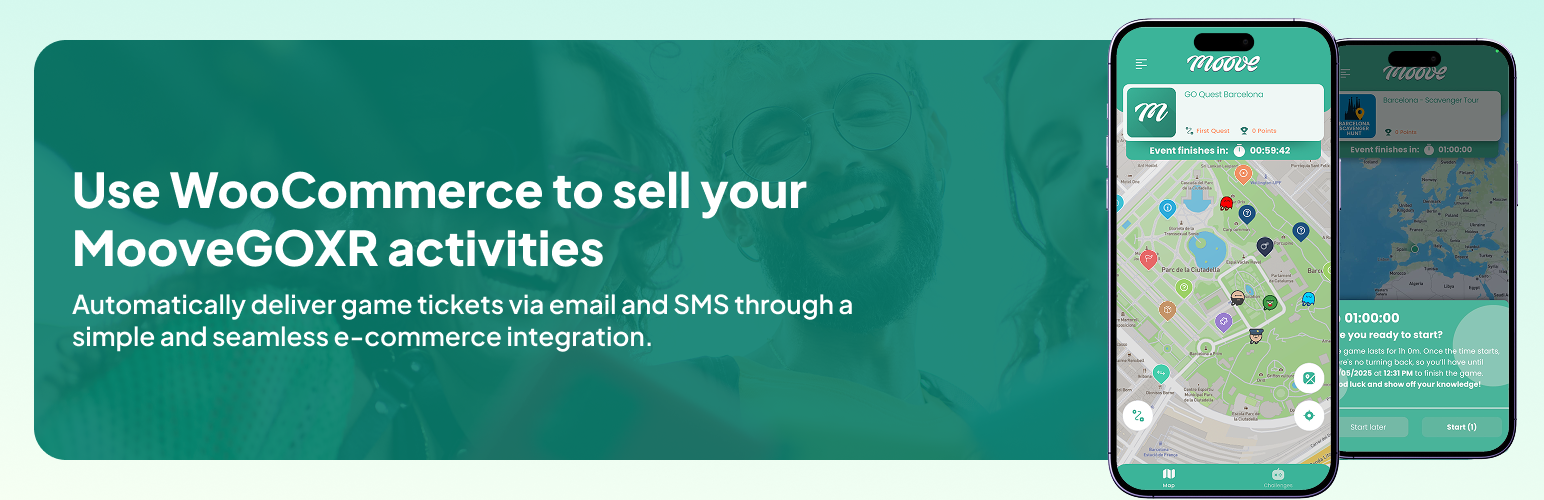

MooveGO for WooCommerce automatically sends orders from WooCommerce to the MooveGO platform for ticket and service fulfillment.
Features:
- Send ticket sales automatically on order processing or completion
- Supports simple and variable products with per-variation MooveGO codes
- Automatic retry with configurable delay if MooveGO server is temporarily unavailable
- Uses Action Scheduler (bundled with WooCommerce) for reliable background processing
- Compatible with WooCommerce High-Performance Order Storage (HPOS)
- Optional API key authentication for secure server communication
- GDPR-ready: integrates with WordPress privacy tools for data export and erasure
- Debug logging via WooCommerce logs (opt-in)
- Compatible with modern PHP versions (7.4+)
Third-Party Services
This plugin connects to the MooveGO platform operated by Mooveteam to transmit order data for ticket and service fulfillment.
When data is sent: Each time a WooCommerce order reaches the configured status (Processing or Completed), the plugin sends an API request to the MooveGO server.
Data transmitted:
- Customer name (billing first and last name)
- Customer email address
- Customer phone number
- MooveGO product code
- Product quantity
- Order reference (order ID, item ID, product ID, product name, item total, site URL)
Service details:
- Default server: https://go.mooveteam.com
- Service website: https://mooveteam.com/
- Terms of Use: https://mooveteam.com/terms-of-use/
- Privacy Policy: https://mooveteam.com/privacy-policy/
No data is sent until the administrator activates and configures the plugin under WooCommerce Settings Integrations MooveGO.




