
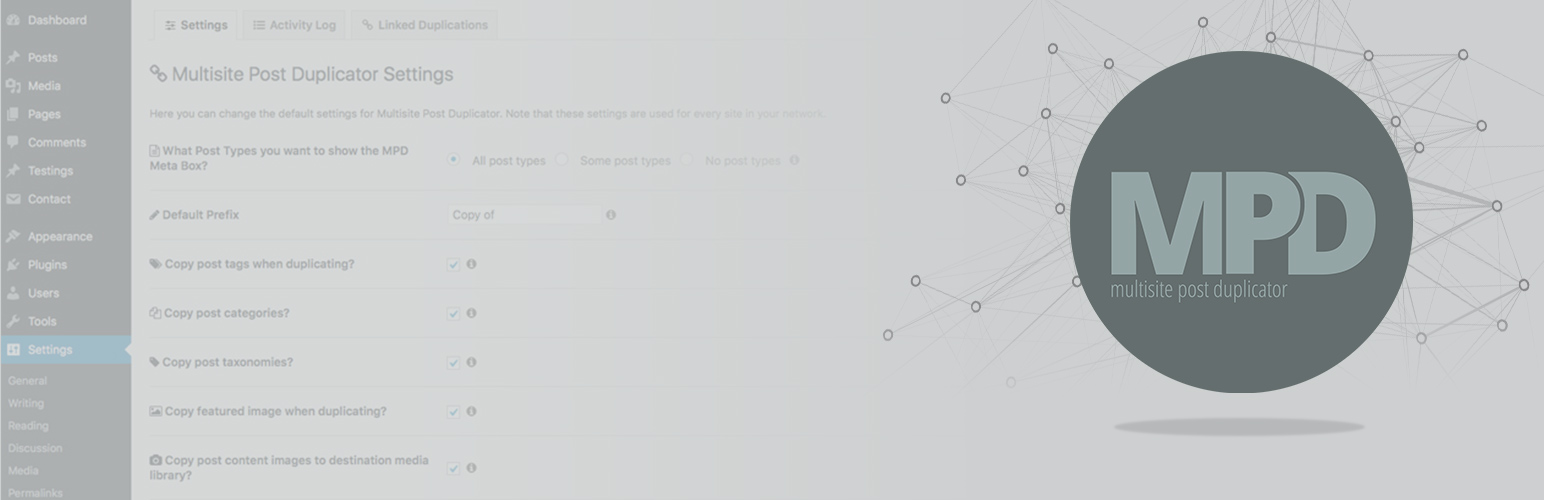

Duplicate/Copy/Clone any individual page, post or custom post type from one site on your multisite network to another.
-
Multisite Post Duplicator can copy the following:
- Custom fields
- Related post meta
- Custom post types on your network (make sure post type exists in your destination site)
- Featured image
- Images within post content
- Tags
- Categories. (If the category doesn’t exist in the destination site then the category is created and assigned to the post)
- Taxonomy terms. (make sure taxonomy is also registered on your destination site).
- Parent and child relationships (must use batch duplication option to achieve this).
- Site Media files to other sites on your network
- ACF Fields
- ACF Field Groups (sync field groups within your network!)
-
Create a duplication link/syndication
- If you ever update the source post again it will automatically update the duplicated page and keep them in sync.
-
Tools
- Batch Duplication
- Metabox control within Post/page edit screen
- Activity Log. View information on all duplications performed within your network
-
Settings
- Settings page to customise the default behaviour
- Manage you linked duplications. Add/Remove.
- Restrict functionality to only certain sites on your network
- Restrict functionality to users of certain roles
- Select what status you want your new copy of post to be i.e Published, Draft etc
- Specify a prefix for the new post to avoid confusion
- Choose to ignore specific post meta keys in the duplication process
-
Developers
- Create your own addons! Multisite Post Duplicator is now fully extendable. Create your own functionality. Check out the API documentation.
- Check out a list of hooks you can use (http://www.wpmaz.uk/multisite-post-duplicator-actions-and-filters/).






