
MX Time Zone Clocks

MX Time Zone Clocks

توسط

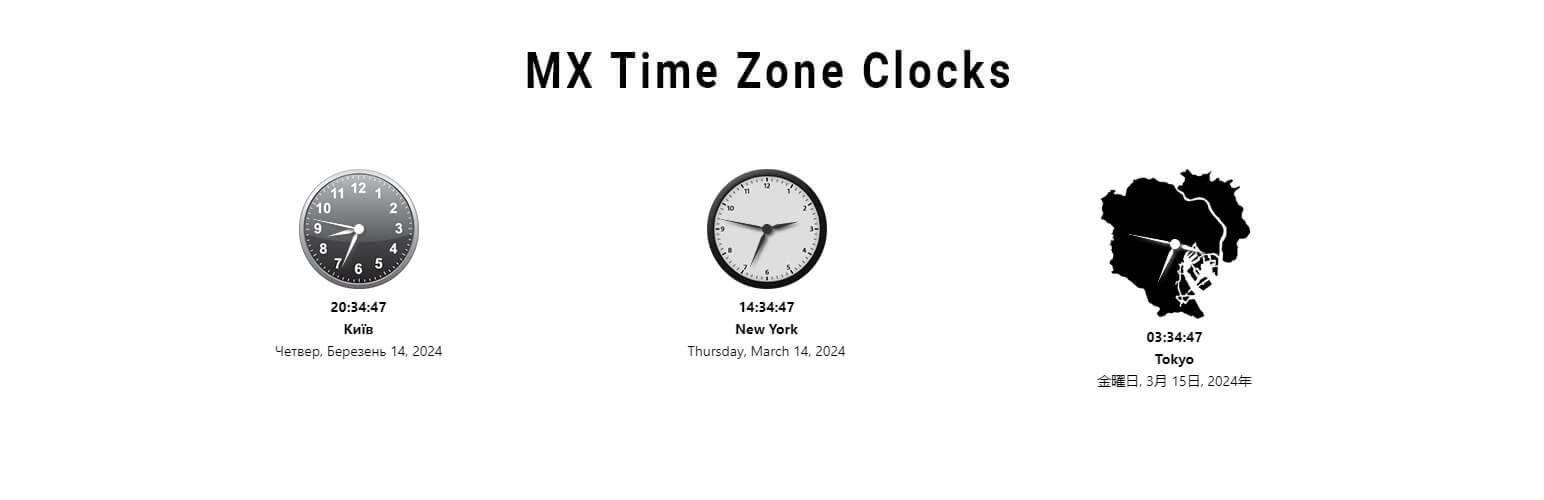
MX Time Zone Clocks – the ultimate solution for displaying multiple time zone clocks on your WordPress website effortlessly! With our plugin, you can now provide your users with the convenience of viewing time zone differences instantly, making scheduling and collaboration across different regions a breeze.

How does it work?

I want to thank Harish Premkumar for his jQuery plugin Canvas Clock

From your WordPress dashboard

  1. Visit ‘Plugins > Add New’
  2. Search for ‘MX Time Zone Clocks’
  3. Activate the plugin from your Plugins page.

From WordPress.org

  1. Download ‘MX Time Zone Clocks’.
  2. Upload the ‘MX Time Zone Clocks’ directory to your ‘/wp-content/plugins/’ directory, using your favorite method (ftp, sftp, scp, etc…)
  3. Activate ‘MX Time Zone Clocks’ from your Plugins page.

سوالات متداول

پرسش و پاسخی برای این آیتم موجود نیست.
×
نظری برای این آیتم موجود نیست.
0 0 رای ها
امتیازدهی
اشتراک در
اطلاع از
0 نظرات
قدیمی‌ترین
تازه‌ترین بیشترین رأی
بازخورد (Feedback) های اینلاین
مشاهده همه دیدگاه ها
نسخه حجم فایل SHA256 تغییرات دانلود
5.1.1 1 مگابایت -
دانلود
×
★★★★★
★★★★★
4.7 /5 (15 نظر)

قیمت:

رایگان

نگارش

5.1.1

آخرین انتشار

13 اردیبهشت 1405

آخرین بروزرسانی

2 ماه پیش

نصب های فعال

1,000+

نگارش وردپرس

وردپرس 4.9+

تست شده از نسخه

وردپرس 6.5.8

نگارش PHP

-

نسخه ها

1 نسخه




