
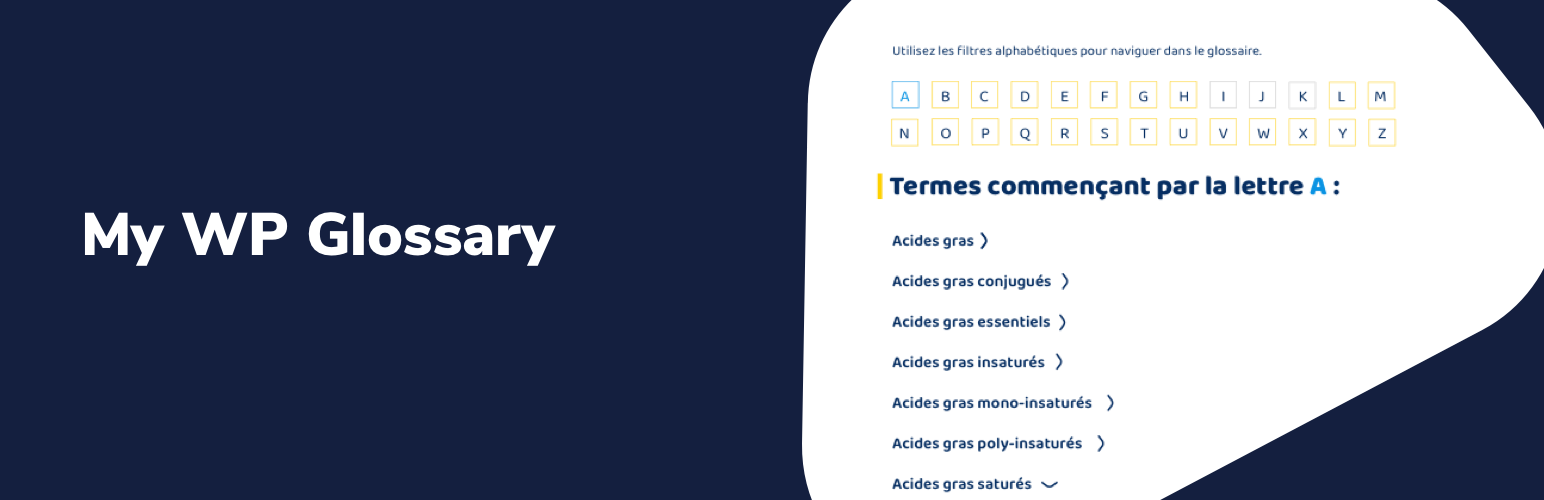

This plugin make it really simple to add a glossary page to your website.
It uses Schema.org DefinedTermSet structured data for better search engine optimization (SEO) of your definitions list.
Once you definition terms are ready, you can easily include them into a glossary page using our Glossary block for Gutenberg (or the [glossary] shortcode if you’re not using Gutenberg yet).
Plus, this plugin will automatically add a link to the related glossary definitions each time the term appears in all your posts and pages. This is super helpful for your internal linking.
By default, this plugin use a very minimal amount of CSS styles (so it works well on all WordPress themes!), but it provides all the CSS classes you’ll need to style it on your own 🙂




