
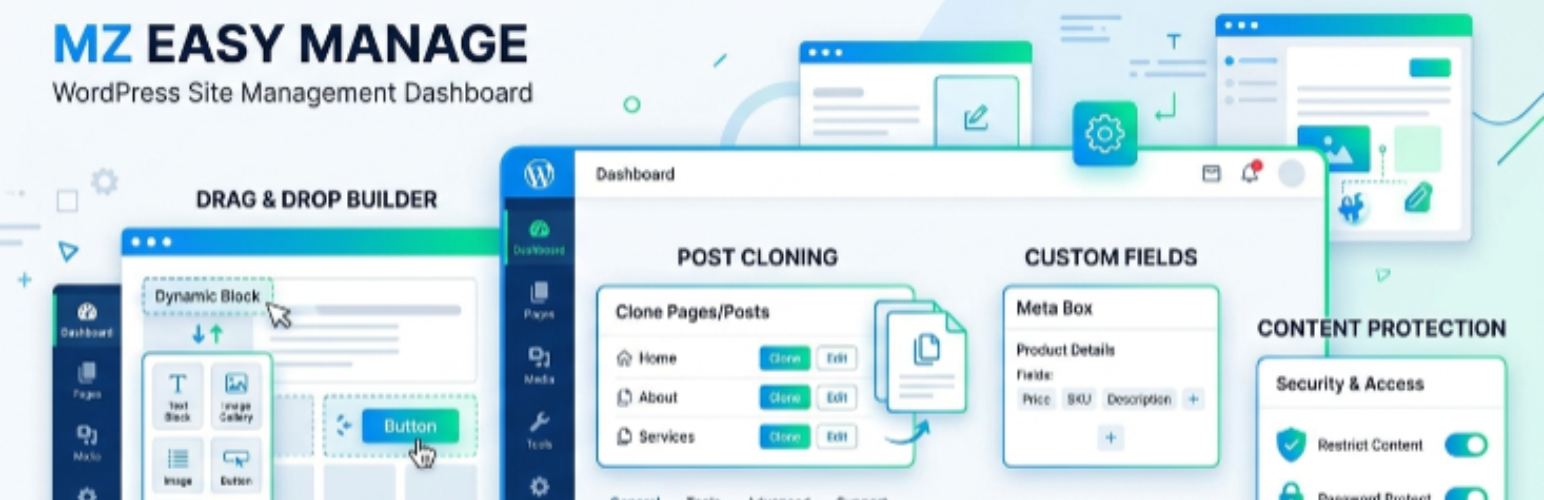

MZ Easy Manage is a modern, powerful, and modular management tool designed for WordPress site owners and developers. It brings together several essential utilities into a single, clean admin dashboard, eliminating the need for multiple lightweight plugins.
Key Features:
- Post / Page / CPT Clone: Effortlessly duplicate any post type, including all metadata, taxonomies, and custom fields (ACF supported).
- Custom Field Viewer: Browse and filter your posts through an intuitive table that displays any custom field as a sortable column.
- Content Protection: Secure your content with customizable protection settings, including disabling right-click, keyboard shortcuts (Inspect Element), and image dragging.
- File Upload Control: Override default WordPress upload limits for your site with a single toggle.
- MIME Type Manager: Take full control over allowed file upload types for improved security and flexibility.
- Custom Order (Drag & Drop): Reorder your posts and pages with a modern drag-and-drop interface.
- Export / Import: Seamlessly move your content between sites using JSON or XML formats.






