
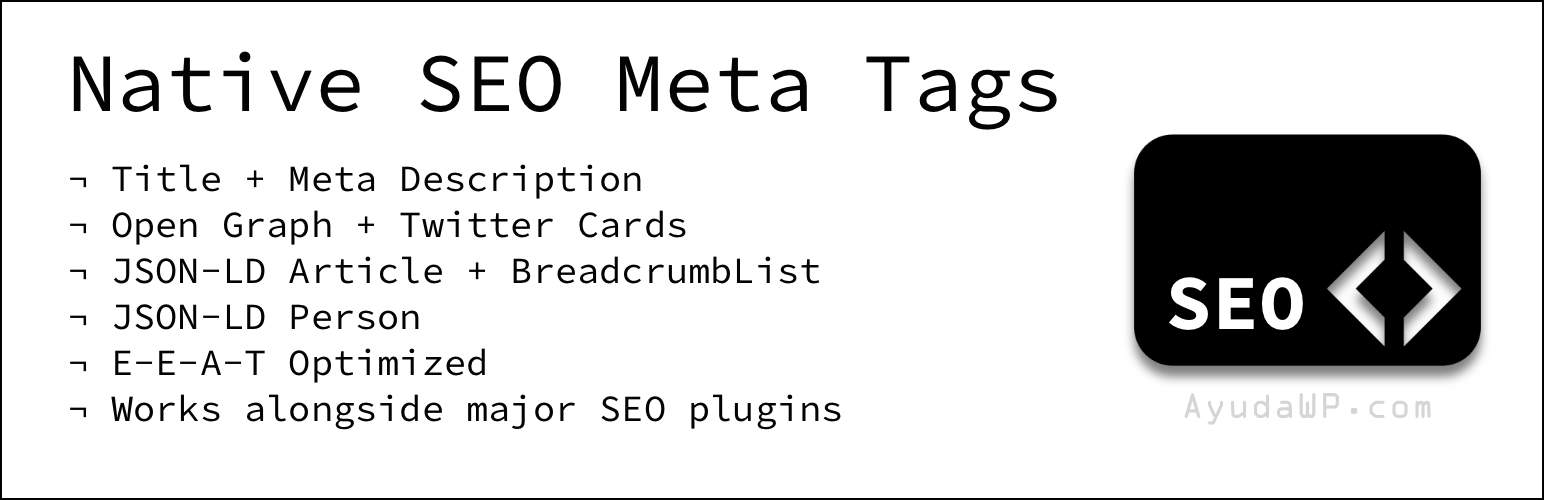

Native SEO Meta Tags generates the essential SEO head tags automatically from the content you already have in WordPress: post title, excerpt, featured image, term description, and user biographical info. No heavy SEO plugin needed.
What it generates
- Document title and meta description on home, singulars, taxonomy archives and author archives.
- Open Graph tags (
og:title,og:description,og:image,og:url,og:type,og:site_name). - Twitter Card tags (
summary_large_imagewhen an image is available,summaryotherwise). - Article + BreadcrumbList JSON-LD on posts and pages for Google rich results.
- Person JSON-LD on author archives with
sameAsfrom user profile social URLs (E-E-A-T).
Block Editor native
Per-post overrides live in the post sidebar as a Gutenberg PluginDocumentSettingPanel — fully compatible with WordPress collaborative editing. A Classic Editor meta box is used as a fallback when the Block Editor is disabled for the post type.
Works with any public post type and custom post type.
Designed to coexist
Auto-detects active SEO plugins and steps aside to avoid duplicates:
- Yoast SEO
- Rank Math
- All in One SEO (AIOSEO)
- SEOPress
- The SEO Framework
- Slim SEO (Open Graph only)
- Jetpack (Open Graph only)
- VigIA (Site Identity JSON-LD only, on home)
Each module checks only the conflicts relevant to it — so if Slim SEO is active, Open Graph stays off but meta description and schema keep running.
What you can customize
- Activate or deactivate each of the 4 modules independently, with visual toggle cards.
- Max length of auto-generated meta descriptions (120–200 chars).
- Home meta description override.
- Fallback Open Graph image for content without a featured image.
- Site-wide Twitter
@usernameand Facebook App ID. - Publisher logo for Article schema (required by Google).
- Per-post overrides in the post sidebar: Meta title (also replaces the document title), Meta description, Open Graph image.
- Author social URLs: fields added to the user profile (Twitter/X, LinkedIn, GitHub, Mastodon, Instagram, YouTube) used as
sameAsin Person schema.
Zero database tables
Uses the standard WordPress options and post/user meta tables. No custom tables, no cron jobs, no external calls apart from a cached Gravatar probe (24h TTL).
Complements the AyudaWP ecosystem
Designed to work alongside the rest of the Native SEO Suite and other AyudaWP plugins:
- Native SEO NoIndexer — noindex and nofollow control per post, taxonomy, archive and feed.
- Native SEO Sitemap Customizer — customize the native WordPress XML sitemap.
- VigIA — AI visibility, crawler analytics, Site Identity JSON-LD.
- AI Share & Summarize — social and AI sharing buttons.
- SEO Read More Buttons — customized read-more links.
External services
This plugin connects to Gravatar (operated by Automattic Inc.) to check whether the post or page author has a public Gravatar avatar, so it can be exposed in Open Graph tags (og:image) and in Person JSON-LD (image) for E-E-A-T.
What data is sent and when:
- When a singular view (post, page, custom post type) is rendered and the Open Graph module is active, and there is no per-post
og:image, no featured image, no WooCommerce gallery image and no inline image in the content, the plugin sends an MD5 hash of the lowercased and trimmed author email tohttps://www.gravatar.com/avatar/{hash}?d=404viawp_remote_head()(HEAD request, no body) to check whether a Gravatar exists for that author. - When an author archive is rendered and the Person schema module is active, the same probe is performed for that author.
- The original email address is never sent — only an MD5 hash, which is the standard Gravatar lookup mechanism.
- The result (found / not found) is cached for 24 hours in a transient (
nseo_gravatar_{hash}) so subsequent page loads do not hit Gravatar again.
This service is provided by Automattic Inc.:
- Terms of Service: https://wordpress.com/tos/
- Privacy Policy: https://automattic.com/privacy/
No other external services are used. The plugin makes no other HTTP requests, sends no telemetry and stores no data outside your own WordPress database.






