
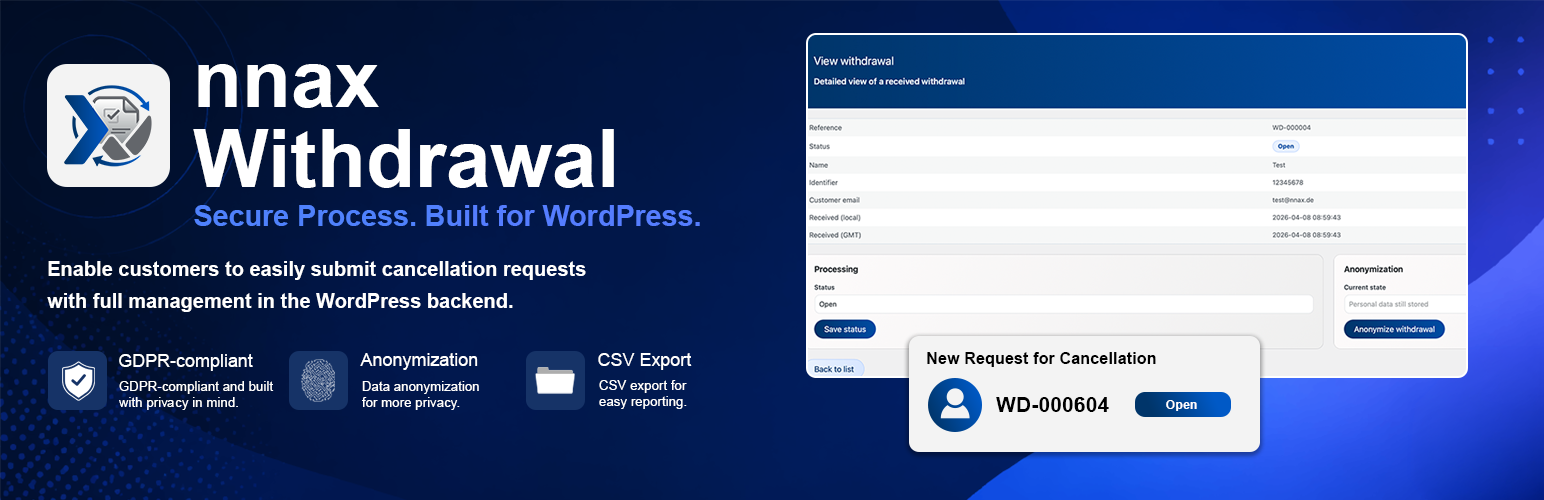

nnax Withdrawal provides a structured two-step withdrawal flow for online shops.
Main capabilities:
* Frontend form flow via shortcode [nnax_withdrawal_flow].
* Client-side form validation with inline feedback before submission.
* Confirmation step before final submission.
* Customer acknowledgment email after submission.
* Internal notification email to one or more configurable recipients.
* Storage of withdrawals as internal custom post type entries (nnax_withdrawal).
* Internal reference number, processing status and anonymization workflow in the backend.
* Admin guide page for first-time users of the plugin.
* WooCommerce settings section for recipient emails and uninstall data cleanup behavior.
Requirements
- WordPress 5.0 or higher
- PHP 7.4 or higher
- WooCommerce (recommended for settings integration)
Known Limitations
- A full compatibility test with each active theme must be done in the target shop setup.
- A final verification on a fresh WordPress installation should be part of the release process.
- Delivery of outgoing emails depends on the site’s configured mail transport.
Usage
- Add shortcode
[nnax_withdrawal_flow]to the desired page. - Users submit name, contract/order/subscription reference and email.
- The frontend validates the input and highlights incomplete or invalid fields immediately.
- Users confirm their data in step 2.
- On final submit, the plugin stores the record, assigns an internal reference and sends notification emails.
- In the backend, operators can set a processing status and anonymize entries after processing.
Uninstallation
On plugin deletion, plugin options are removed by default.
Stored withdrawal entries can also be removed when one of the following is enabled:
* WooCommerce setting nnax_withdrawal_delete_data_on_uninstall
* define('NNAX_WITHDRAWAL_DELETE_DATA', true); in wp-config.php






