
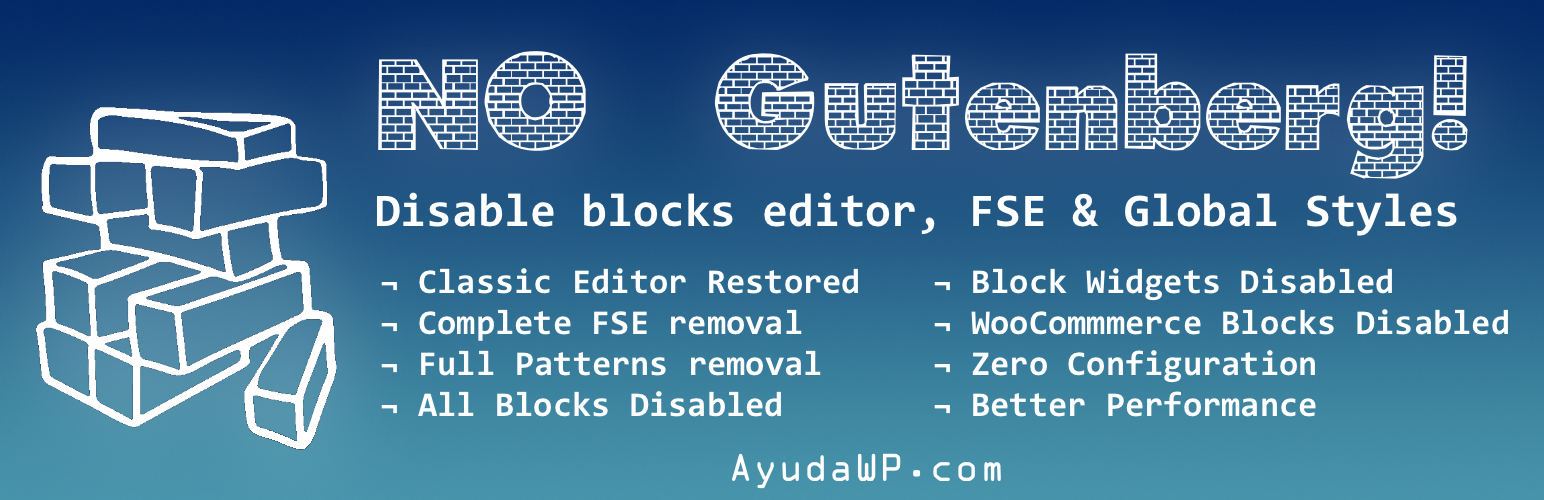
No Gutenberg – Disable Blocks Editor and Global Styles – Back to Classic Editor

No Gutenberg – Disable Blocks Editor and Global Styles – Back to Classic Editor

توسط

The most comprehensive solution to completely remove Gutenberg Block Editor and all its related features from your WordPress installation. This plugin doesn’t just disable the block editor – it eliminates every trace of block-related functionality for maximum performance and compatibility.

What this plugin removes:

Core Gutenberg Features

  • Gutenberg Block Editor (completely disabled)
  • Full Site Editing (FSE) Global Styles and inline CSS
  • Block-based Widget Editor (reverts to Classic Widgets)
  • Block Patterns and Pattern Directory
  • Theme.json support and processing
  • Block Directory integration
  • Site Editor functionality

Performance Optimizations

  • Removes all block-related CSS and JavaScript files
  • Eliminates Global Styles inline CSS on every page
  • Removes unused block library assets
  • Disables block editor admin assets
  • Removes duotone and layout support filters

WooCommerce Integration

  • Disables WooCommerce block-based checkout and cart
  • Removes WooCommerce block editor for products
  • Eliminates WooCommerce block assets and styles
  • Forces classic WooCommerce experience

Admin Experience

  • Removes “Try Gutenberg” dashboard widgets
  • Disables Gutenberg-related admin menus
  • Removes Patterns submenu from Appearance menu (WP 6.5+)
  • Blocks access to Site Editor pages
  • Shows activation success notice
  • Adds support link to plugin actions

Zero Configuration Required – Simply activate the plugin and everything is automatically disabled. No settings page needed because it just works!

This plugin is perfect for:
– Users who prefer the Classic Editor
– Sites requiring maximum compatibility with legacy themes and plugins
– Performance-focused installations
– Users who want to eliminate block-related overhead completely

Support

Need help or have suggestions?

Love the plugin? Please leave us a 5-star review and help spread the word!

About AyudaWP

We are specialists in WordPress security, SEO, and performance optimization plugins. We create tools that solve real problems for WordPress site owners while maintaining the highest coding standards and accessibility requirements.

  1. Go to your WP Dashboard > Plugins and search for ‘no gutenberg’ or…
  2. Download the plugin from WP repository
  3. Upload the ‘no-gutenberg’ folder to the ‘/wp-content/plugins/’ directory
  4. Activate the plugin through the ‘Plugins’ menu in WordPress
  5. That’s it! Gutenberg is completely gone and Classic Editor is restored

سوالات متداول

What’s new in version 2.0?

Version 2.0 is a complete rewrite that eliminates ALL block-related functionality:
– Removes FSE Global Styles and theme.json support
– Disables block-based widgets completely
– Removes block patterns and block directory
– Eliminates WooCommerce blocks if WooCommerce is installed
– Removes all block-related CSS and JavaScript assets
– Much better performance and more thorough removal

Does this work with WooCommerce?

Yes! The plugin automatically detects WooCommerce and disables all WooCommerce blocks, forcing the classic checkout, cart, and product editor experience.

Will this break my existing content?

No. Your existing posts and pages will continue to work normally. The plugin only affects the editing experience and removes block-related overhead.

What happens if I deactivate the plugin?

All Gutenberg functionality will be restored immediately. Your site will return to using the block editor and all block-related features.

Is this compatible with all themes and plugins?

Yes. This plugin is designed for maximum compatibility. It works with all properly coded themes and plugins by simply removing block functionality rather than conflicting with it.

Why choose this over other similar plugins?

This plugin is the most comprehensive solution available. While other plugins only disable the editor, this one removes ALL block-related functionality including FSE styles, widgets, patterns, WooCommerce blocks, and performance-heavy assets.

×
نظری برای این آیتم موجود نیست.
0 0 رای ها
امتیازدهی
اشتراک در
اطلاع از
0 نظرات
قدیمی‌ترین
تازه‌ترین بیشترین رأی
نسخه حجم فایل SHA256 تغییرات دانلود
2.1.2 7 کیلوبایت -
دانلود
×
★★★★★
★★★★★
5.0 /5 (15 نظر)

قیمت:

رایگان

نگارش

2.1.2

آخرین انتشار

11 اردیبهشت 1405

آخرین بروزرسانی

4 ماه پیش

نصب های فعال

9,000+

نگارش وردپرس

وردپرس 4.9+

تست شده از نسخه

وردپرس 7.0

نگارش PHP

PHP 7.4+

نسخه ها

1 نسخه




