
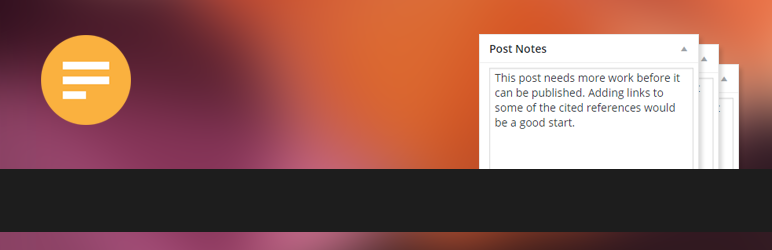
Notely

Notely

توسط

Create admin text notes for any post, page or custom post type.

How To Use

  • Go to Settings -> Notely, choose which post types to enable for and set any other desired options.
  • Hit the Save Settings button.
  • You will now see a Notes metabox when you create or edit.

Official website and support

Install, activate, done.

سوالات متداول

Does it support HTML notes?

No. Notes are strictly in text format. HTML is automatically stripped from notes when saved.

How do I uninstall?

Deactivate the plugin, delete if desired. Deactivating does not delete existing notes from the database, so if you reactivate the plug-in later all your notes will be restored.

Is there a Pro version?

Yes. Notely Pro has more features.

تصویری برای این آیتم موجود نیست.
نظری برای این آیتم موجود نیست.
0 0 رای ها
امتیازدهی
اشتراک در
اطلاع از
0 نظرات
قدیمی‌ترین
تازه‌ترین بیشترین رأی
نسخه حجم فایل SHA256 تغییرات دانلود
1.9.0 15 کیلوبایت -
دانلود
×
★★★★★
★★★★★
4.8 /5 (13 نظر)

قیمت:

رایگان

نگارش

1.9.0

آخرین انتشار

15 اردیبهشت 1405

آخرین بروزرسانی

3 ماه پیش

نصب های فعال

700+

نگارش وردپرس

وردپرس 4.0+

تست شده از نسخه

وردپرس 6.9.4

نگارش PHP

-

نسخه ها

1 نسخه




