

Customizer for sticky header, notification bar, alert, promo code, marketing campaign, top banner
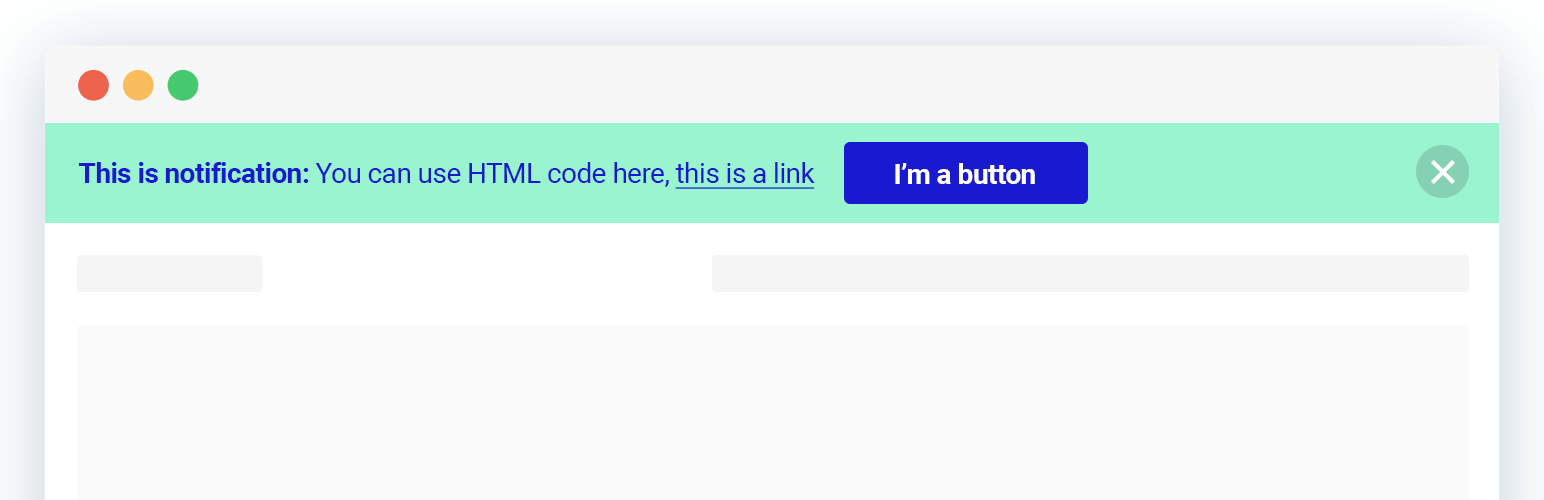
This plugin adds a top notification bar to indicate significant announcements on your website. You can set it as a sticky header that is visible when scrolling.
The Dismiss button can be disabled, closed permanently, or toggled so that your visitors can easily find it again.
Instant live preview mode helps you see how every setting affects the notification bar before you publish it.
Notibar seamlessly integrates with your existing WordPress theme, ensuring a cohesive look and feel. It has integrated clear and compelling call-to-action buttons to drive user engagement and conversions.
⚡️ FEATURES
This alert banner is built to optimize appearance and drive a positive impact on your WordPress website traffic and conversions:
- Designed with clean UI & modern style
- Display in absolute or fixed positioning
- Custom color, text, click-to-action
- Various notice bar style presets
- Set text container width and alignment
- Actions for Dismiss button: disable, toggle, close for good
- WYSIWYG visual banner editor with live preview
- Display on all pages/posts or specific page/post ID
- Add different content for mobile devices
🚀 TYPICAL USE CASES
These are good ideas on how to exploit the Notification Bar plugin:
- Important announcements
- Technical notices
- Time-sensitive appeals for donation or CTA
- Subscription increase
- Terms or operational changes
- Privacy policy acknowledgments
- Maintenance messages
- Service outage or resource shortage
- Seasonal offers or promotions
- Driving traffic to other sites
Notibar is ideal for you to promote upcoming events, new blog posts, product launches, or special offers with ease.
Did you know? You can even capture email leads by offering incentives and integrating with your email marketing provider.
🎉 Supported Themes and Plugins
We have done extra work to ensure complete compatibility with all themes, page builders and other popular plugins.
📝 Documentation and Support
If you’re having issues, do let us know and we’ll try to help you out.
You can always reach us at Ninja Team Support Center.
♥️ Like this Top Bar Alert Plugin?
- Rate us 5⭐ stars on WordPress.org
- Learn to create successful online stores with advanced built-in features.






