
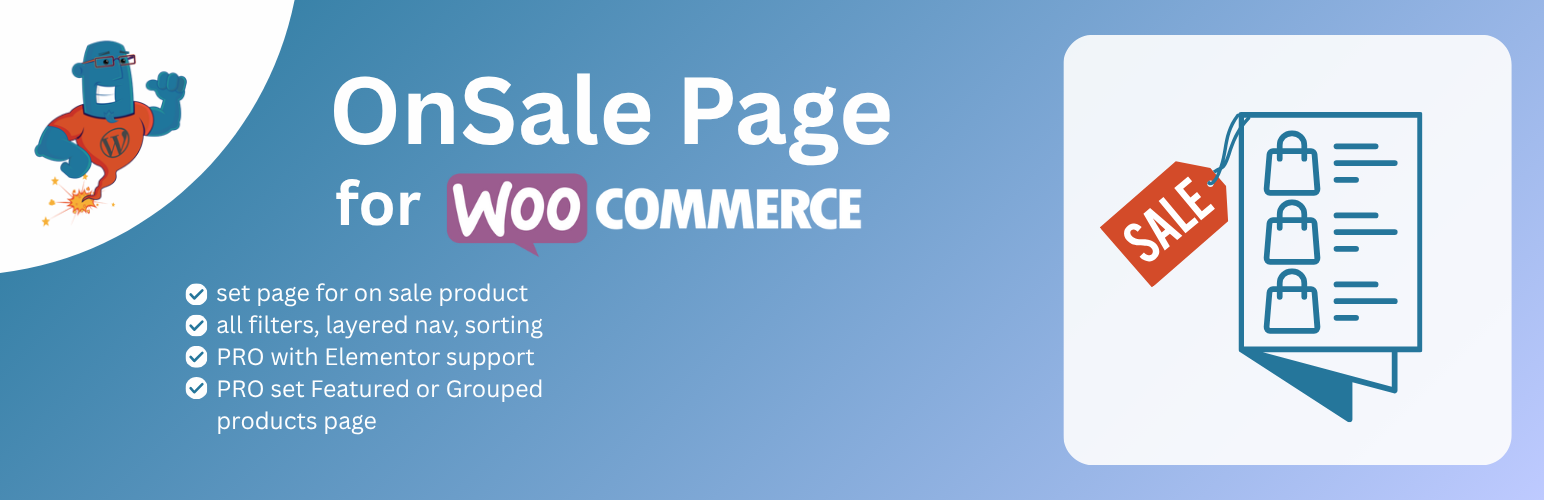
OnSale Page for WooCommerce

OnSale Page for WooCommerce

توسط

OnSale Page for WooCommerce is an extension that creates a dedicated page for displaying products on sale with full catalog functionality.

WooCommerce includes an on-sale widget and shortcode, but these lack the pagination, sorting, and filtering options available on standard WooCommerce catalog pages. OnSale Page for WooCommerce addresses this limitation by providing a complete shop-style page specifically for sale products.

Features

  • Full pagination across multiple pages
  • Product sorting options (price, popularity, date, etc.)
  • Category and attribute filtering
  • Standard WooCommerce catalog page layout and functionality
  • Custom content support: add promotional text or banners above/below sale products
  • Compatible with Gutenberg and Classic Editor
  • Seamless integration with existing WooCommerce settings and themes

Use Cases

  • Create a permanent “Sale” or “Deals” section in your store
  • Display seasonal promotions with proper navigation
  • Allow customers to browse and filter sale items like any other catalog page
  • Improve discoverability of discounted products

PRO features

All features of the free version, plus:

  • Elementor integration: Build custom sale page layouts with Elementor page builder
  • Additional page types:Create dedicated pages for Featured Products and Grouped Products with the same catalog functionality
  • Category-specific sale pages: Display sale products within specific categories using URL parameters (e.g., /product-category/clothing/?onsale)
  • Premium support: Direct access to our ticket support system at https://wpgenie.org/support/

Support

You can contact us at our website wpgenie.org if you have problems or questions.

Minimum Requirements

  • WordPress 5.0 or greater
  • WooCommerce 5.0 or greater

Setup

This section describes how to install OnSale Page for WooCommerce plugin and get it working.

  1. Upload the plugin files to the /wp-content/plugins/ directory, or install the plugin through the WordPress plugins screen directly.
  2. Activate the plugin through the ‘Plugins’ screen in WordPress.
  3. Create new page.
  4. Go to Woocommerce Settings -> Products -> tab Display.
  5. Under Shop & Product Pages you will notice “Onsale Page”.
  6. Select page you created for on sale page.
  7. Save settings.
  8. Go to new on sale page and you will see all on sale products there.

If you have any problems contact us at http://wpgenie.org/

سوالات متداول

Can I add content to on sale page?

Yes, from version v1.1.0 you can add content. If you add text / content on your on sale page it will be displayed along with on sale products. Gutenberg and classic editor supported.

I’m using latest WooCommerce and I don’t see any product on sale?

If you have problem with displaying on sale products empty wp_wc_product_meta_lookup table and regenerate it using Status -> Tools -> Regenerate Product lookup tables tool.

I cannot reach on sale page?

Go to WordPress settings -> Permalinks and click Save Cahnges button on the bottom without doing any changes. You will see notification “Permalink structure updated.” Should be all good now.

How can I show only specific category of products that are on sale?

Load page with ?product_cat query parameter for example http://onsale.test/product-category/clothing/accessories/?onsale

What are PRO features?

Pro features: Elementor support, new pages for Featured and Grouped products, on sale in category with http://onsale.test/product-category/clothing/accessories/?onsale and access to our support ticket system on https://wpgenie.org/support/

How I can use Elementor?

You need to go to Templates > Theme Builder, then click “Add New”, select Products Archive, insert template from Library, style it and
then once completed click “Publish”, add condition “On sale page”, “Group products page” or “Featured products page”. Save and close then publish.

Have a question?

If you want answer here please send us your questions to info@wpgenie.org

×
نظری برای این آیتم موجود نیست.
0 0 رای ها
امتیازدهی
اشتراک در
اطلاع از
0 نظرات
قدیمی‌ترین
تازه‌ترین بیشترین رأی
بازخورد (Feedback) های اینلاین
مشاهده همه دیدگاه ها
نسخه حجم فایل SHA256 تغییرات دانلود
2.0.1 1 مگابایت -
دانلود
×
★★★★★
★★★★★
4.5 /5 (26 نظر)

قیمت:

رایگان

نگارش

2.0.1

آخرین انتشار

12 اردیبهشت 1405

آخرین بروزرسانی

2 ماه پیش

نصب های فعال

2,000+

نگارش وردپرس

وردپرس 5.0+

تست شده از نسخه

وردپرس 6.9.4

نگارش PHP

PHP 7.4+

نسخه ها

1 نسخه




