
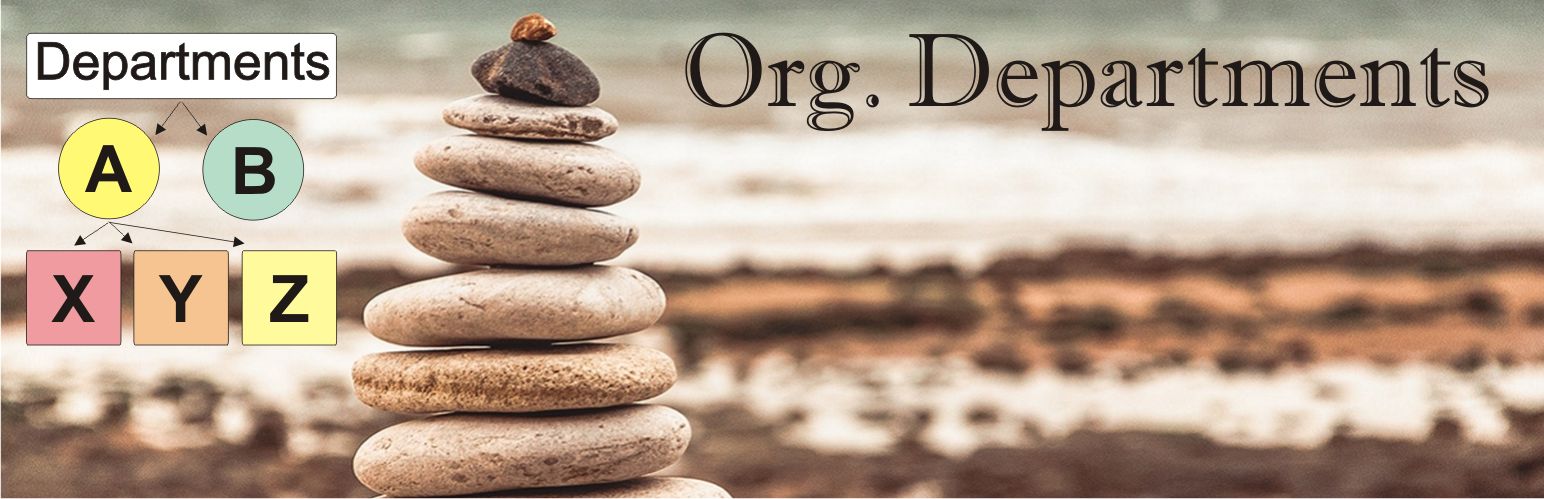

Plugin “Org. Departments” allows you to create a Tree Structure of Departments of any Organization.
For each User, you can set a binding to several Departments.
Futured
- The list of Departments is displayed as a Hierarchical Tree.
- The list of Departments can be sorted by Name or ID.
- In the Profile of each User, you can now select the “Crew Member” Option – if this User is an Employee of this Organization.
- For each User, you can set a binding to several Departments.
- The number of Users is counted for each Departments.
- For each Departments, you can set its own CSS Class to highlight it in the general List.
- Add Column: “Department” on Admin -> Users List.
- Option: Show Column: “Department” (On/Off).
- Use ShortCode [org.departments] for Show Departments Tree on FrontEnd.
- Search argument for ShortCode [org.departments search=true]. Use for Search in Departments and Members.






