
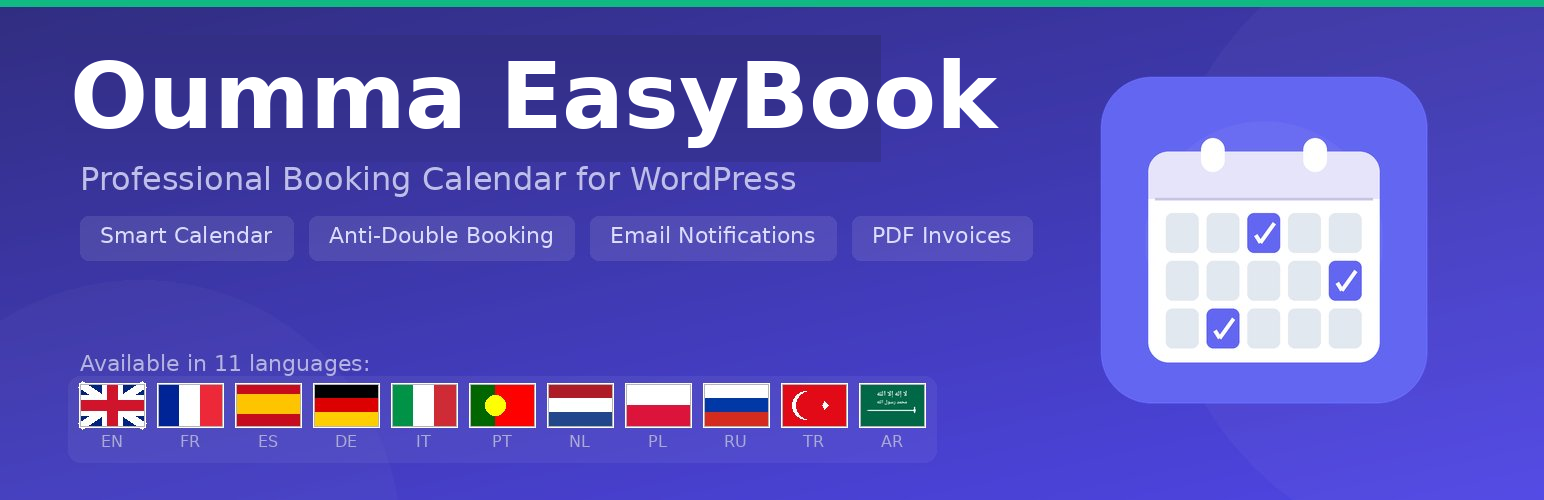

Oumma EasyBook is a powerful yet easy-to-use booking plugin for WordPress. Designed for wellness centers, coaching practices, salons, clinics, and any service-based business that needs online appointment scheduling.
Key Features
- Unlimited Services — Create and manage services with custom durations, prices, colors, and descriptions.
- Smart Calendar — Modern, responsive booking calendar with real-time availability display.
- Anti-Double Booking — Intelligent slot management prevents scheduling conflicts automatically.
- Email Notifications — Automatic confirmation and cancellation emails to customers and admins.
- Availability Management — Set weekly working hours with multiple periods per day, plus date-specific overrides for holidays and special hours.
- Admin Dashboard — Overview with booking statistics, upcoming appointments, and recent activity.
- Shortcode & Gutenberg Block — Embed the booking form anywhere with
[oumma_easybook]or the dedicated block. - Fully Responsive — Works on desktop, tablet, and mobile devices.
- Customizable Design — Change colors, styles, and layout to match your brand.
- Unlimited Practitioners — Add multiple practitioners with individual profiles, schedules, and service assignments.
- 5-Step Booking Form — Service, practitioner, date/time, customer info, and confirmation summary.
- Bug Report System — Built-in bug reporting for easy support communication.
- Multilingual — Translated into 11 languages: English, French, Spanish, German, Italian, Portuguese, Dutch, Polish, Russian, Turkish, and Arabic.
Premium Add-on
Unlock advanced features with Oumma EasyBook Pro:
- Online payments via Stripe, PayPal, and WooCommerce
- Google Calendar two-way synchronization
- Automatic PDF invoices with company logo
- JSON export and import (full backup & restore)
Use Cases
- Wellness centers & spas
- Hair salons & barbershops
- Coaching & consulting
- Medical & dental clinics
- Fitness studios & personal trainers
- Photography studios
Freemium Model
Oumma EasyBook follows a standard WordPress freemium model:
- This free version is fully functional for appointment booking: unlimited services, unlimited practitioners, booking calendar, email notifications, availability management, and design customization.
- Premium features (online payments via Stripe/PayPal/WooCommerce, Google Calendar sync, PDF invoices, export/import) are provided by a separate add-on plugin available at oumma-pro.com.
- No premium code is bundled in this free plugin. The free plugin provides action and filter hooks (e.g.,
oumma_easybook_settings_tabs,oumma_easybook_frontend_payment_config) that the premium add-on uses to extend functionality. - In the admin settings, premium features are shown as non-interactive visual previews (greyed out at 35% opacity with
pointer-events:noneand a PRO badge) so administrators can see what features are available with an upgrade. These previews contain no functional code: all inputs aredisabled, no data is saved, and no premium logic is executed. They are purely informational HTML.
Data Handling
- All booking data is stored in custom database tables on your own WordPress installation. No data is sent to external servers except as described in the External Services section.
- On plugin deactivation, all data is preserved.
- On plugin deletion (uninstall), data is only removed if the administrator has explicitly enabled the “Delete all data on uninstall” option in Settings > Advanced. This is an opt-in safeguard to prevent accidental data loss.
- When enabled, uninstall removes: all plugin options, transients, custom database tables (services, practitioners, bookings, availability, coupons, waitlist, custom fields, bug reports), the auto-generated booking page, and scheduled cron events.
External services
This plugin connects to or references the following third-party services:
Oumma Pro License API
The plugin communicates with oumma-pro.com to verify premium license keys when a site administrator enters a license key in the plugin settings.
- Sends: license key, site URL, site name
- Receives: license status, expiration date, activation count
- Endpoint:
https://oumma-pro.com/wp-json/oeblm/v1/verify - This service is only active when the administrator enters a license key and clicks “Activate”
The plugin admin pages also contain links to https://oumma-pro.com/oumma-easybook-pro/ for purchasing the premium add-on. These are standard hyperlinks — no data is sent when the links are displayed.
- Service provider: Oumma Pro
- Terms of Service: https://oumma-pro.com/cgu/
- Privacy Policy: https://oumma-pro.com/politique-de-confidentialite/
Google Fonts
When a site administrator selects a custom font family in the plugin appearance settings, the plugin loads the font from Google Fonts on the frontend.
- Loads: CSS font file from
https://fonts.googleapis.com/css2?family={font_name} - No personal data is sent by the plugin. Google may collect visitor IP addresses as part of serving the font files.
-
This service is only active when the administrator selects a custom font (not the default “inherit” option)
-
Service provider: Google LLC
- Terms of Service: https://policies.google.com/terms
- Privacy Policy: https://policies.google.com/privacy
Oumma Contact (Admin Link)
The plugin Email settings tab contains a hyperlink to Oumma Contact, a companion contact form and SMTP plugin by the same developer. This is a standard HTML link displayed in the admin area only. No data is transmitted when this link is displayed. The link is for informational purposes to help administrators discover compatible plugins.






