
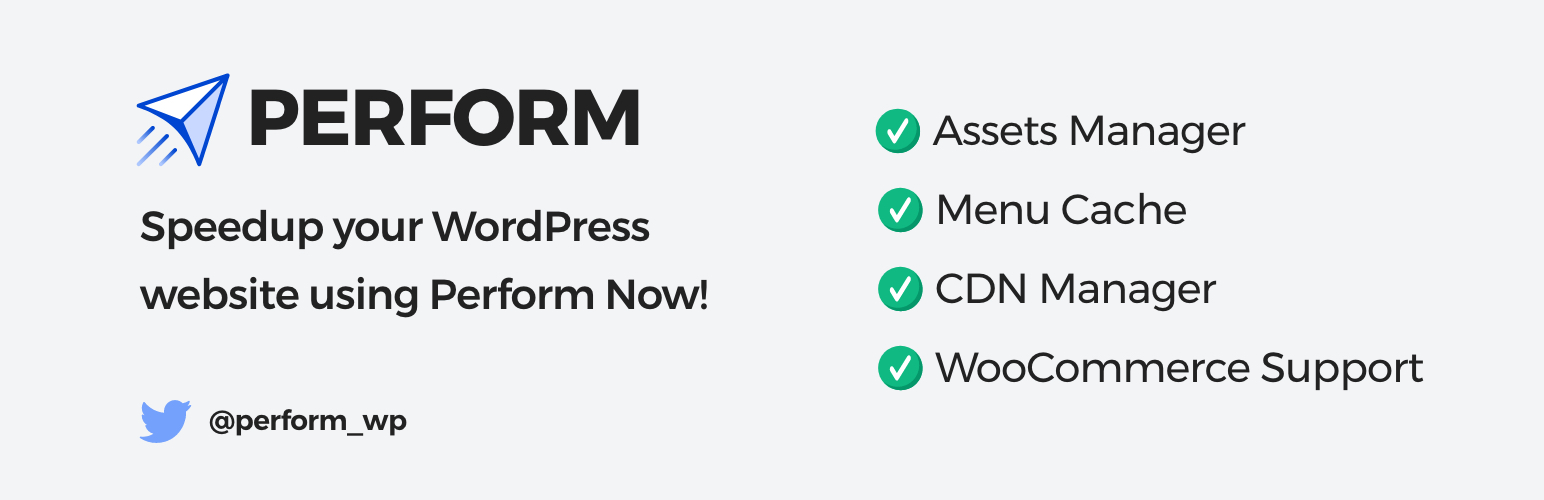

Perform helps you speed up WordPress by removing unused CSS/JS, deferring or disabling scripts, and giving fine-grained control over asset loading per page.
The plugin is designed to be lightweight, beginner-friendly and developer-extensible. It focuses on practical optimizations that improve front-end load times and Core Web Vitals without complicated setup.
Key benefits (short):
- Reduce page size and HTTP requests by disabling unused assets per page.
- Improve Largest Contentful Paint and Time to Interactive via script deferring and selective loading.
- Reduce admin and server overhead, minimal CPU and memory footprint.
Features
- Assets Manager: selectively disable CSS and JS per page, post type or template.
- Remove jQuery Migrate, emojis, embeds and other unnecessary features.
- WooCommerce optimizations: control cart fragments, scripts and styles to speed up stores.
- CDN & preconnect: add DNS-prefetch, preconnect, and native CDN integration hooks.
- Menu caching and lightweight transient caching for faster navigation.
- Developer-friendly hooks and filters for custom integrations.
Other Plugins
– OneCaptcha: Connect popular captcha providers with WordPress forms for SPAM prevention
– WP Theme Switcher: Use multiple themes on your WordPress site at once. Useful for theme migration projects.
– WordPress Development Services: Want to build something amazing in WordPress space. I’m here to help. Let’s discuss!
Support
For help and troubleshooting, use our WordPress.org support forum: https://wordpress.org/support/plugin/perform
Contributions and bug reports welcome on GitHub: https://github.com/performwp/perform
Contributors
performwp, mehul0810, ankur0812






