
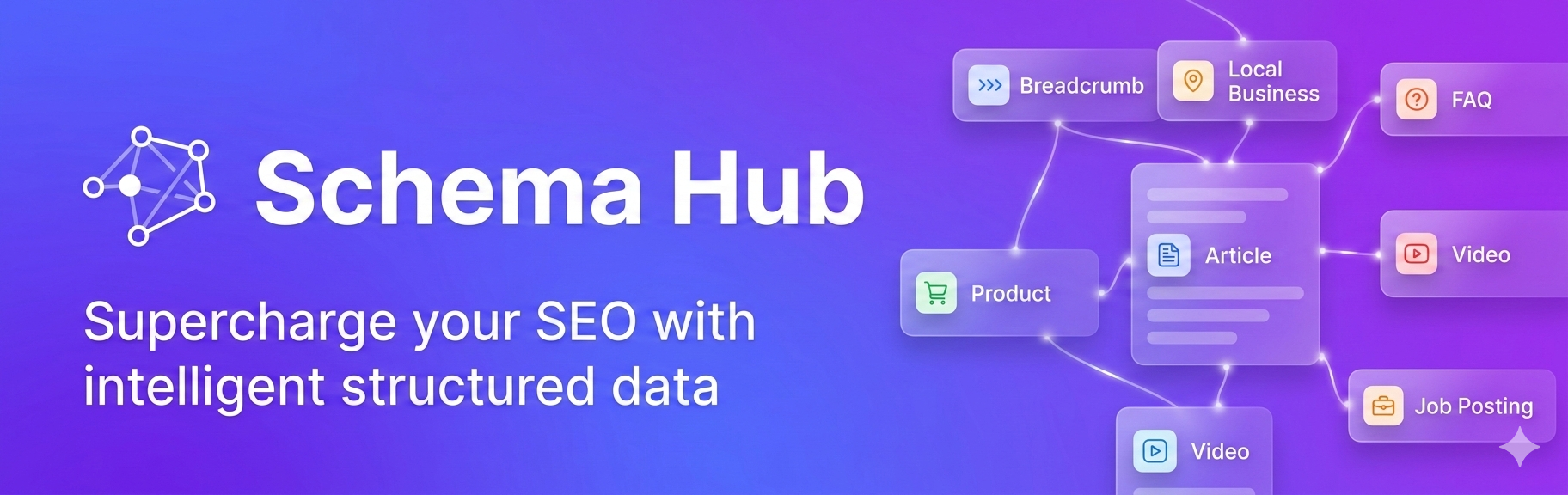
Smart Schema Automation

Smart Schema Automation

توسط

Smart Schema Automation is a powerful WordPress plugin that automatically generates Schema.org structured data (JSON-LD) to enhance your website’s SEO and visibility in search results.

Features

  • LocalBusiness Schema – Perfect for businesses with physical locations
  • Organization Schema – Build brand identity and social presence
  • FAQ Schema – Auto-detect FAQ sections from your content
  • Product Schema – Automatic WooCommerce integration
  • Service Schema – Showcase your services with structured data
  • Article Schema – Automatic for blog posts
  • Video Schema – Add video structured data to specific pages
  • Job Posting Schema – Promote job openings in Google for Jobs
  • Breadcrumb Schema – Automatic navigation breadcrumbs for all pages

Automatic Features

  • WooCommerce Integration – Automatically generates product schema for all WooCommerce products
  • FAQ Auto-Detection – Intelligently detects FAQ sections using multiple HTML patterns
  • Article Schema – Automatically added to all blog posts
  • Breadcrumb Schema – Automatically generates navigation breadcrumbs showing site hierarchy
  • Modern Admin Interface – Beautiful Material Design UI with gradient backgrounds
  • Conflict Detection – Detects and warns about duplicate schemas from other plugins

Key Benefits

  • Improve search engine visibility
  • Get rich snippets in search results
  • Increase click-through rates
  • Better local SEO for businesses
  • Enhanced product visibility
  • Professional job listings
  • Clear site navigation with breadcrumbs
  • Automatic conflict detection prevents duplicate schemas

Additional Info

For support and documentation, visit https://github.com/magarishor

Developer Functions

The plugin provides helper functions for theme developers:

  • schema_output_local_business($data) – Output LocalBusiness schema
  • schema_output_product($data) – Output Product schema
  • schema_output_faq($questions) – Output FAQ schema
  • schema_output_service($data) – Output Service schema

See the plugin documentation for detailed usage examples.

  1. Upload the pichautari-schema-automation folder to /wp-content/plugins/
  2. Activate the plugin through the ‘Plugins’ menu in WordPress
  3. Go to ‘Schema Hub’ in the admin menu to configure your schemas
  4. Enable the schema types you want to use
  5. Fill in your business information and save

سوالات متداول

Does this plugin work with WooCommerce?

Yes! The plugin automatically detects WooCommerce and generates complete product schema including prices, availability, ratings, images, and more. Product schema is fully automatic – no configuration needed. On WooCommerce pages, the plugin intelligently defers to WooCommerce’s breadcrumb schema to avoid duplicates.

How does FAQ auto-detection work?

Simply add a CSS class to your FAQ container, and the plugin will automatically detect questions and answers using multiple HTML patterns (class-based, heading+paragraph, definition lists, details/summary, WordPress accordion blocks). No manual configuration needed.

Can I add schemas to specific pages only?

Yes! For Video, Job Posting, and Service schemas, you can select which pages they should appear on using the checkbox grid in the admin interface. LocalBusiness and Organization schemas can also be limited to specific pages.

Does the plugin support breadcrumb navigation?

Yes! The plugin automatically generates breadcrumb schema for all pages (except homepage) when enabled. It intelligently creates breadcrumb trails based on your site structure including categories, parent pages, and post type archives. On WooCommerce pages, it automatically defers to WooCommerce’s breadcrumb to avoid duplicates.

Will it conflict with other schema plugins?

The plugin includes built-in conflict detection that scans your site and warns you if duplicate schemas are detected from other plugins or custom code. This helps you avoid confusing search engines with duplicate structured data.

Is the plugin compatible with page builders?

Yes, the plugin works with any page builder. It generates JSON-LD structured data that is independent of your page content.

Does it support multiple languages?

The plugin interface is in English, but the structured data will use whatever content you provide, so it works with any language.

×
نظری برای این آیتم موجود نیست.
0 0 رای ها
امتیازدهی
اشتراک در
اطلاع از
0 نظرات
قدیمی‌ترین
تازه‌ترین بیشترین رأی
بازخورد (Feedback) های اینلاین
مشاهده همه دیدگاه ها
هیچ نسخه‌ای برای این آیتم موجود نیست.
بدون امتیاز

قیمت:

رایگان

نگارش

آخرین انتشار

22 اردیبهشت 1405

آخرین بروزرسانی

1 ماه پیش

نصب های فعال

30+

نگارش وردپرس

وردپرس 5.0+

تست شده از نسخه

وردپرس 6.9.4

نگارش PHP

PHP 7.2+

نسخه ها

0 نسخه




