
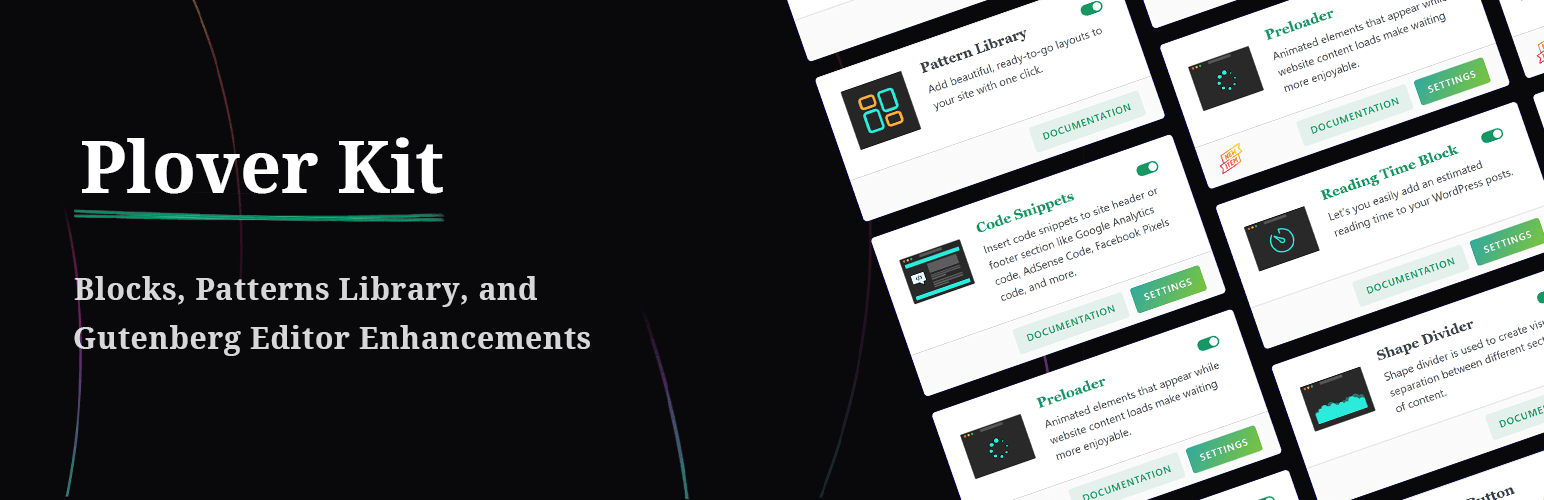

Tired of the limitations of the standard WordPress block editor? Plover Kit is a powerful WordPress blocks plugin that enhances the Gutenberg block editor with a beautiful pattern library, advanced custom blocks, and extensive responsive design controls for core blocks. Add magazine layouts, table of contents, icons, animations, and more—all while keeping your site fast with its modular design. Build professional websites faster, without touching code.
🚀 Key Features & Enhancements
🎨 Advanced Layout & Core Block Controls
Go beyond the default settings. Plover Kit adds advanced design options to standard WordPress blocks like Cover, Columns, Query Pagination, Buttons, and more. Gain precise control over:
- Flex Layout: Add responsive Flexbox Layout controls to WordPress core blocks, allowing you to create advanced and flexible layouts without any code. (Flex Layout).
- Layout & Positioning: Set block position (relative, absolute, sticky, fixed), Z-Index, Order (CSS Position) and display properties with responsive controls (CSS Display).
- Spacing & Sizing: Set height, width, min/max dimensions with responsive controls (Block Sizing).
- Visual Styles: Apply advanced text-shadow, drop-shadow, and box-shadow to any blocks (Block Shadow).
- Block Sticky: Make elements sticky on scroll.
- Event Handler: Add custom JavaScript event handlers (click, double-click, hover, etc.) to button block for advanced interactions.
- Code Highlight: Enhance the core Code block with syntax highlighting.
🆕 Powerful Custom Blocks
Instantly add complex functionality with dedicated blocks:
- Magazine Layout: Elevate your WordPress site with the Magazine Layout dynamic content presentation..
- Table of Contents: Auto-generate a nested list of headings for better navigation.
- Breadcrumb: Simple, customizable breadcrumb navigation.
- Icon & Icon Button: Access a library of 2000+ free icons to enrich your design.
- Counter Block: Animate numbered counters for stats and milestones.
- Reading Time Block: Display an estimated reading time for your articles.
- Code Snippet Block (Premium): Insert saved code snippets from your Code Snippets library anywhere on the page.
💎 Complete Icon Solution
Add beautiful icons anywhere with our integrated icon system. Access a library of 2000+ free icons or upload your own SVGs.
- Icon Block: Place icons as standalone elements anywhere on the page.
- Inline Icon (Premium): Insert icons directly inside any text or heading, right alongside your words.
- Icon Button: Easily add icons to the standard Button block to make your calls-to-action pop.
- Icon Library: Manage, upload, and organize your custom SVG icons or choose from 2000+ online icons — all in one place.
✨ Dynamic & Visual Effects
Add motion and flair without slowing down your site:
- Entrance Animation: Bring elements to life as they scroll into view.
- Hover Animation: Engage visitors with interactive hover effects.
- Typing Animation: Create dynamic, eye-catching text animations.
- Shape Divider: Craft beautiful visual separations between sections.
- Particles Effect: Add subtle, modern background particle effects to your design.
- Rough Notation: Mimic hand-drawn annotations like circles and underlines.
- Preloader: Display animated elements while your site content loads.
🧩 Time-Saving Libraries
- Pattern Library: Insert ready-made, professional layouts with a single click.
- Icon Library: Choose from 2000+ online icons or upload and manage your own custom SVG icons.
- Code Snippets: Create and insert HTML, JavaScript, or CSS snippets to site header or footer section like Google Analytics code, AdSense Code, Facebook Pixels code, and more. No more editing theme files such as
header.php— your code stays safe even when switching themes.
Why Choose Plover Kit?
- Modular Design: Activate only the features you need for optimal performance.
- Built for the Block Editor: Seamlessly integrates with WordPress and most block themes.
- Unlocks Design Potential: Responsive layout, animations, advanced extensions —— Plover Kit Turns the block editor into a true page builder alternative.
Privacy
The following features of this plugin require access to our external services.
- Icon Library
- Pattern Library
Read Privacy policy and Terms & Conditions of this plugin.






